At a glance
Link Roll tests the largest connected socket group. Its saved target is at least 6, and its unsuccessful branch applies Fusing before checking again. This personal version lowers the target to three and inserts a Counter to bound the run.
Before you start
Finish setup, configure Fusing in the currency stash, and enable Orb stock guard. Prepare a disposable, identified, uncorrupted item with at least three sockets and confirm that linking it is allowed. Know your Stop shortcut before starting.
1. Create your link practice tree
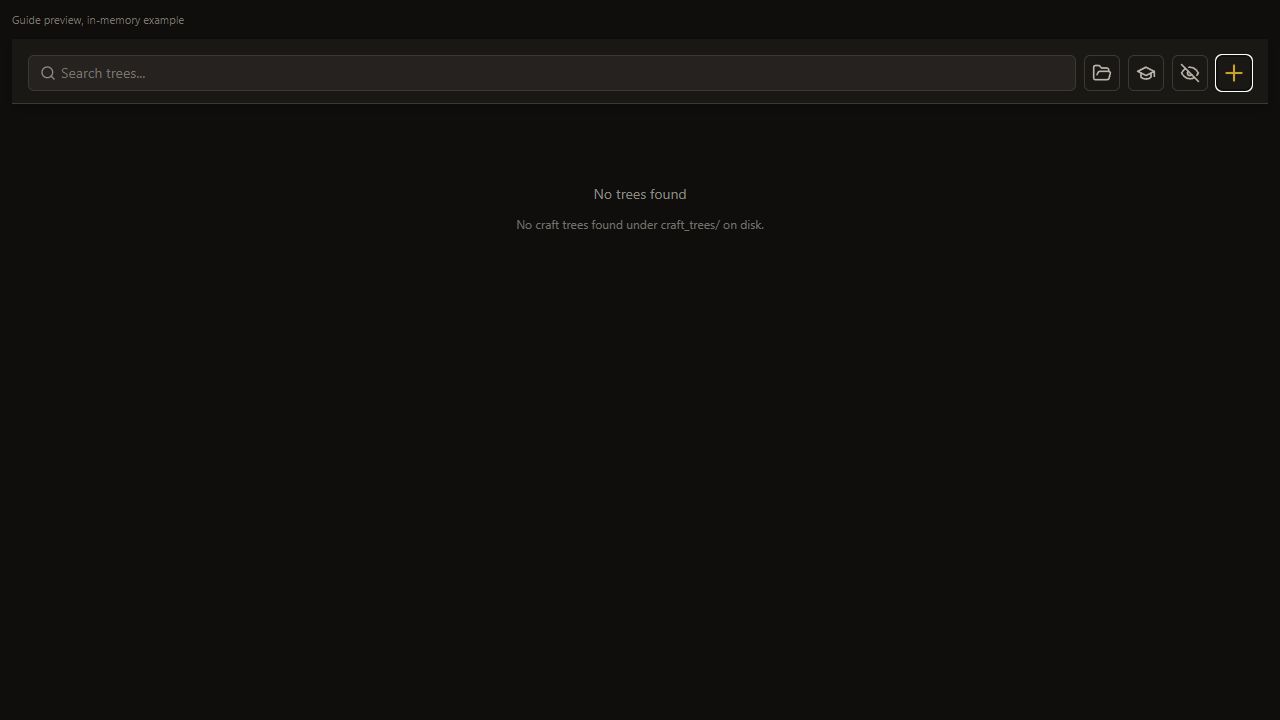
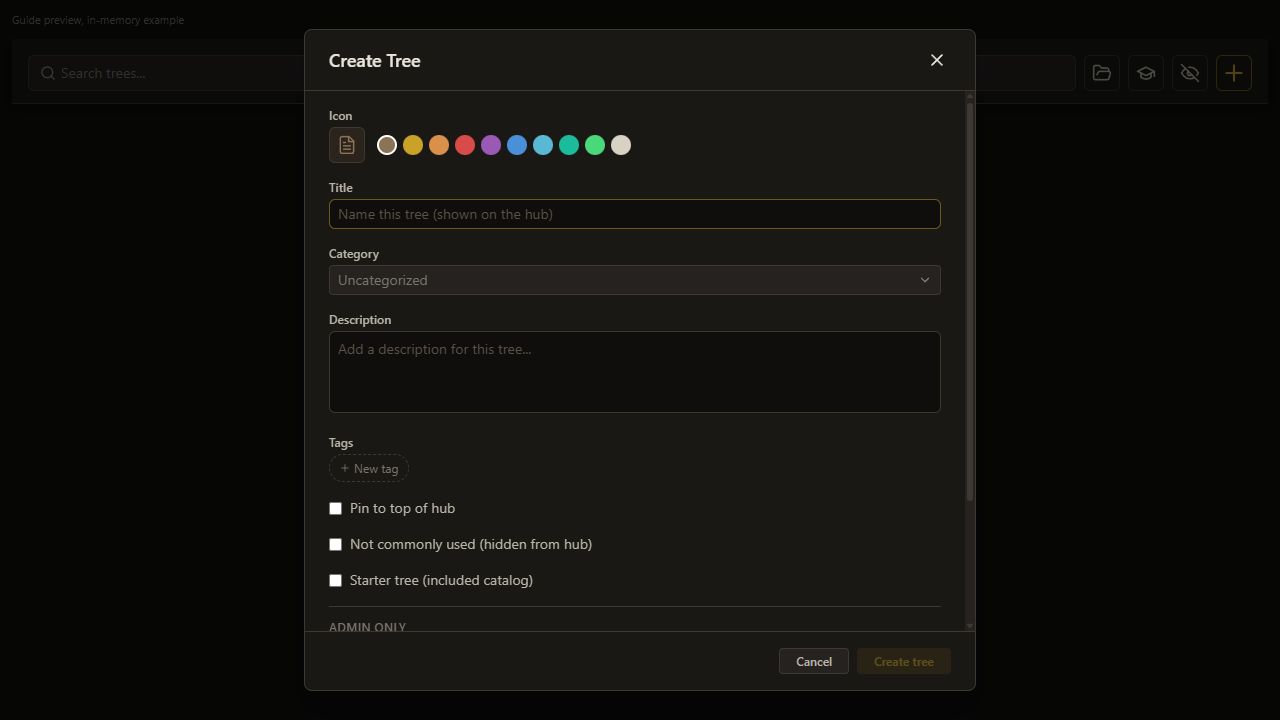
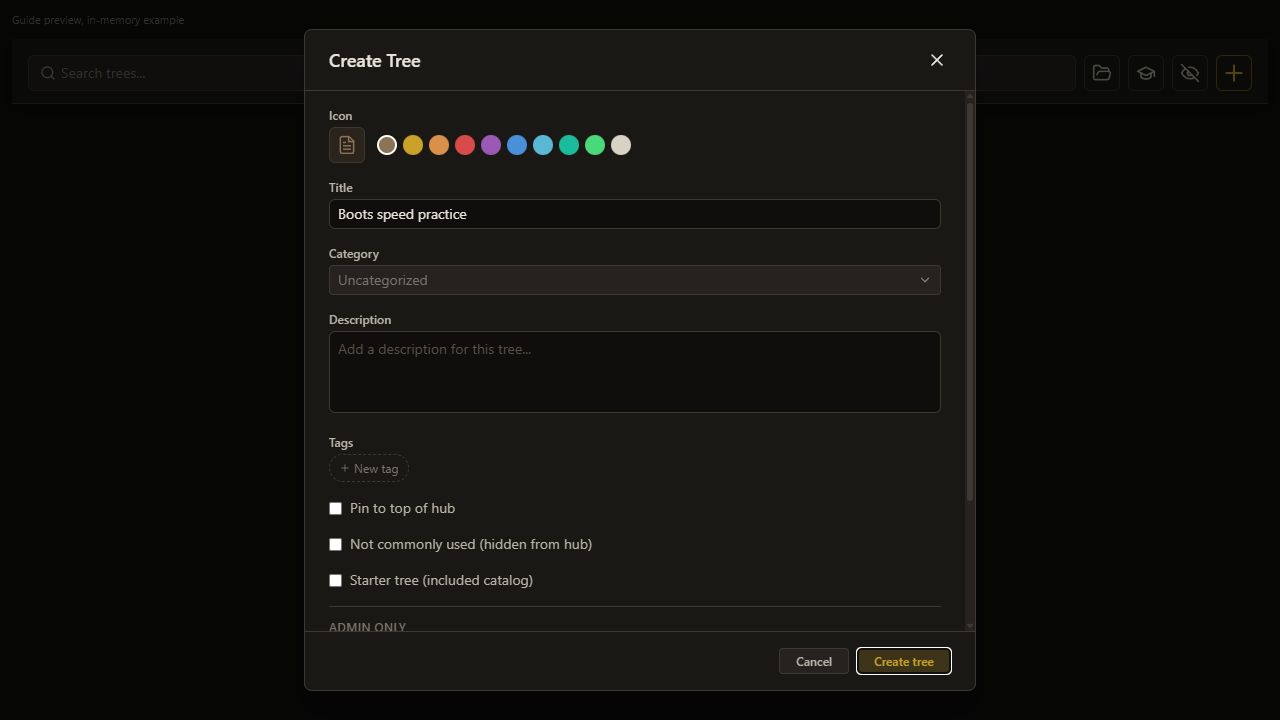
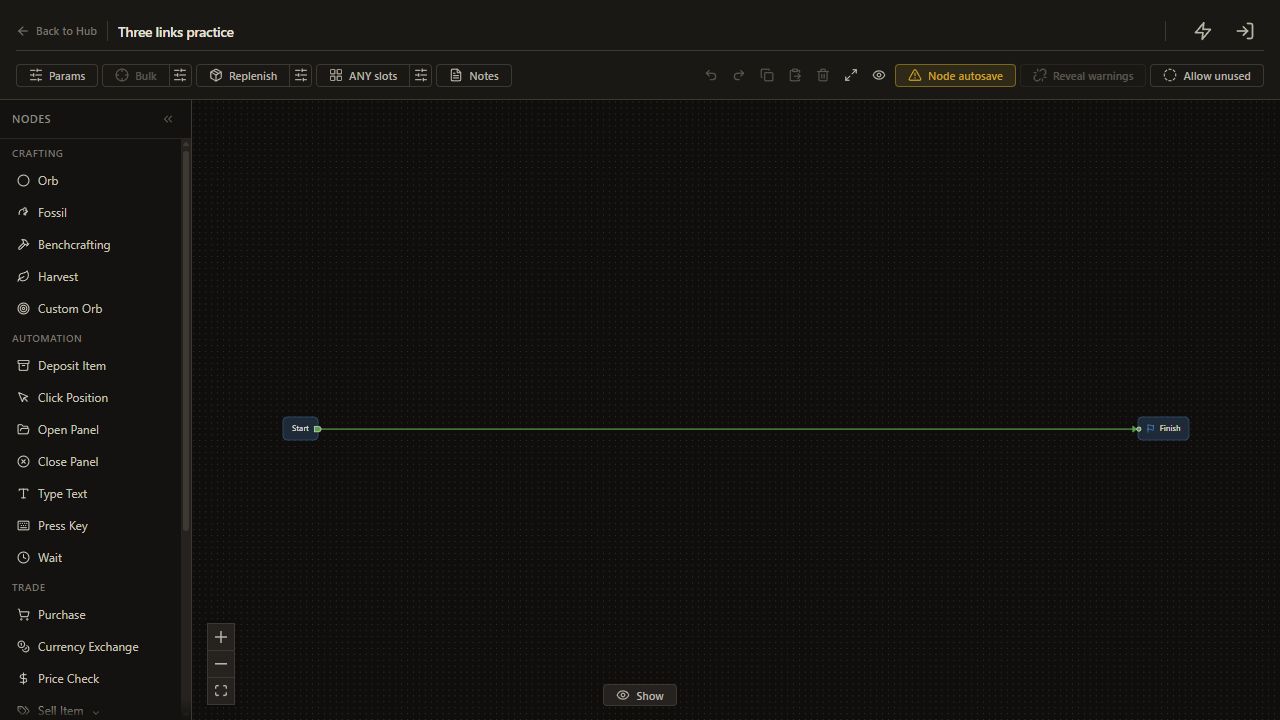
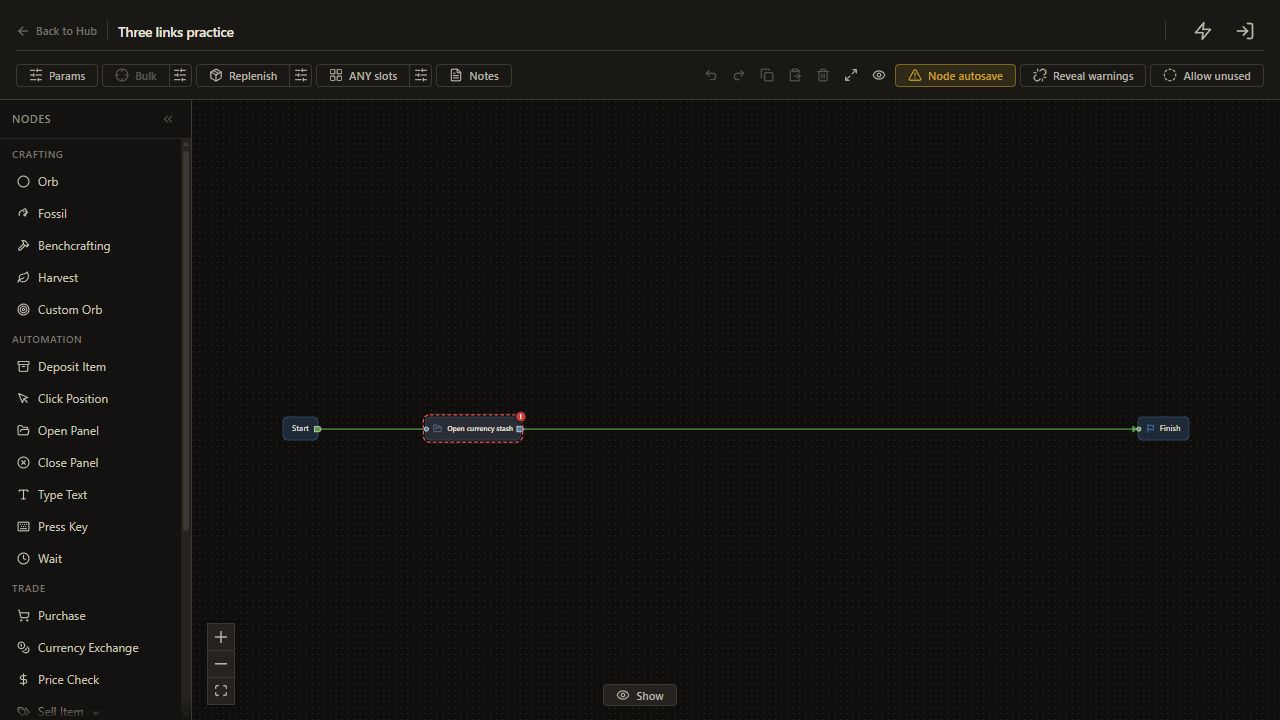
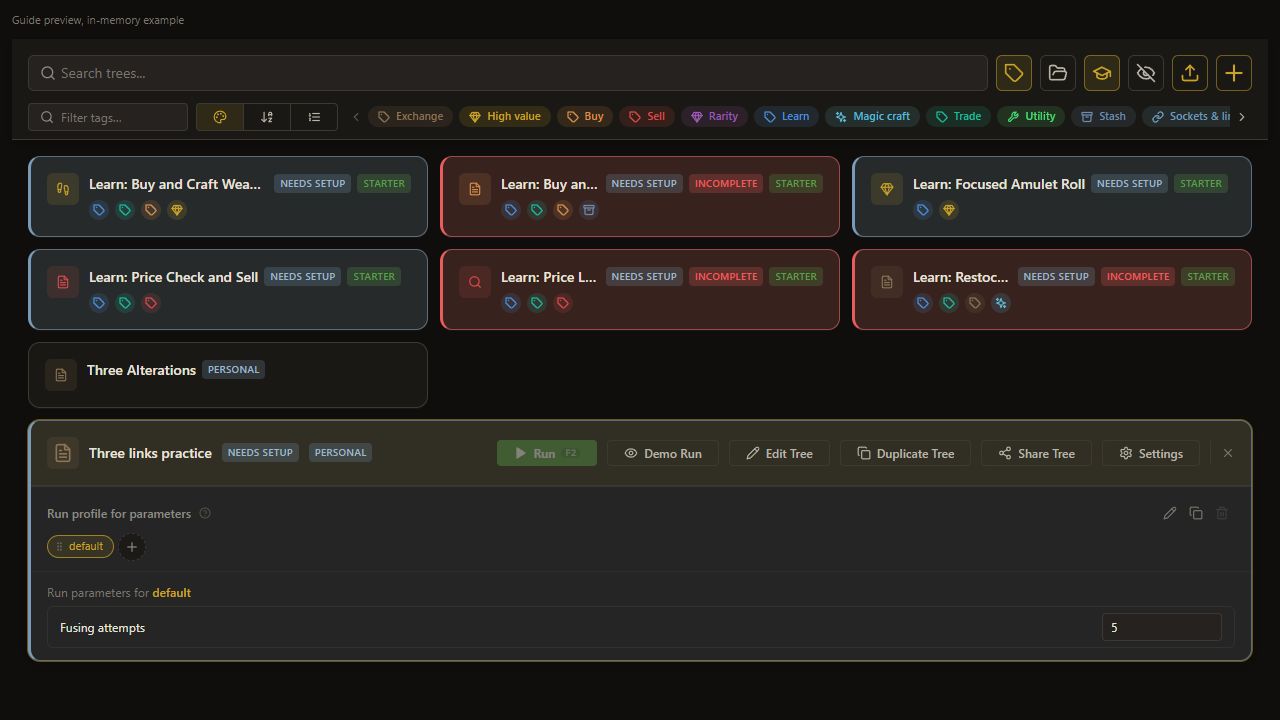
On the Hub, press +, call the tree Three links practice, and open Edit Tree.
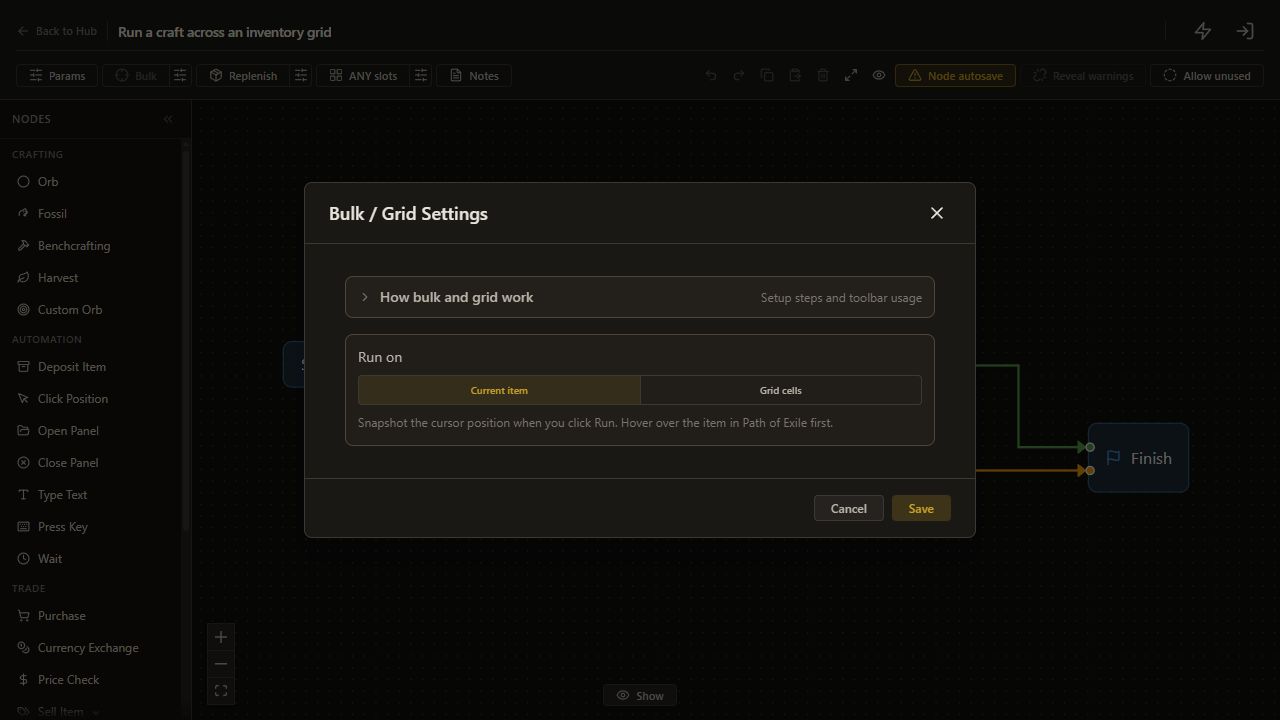
Click the sliders button beside Bulk in the editor toolbar, labeled Configure bulk / grid settings. Choose Current item, then click Save. The dialog closes and the tree uses one item.
Keep Current item selected.
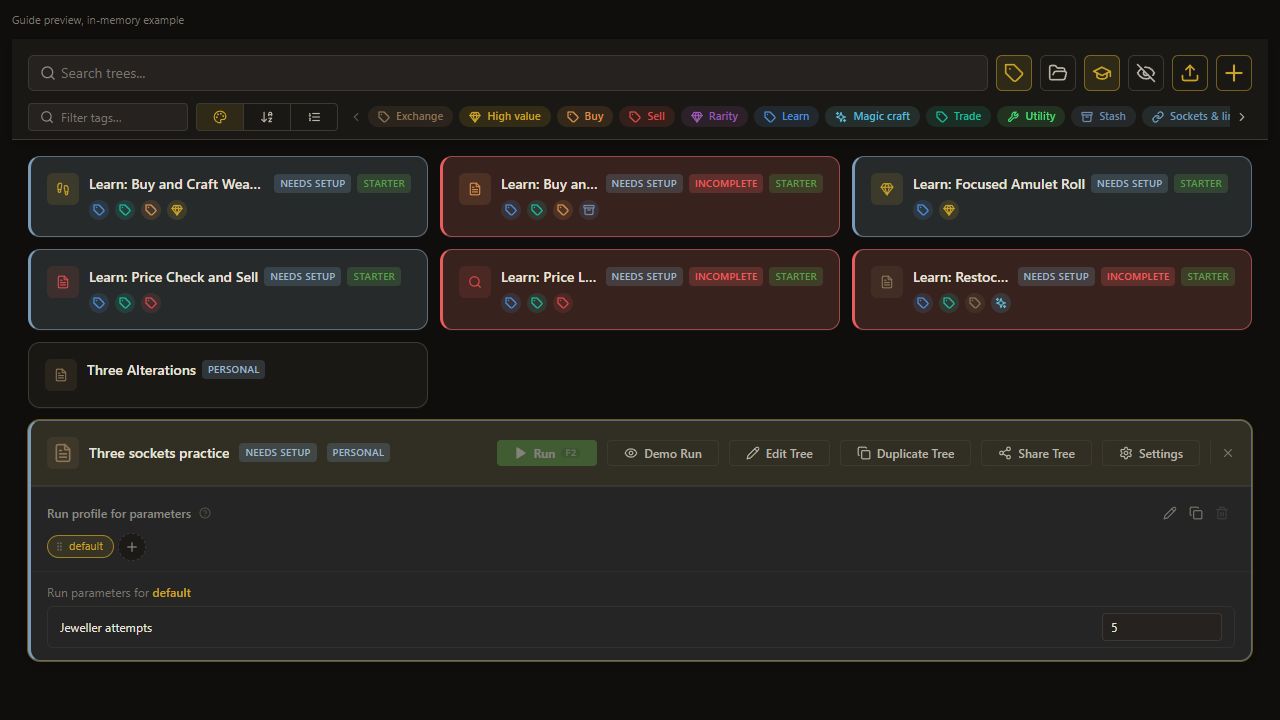
This recipe follows Learn/Sockets and Links/LinkRoll.json. Its saved Hub title is Learn: Link Roll, and the preset list names Link Roll. If the sample is visible on your installation, inspect its short loop for comparison. The following steps create an adapted tree; they do not change the sample's six-link default.
2. Add the panel step
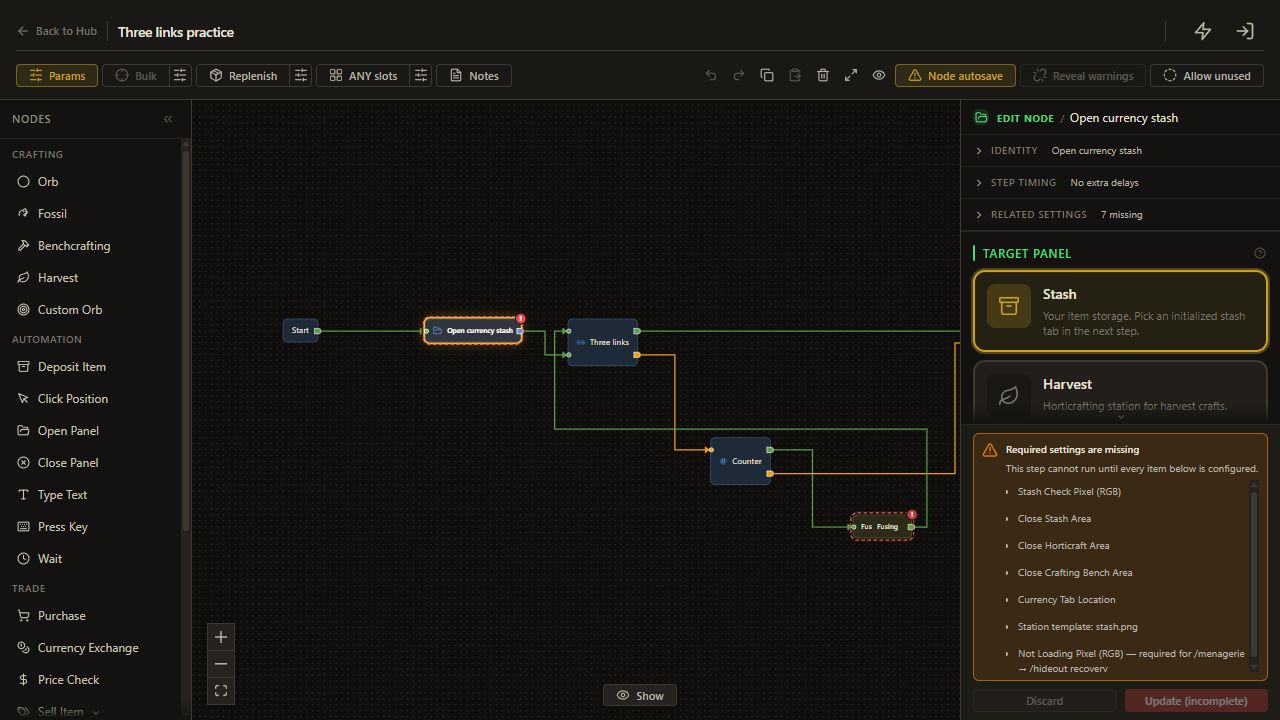
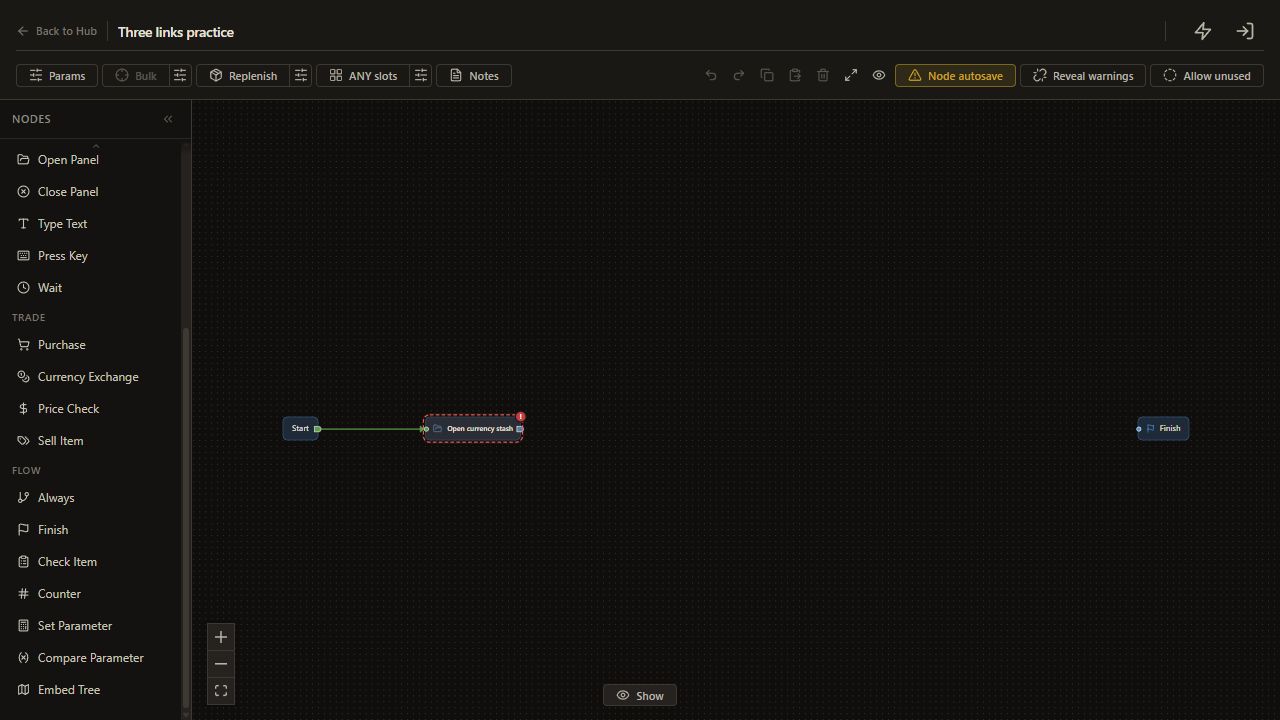
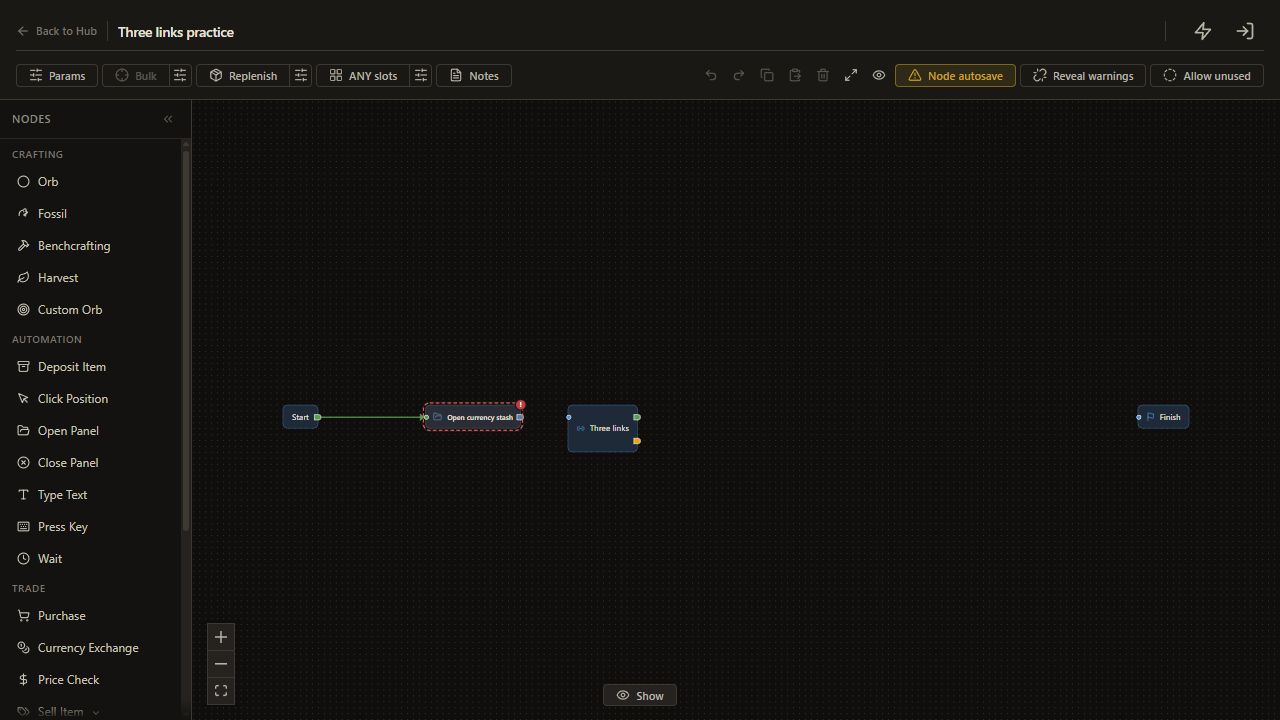
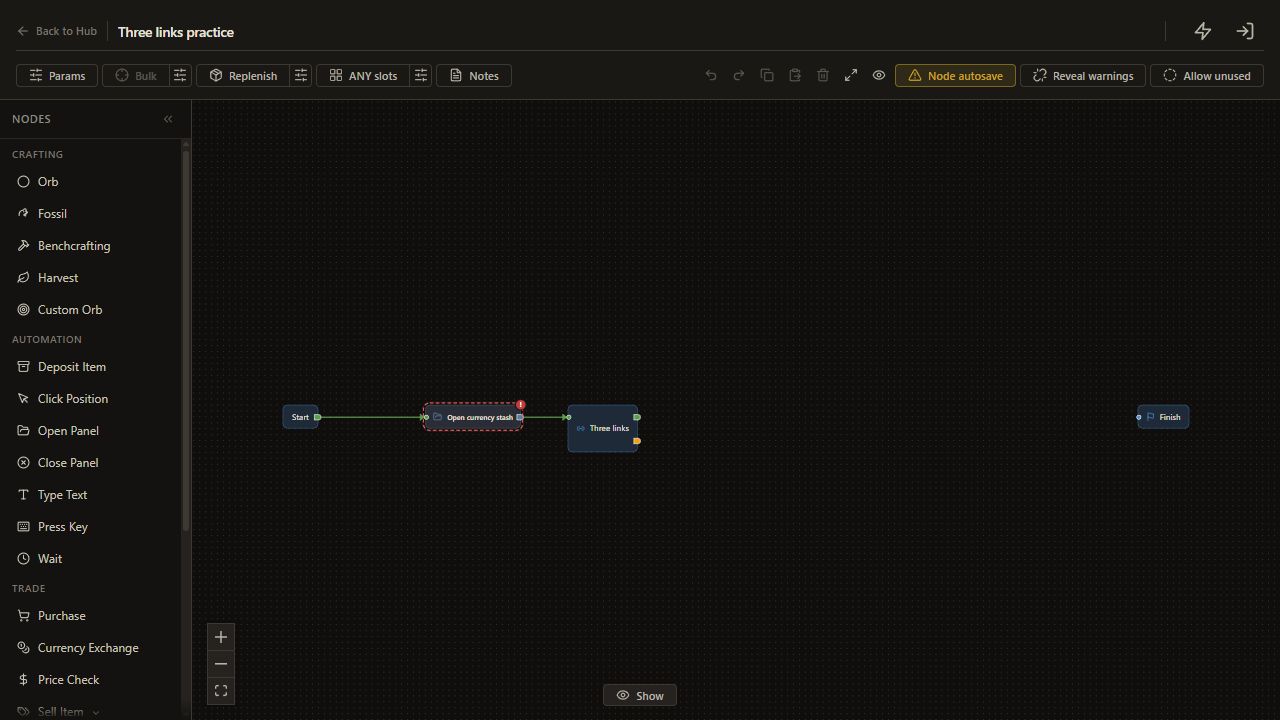
Add Open Panel and configure it to ensure the stash is open with the currency tab selected. Connect Start → panel step.
Check the saved Fusing location. Keep the item accessible in your inventory while the stash is open.
3. Check the largest link group
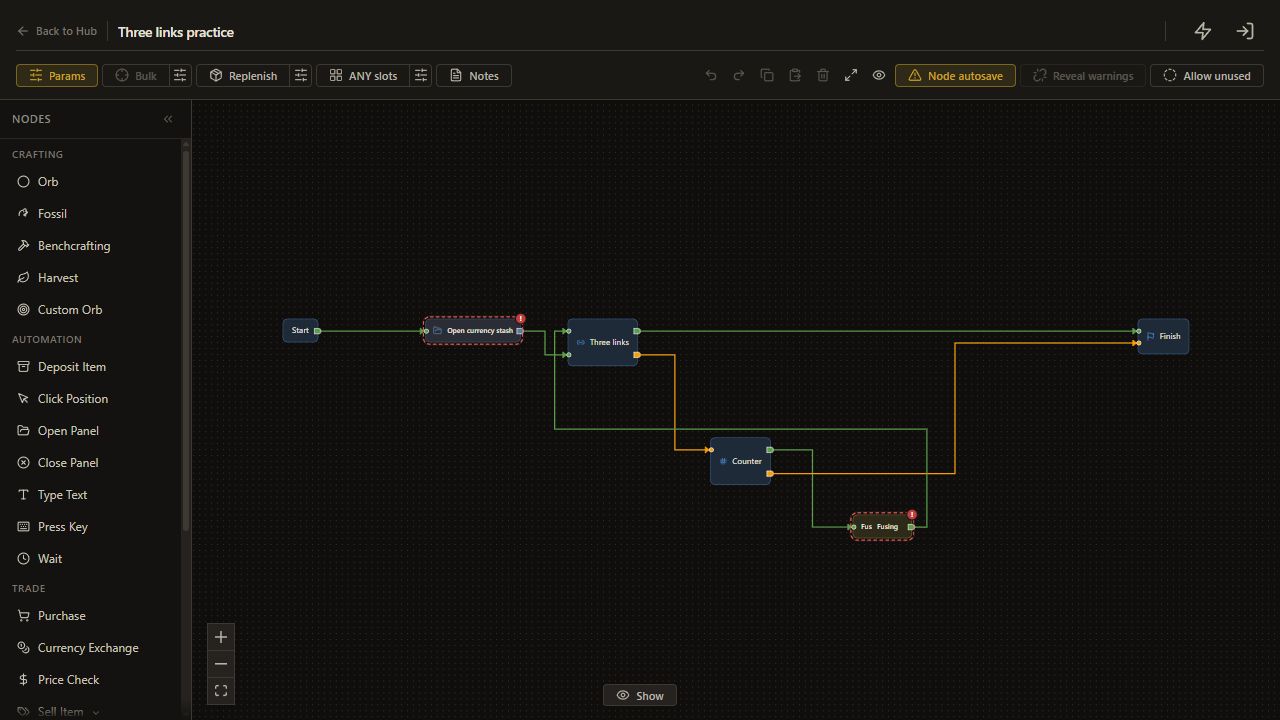
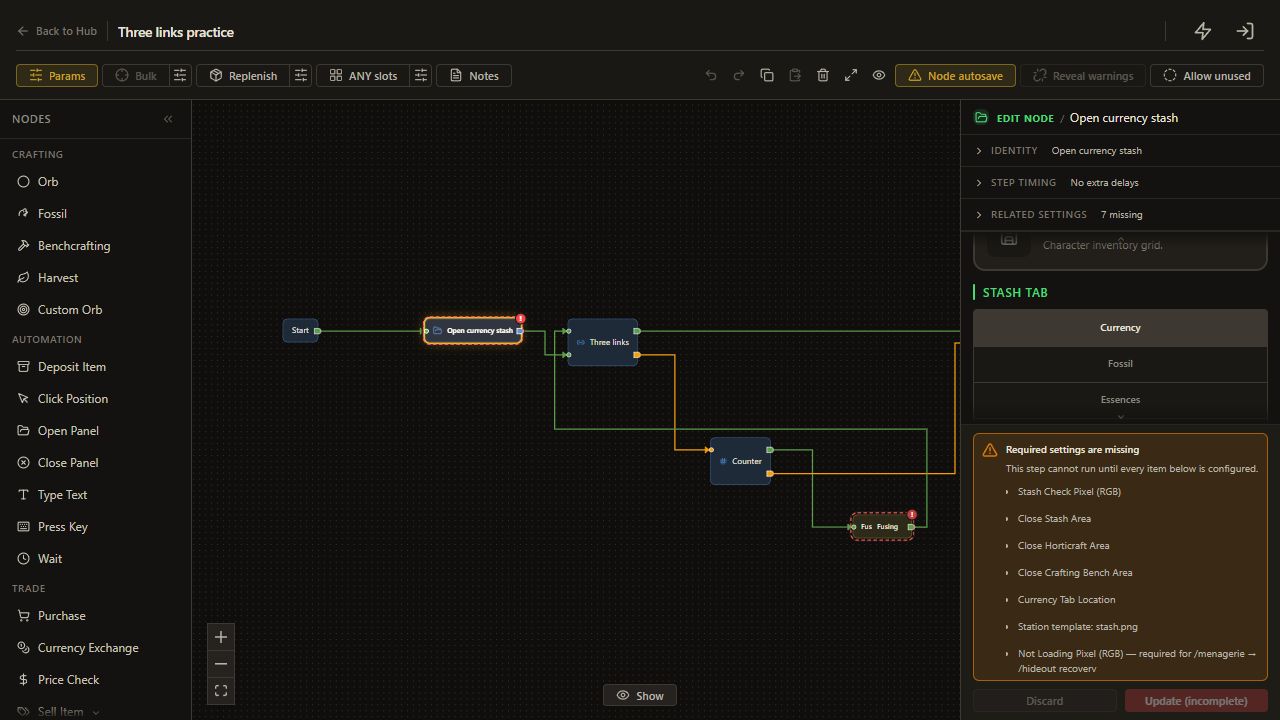
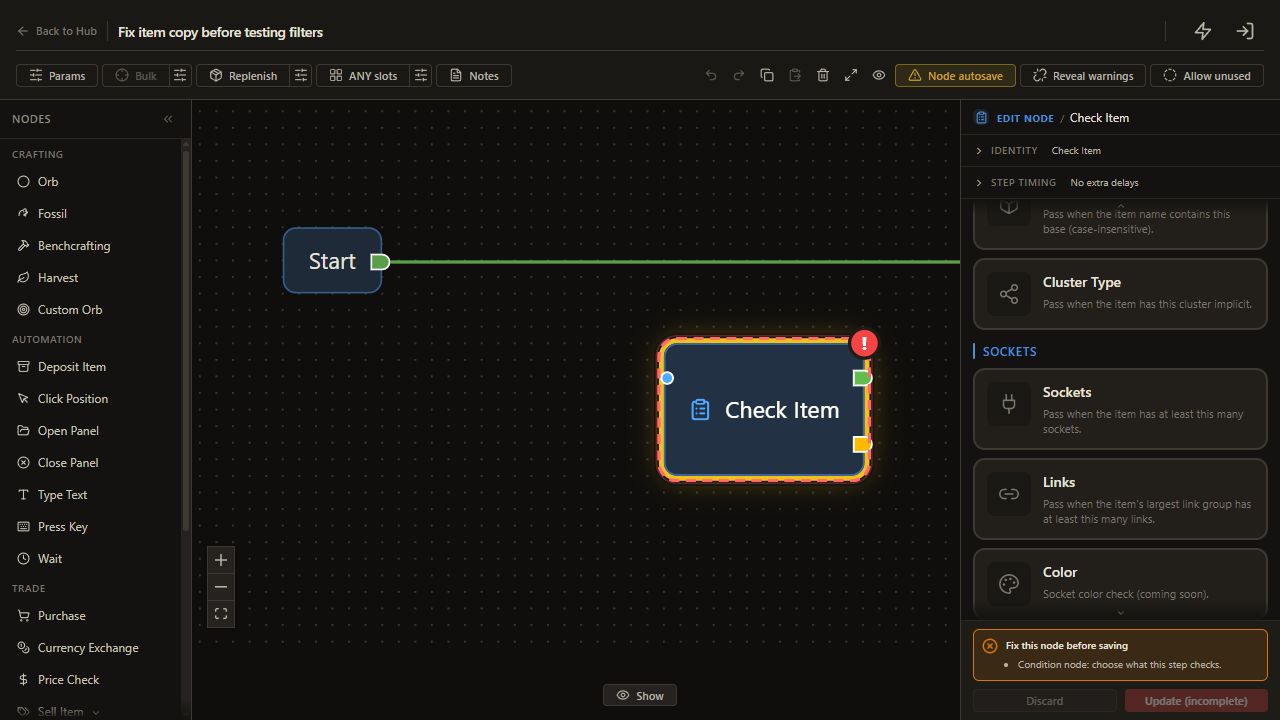
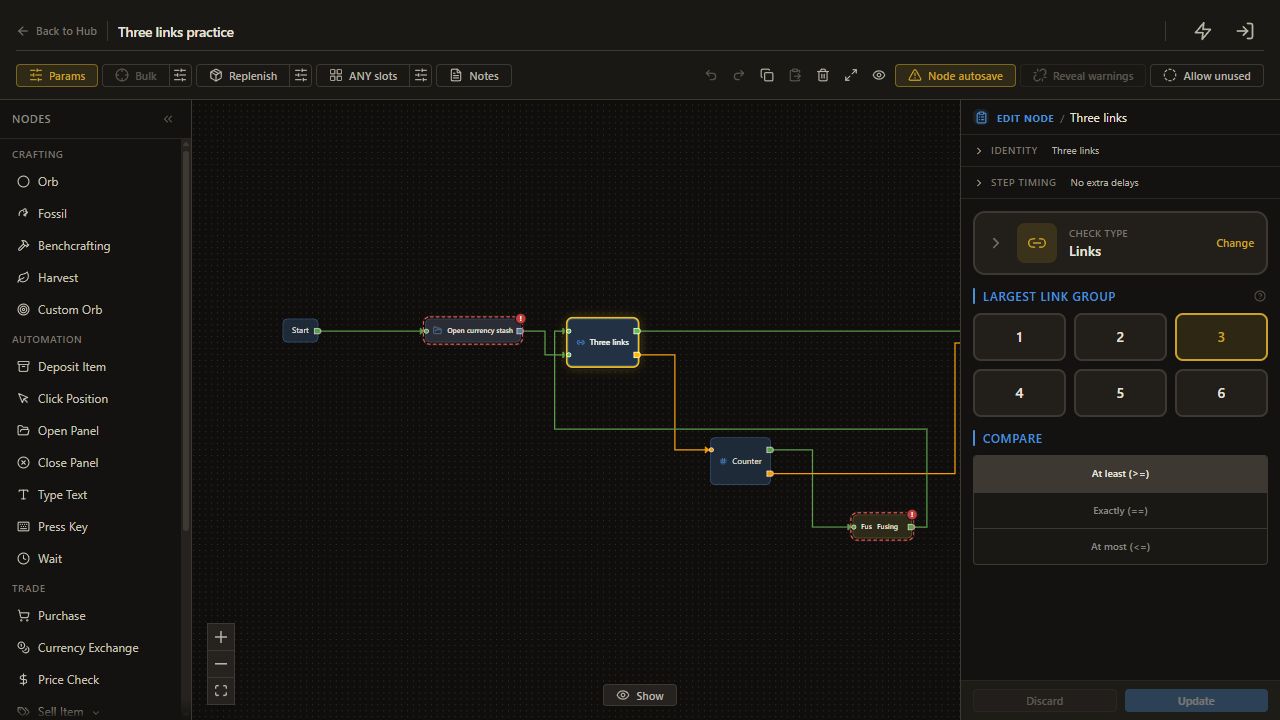
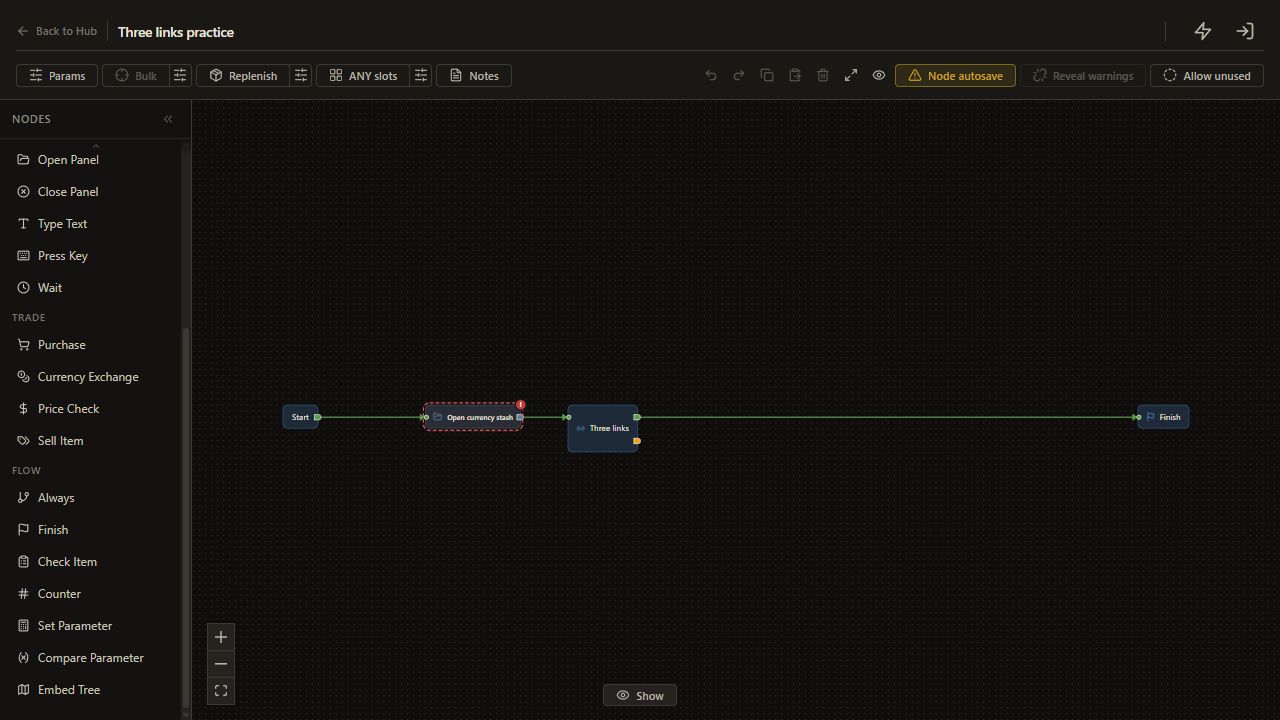
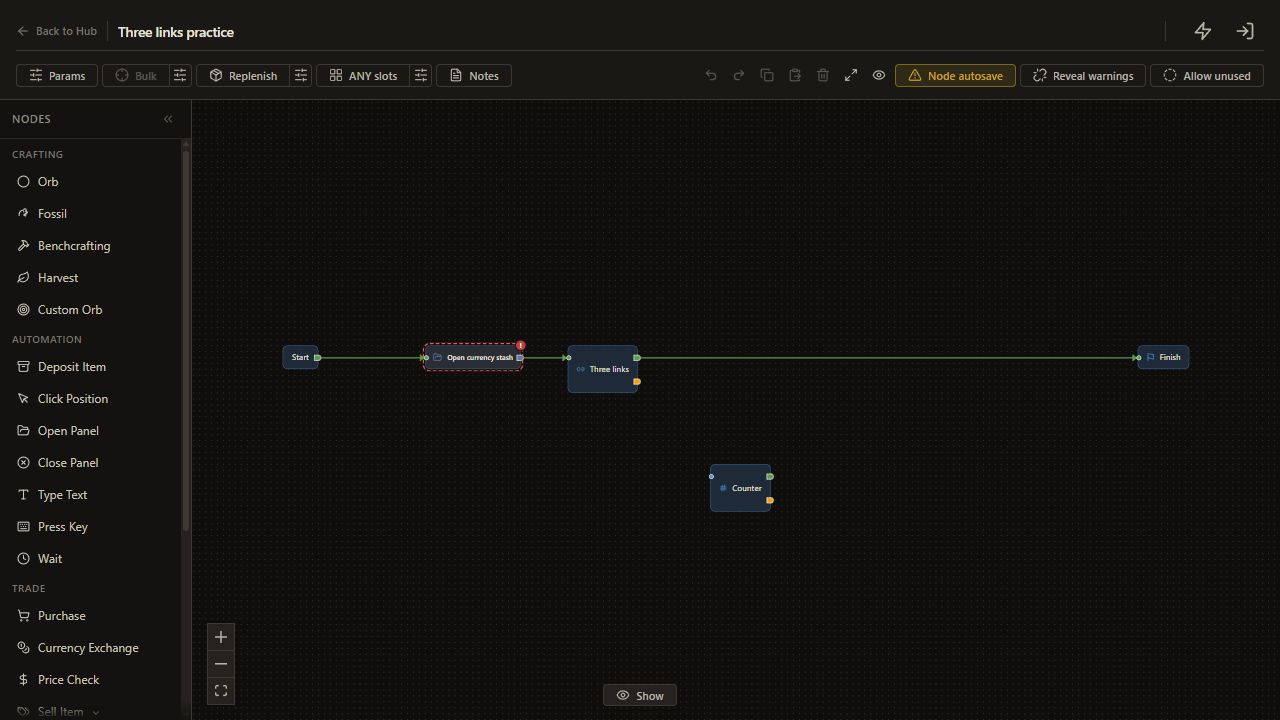
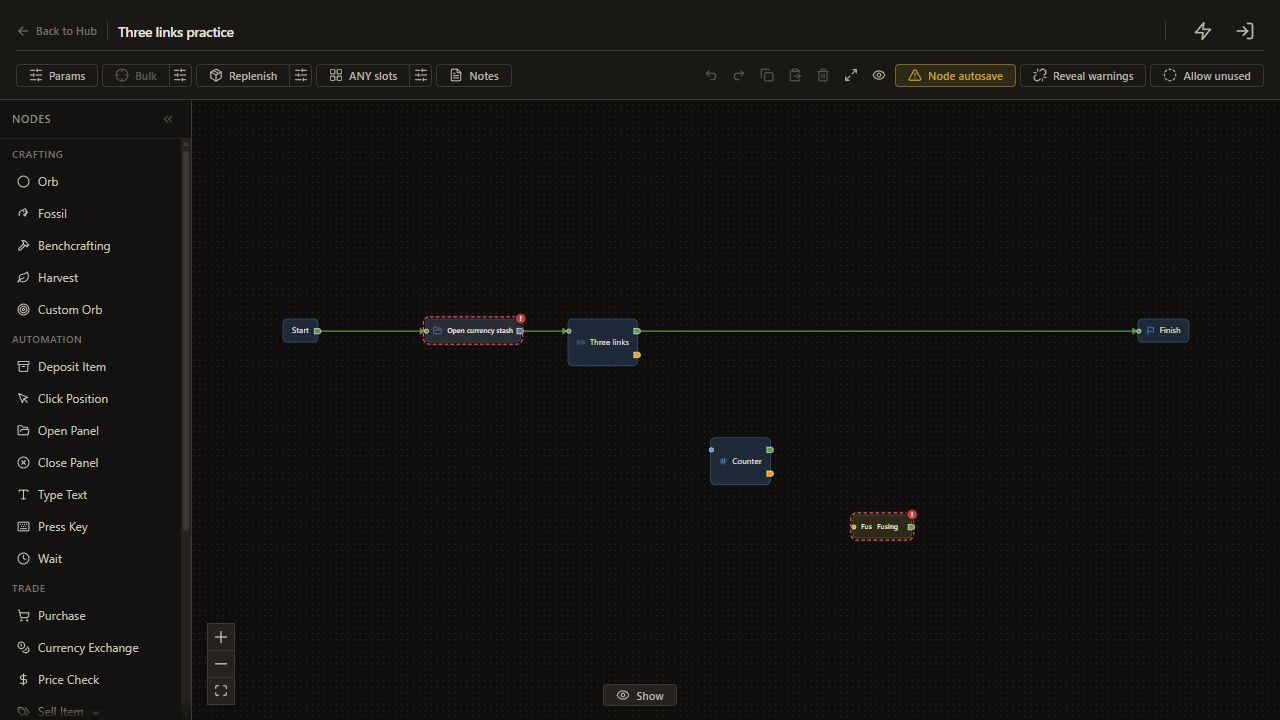
Add Check Item > Links and set >= 3 for the largest link group. Connect the panel step to the check and the check's met output to Finish.
The check needs a connected group of at least three sockets. An item already meeting that setting reaches Finish before spending.
4. Put a Counter before Fusing
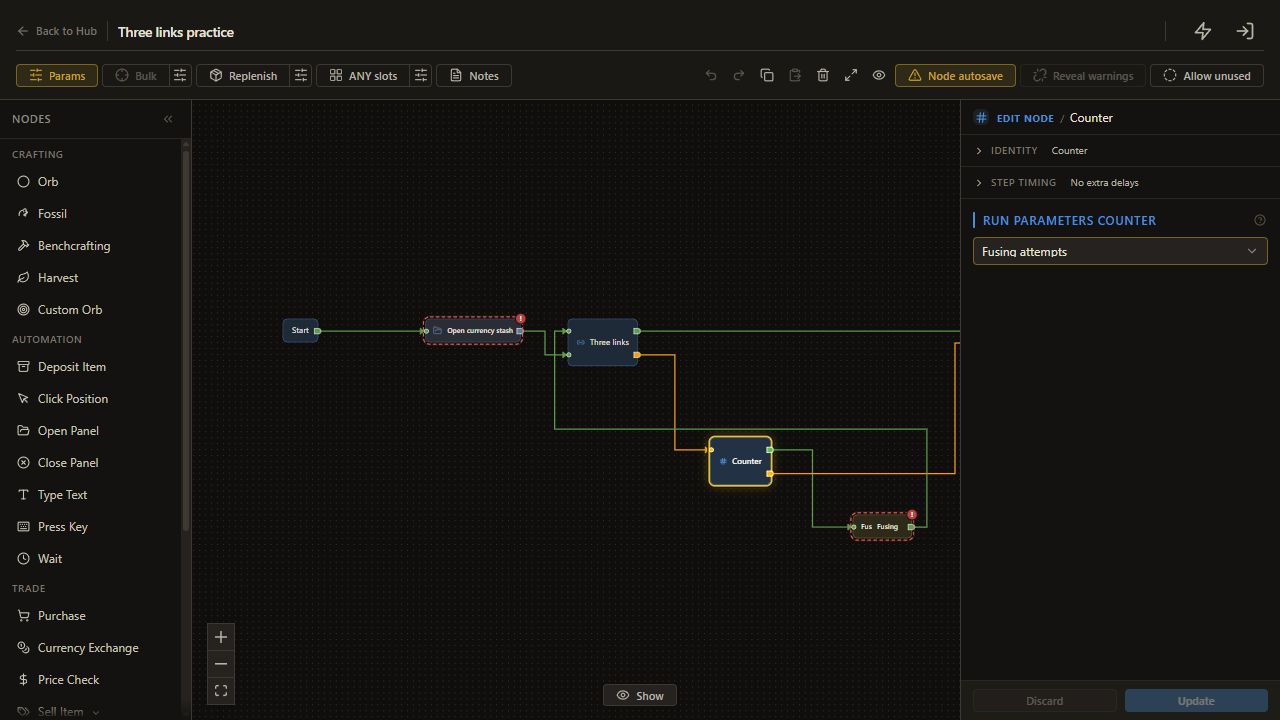
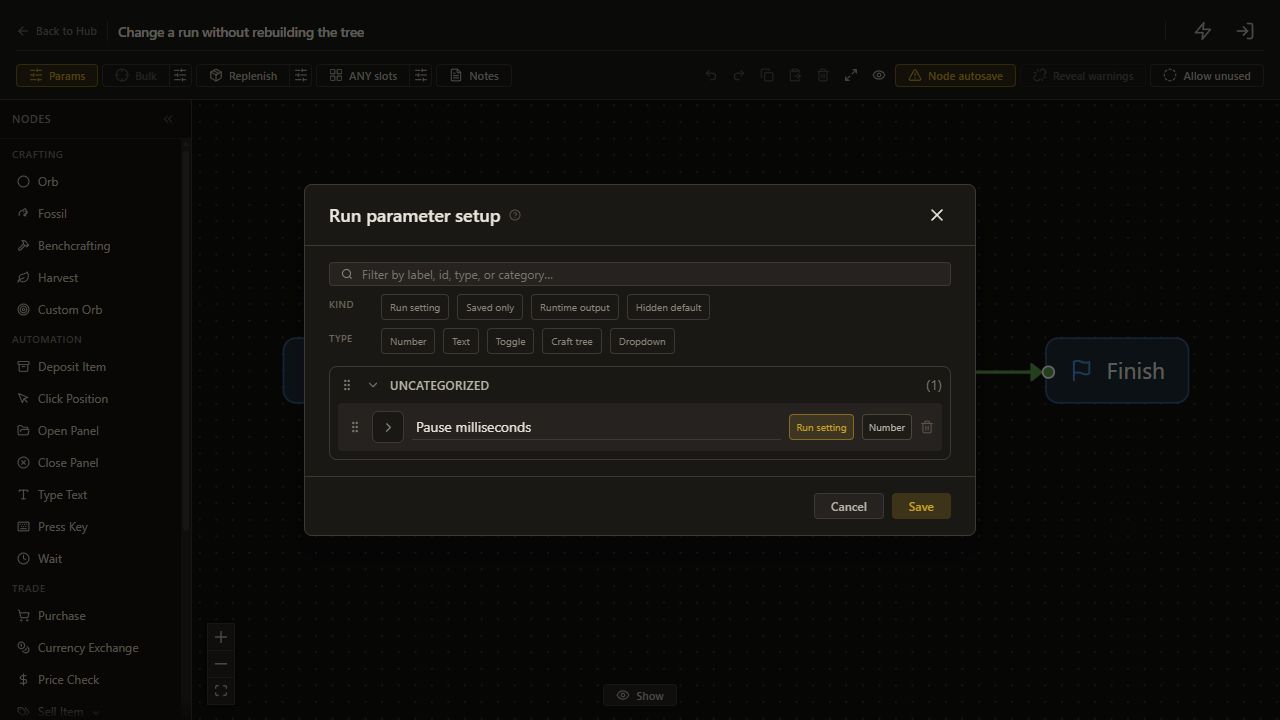
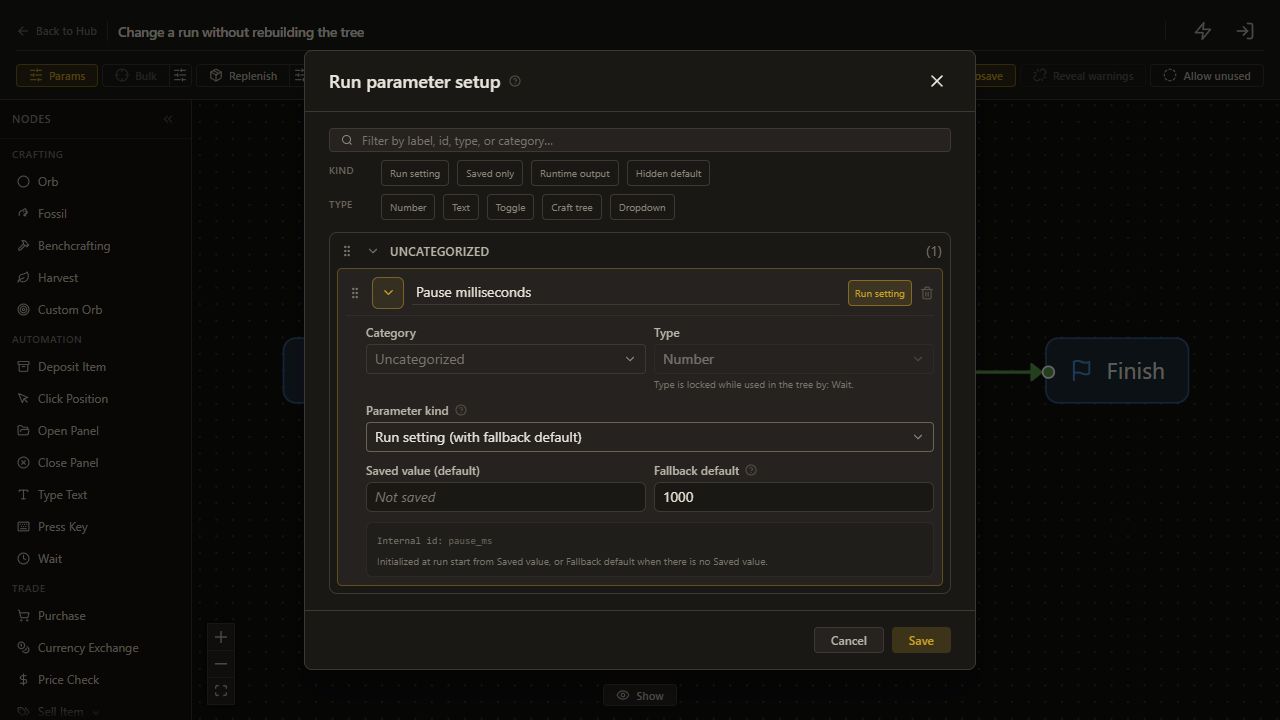
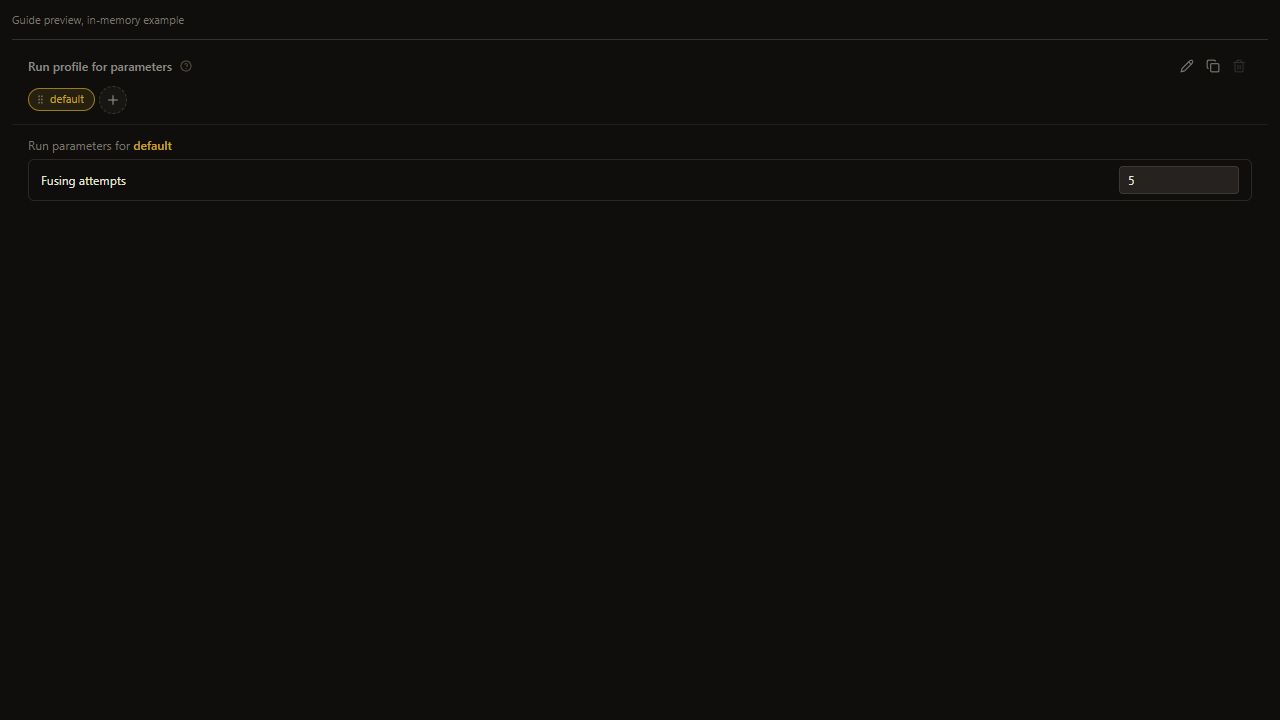
Add a Counter and create a Number parameter labelled Fusing attempts, with fallback default 5. Use Counter setup if this is your first parameter.
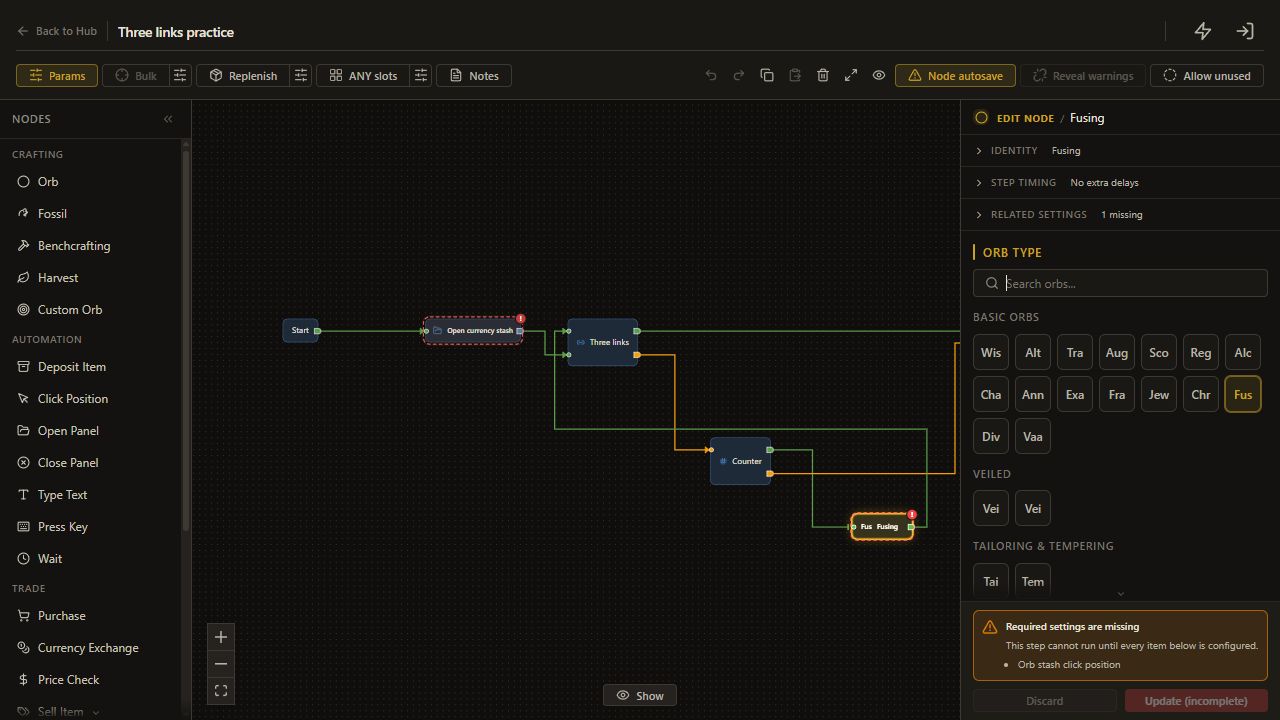
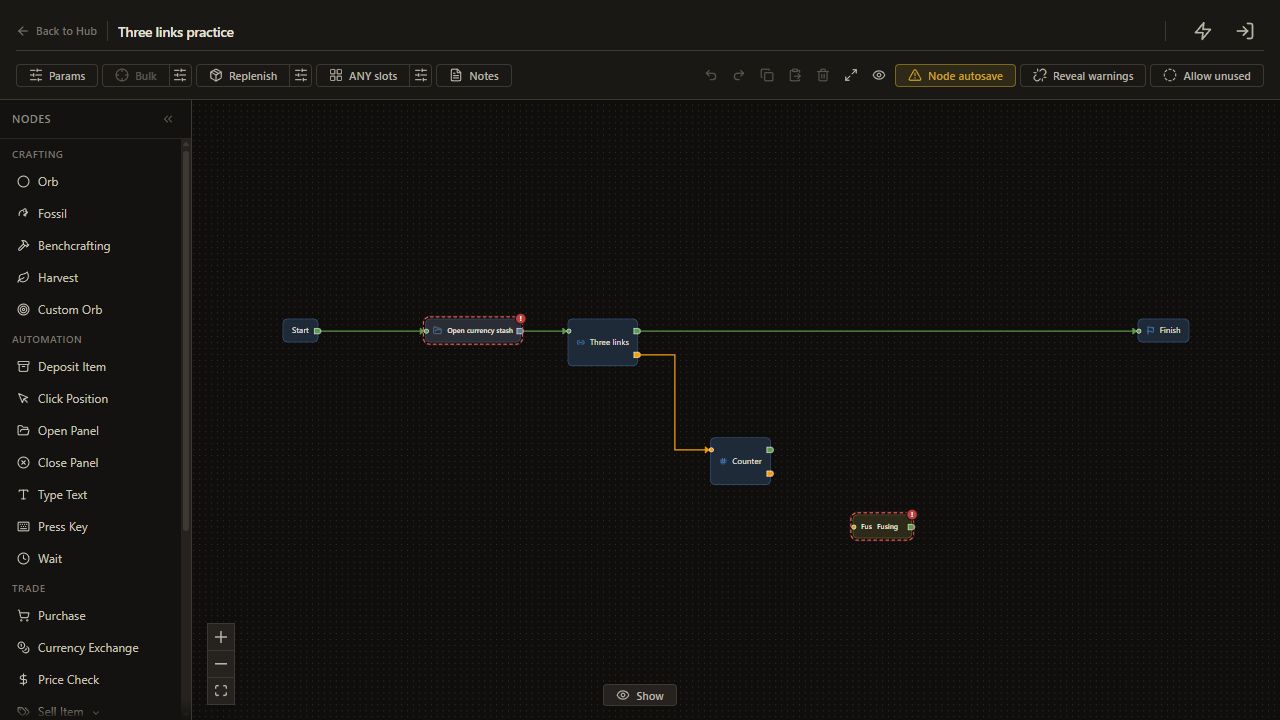
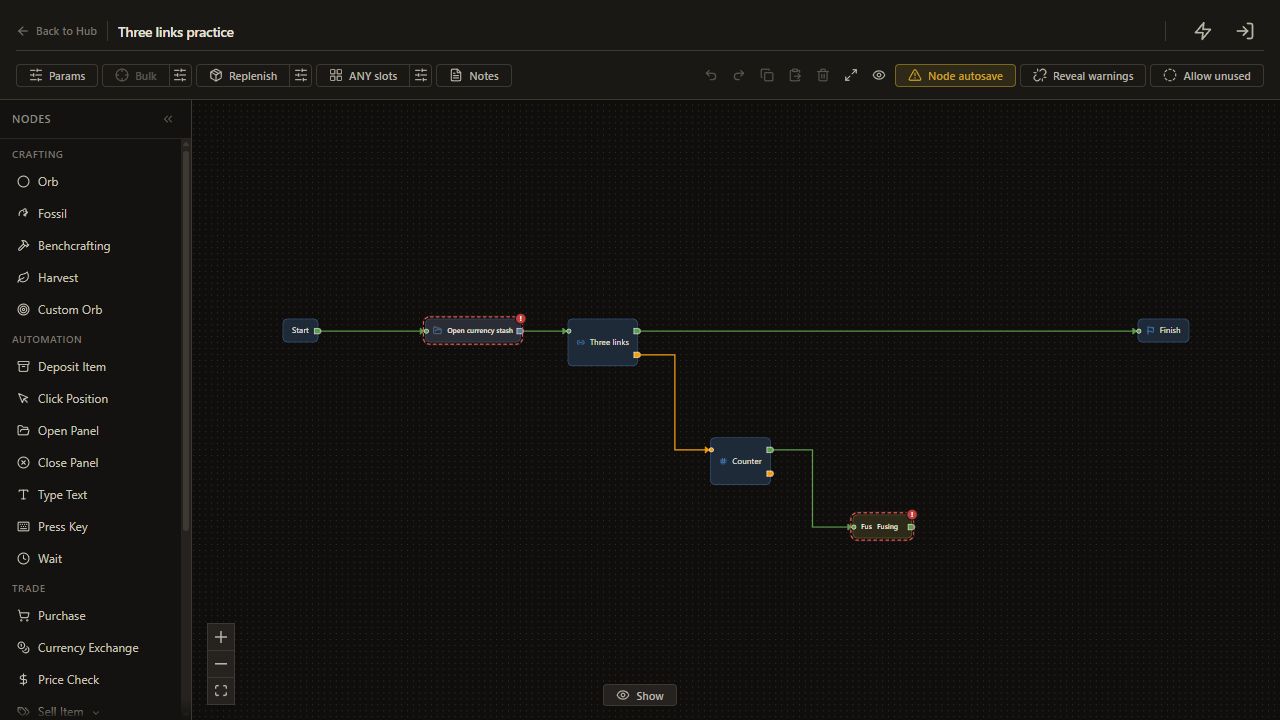
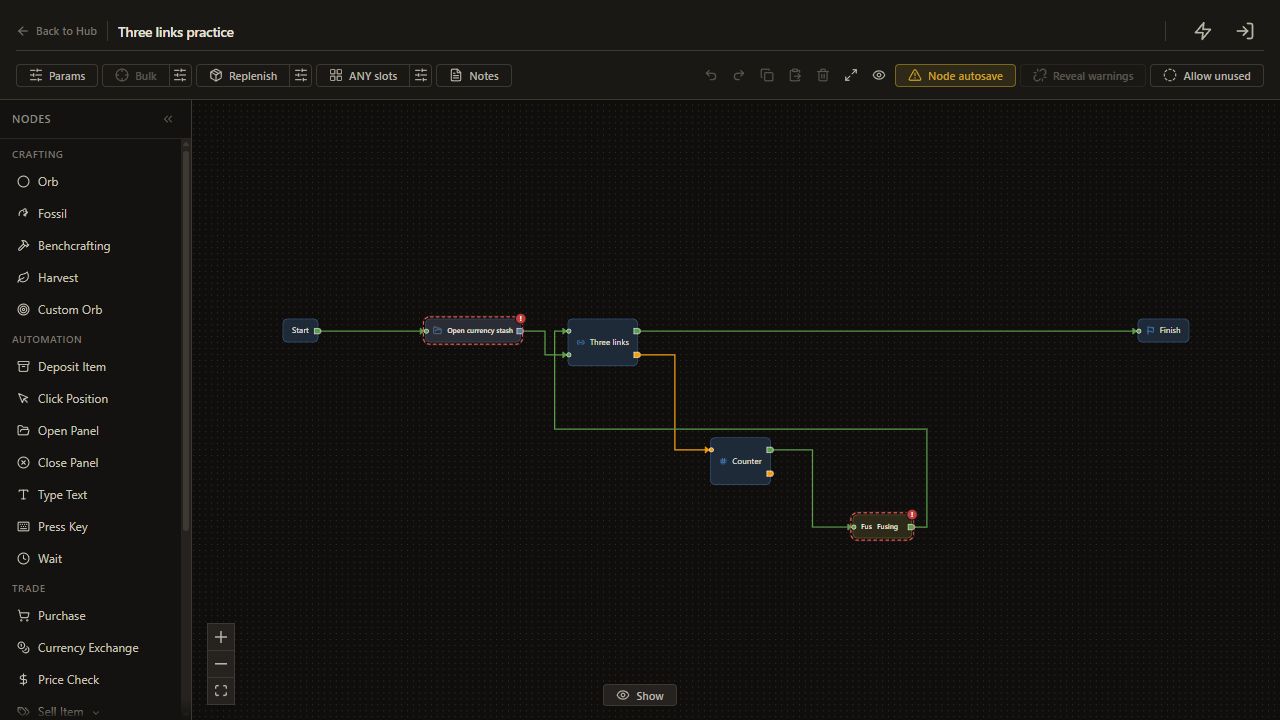
Connect Links unmet → Counter, Counter met → Fusing, and Fusing back to Links. Connect Counter unmet → Finish. This arrangement checks the item after every permitted action, including the last one, before deciding whether another action is allowed.
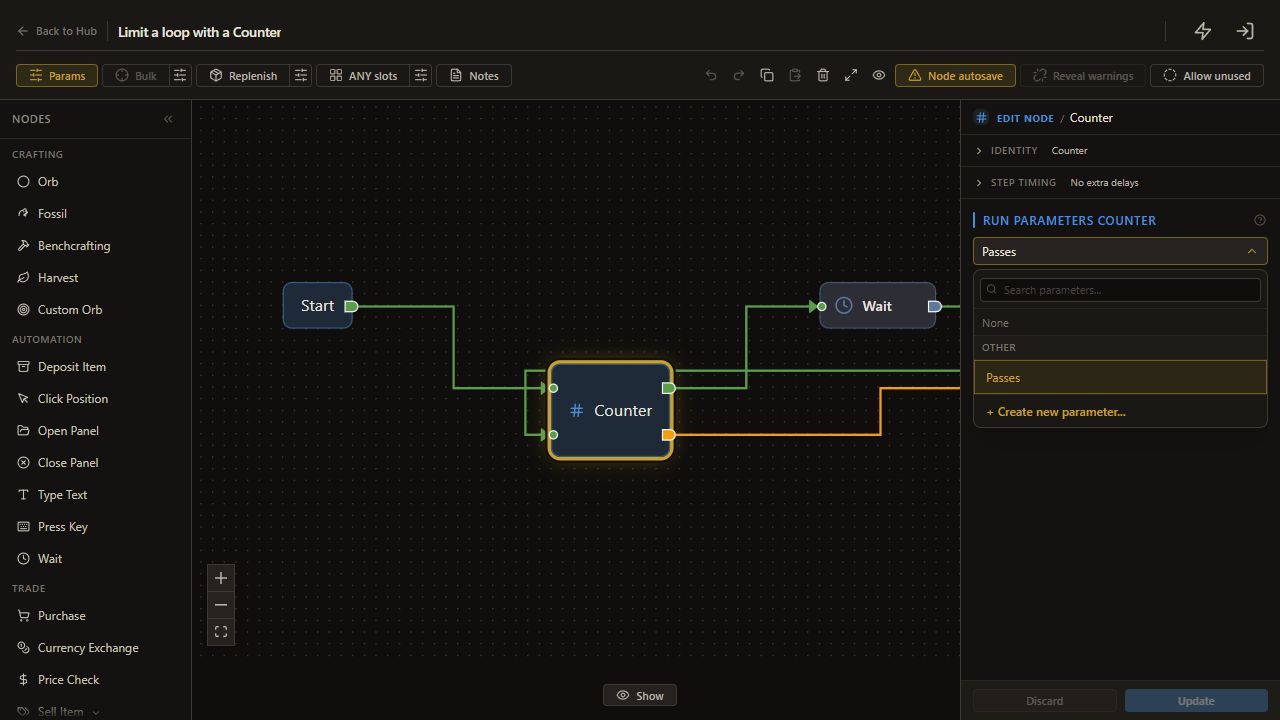
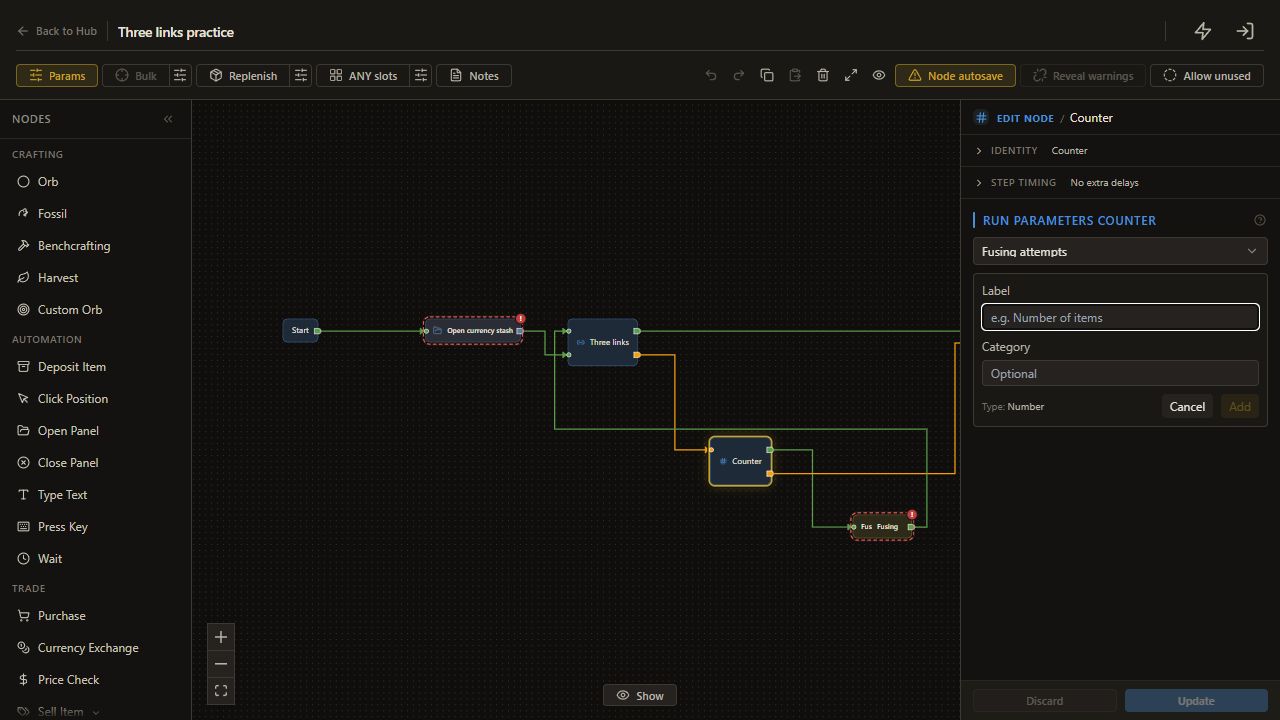
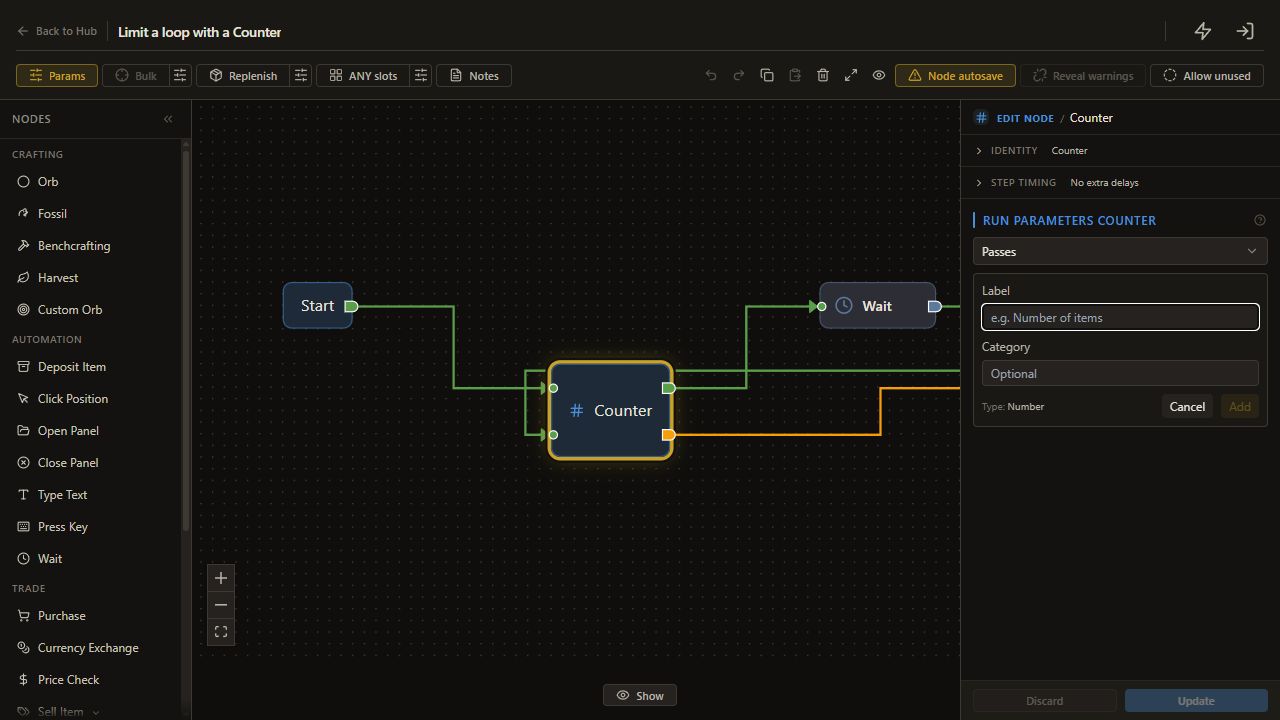
In Counter, open Run Parameters counter, click Create new, enter Fusing attempts in Label, then click Add. Counter creates a Number parameter and selects it automatically. Open Params, expand Details for Fusing attempts, check Type: Number, keep Kind as Run setting (with fallback default), enter 5 in Fallback default, then click Save.
5. Save the allowance
Check the node settings, then use Back to Hub to save pending edits. Save Fusing attempts as 5 in Run Parameters and wait for Saved.
The Counter allows at most five Fusing applications. The original Link Roll has no Counter or built-in attempt budget. Stock guard can stop on depleted or unreadable required stock, but it does not supply a five-orb allowance.
6. Start and inspect
Start on the prepared item with the stash and inventory ready. Leave the mouse still while the run operates, then open Logs and inspect the item.
If the Counter exit ended the run, the current links may remain below the target. The tree has no socket-creation step. Add sockets separately only after deciding that change is appropriate for your item.
Check the result
Compare the largest visible link group with the >= 3 setting and identify the final branch in Logs. A target match and a budget exit are different reasons for reaching Finish.
If it does not work
- It seeks six links: change the copied default to 3 in your practice tree.
- Three sockets fail the check: inspect how those sockets are connected.
- More than five applications occur: stop and remove any route to Fusing that bypasses Counter.
Next guide
Run a craft across an inventory grid, after verifying the single-item flow.