
At a glance
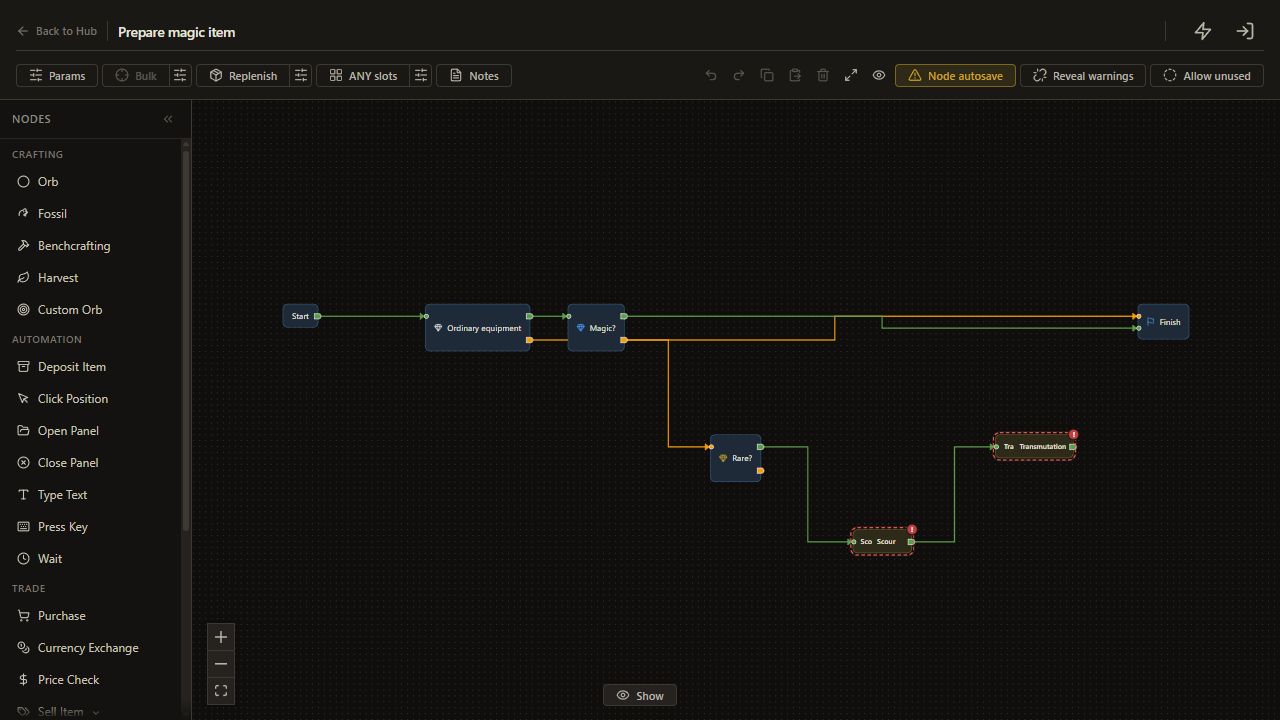
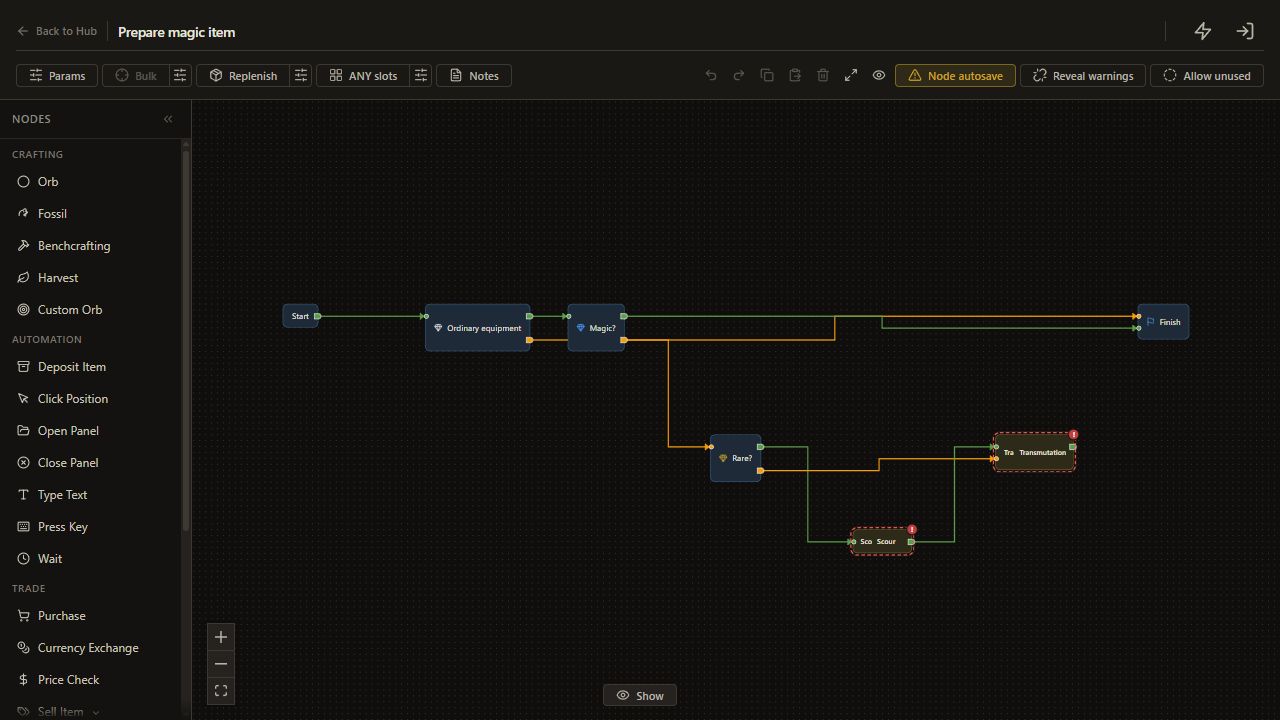
Our saved RarityForcerMagic tree checks the starting rarity before spending currency. An already magic item finishes immediately. A normal item receives a Transmutation; a rare item receives a Scour followed by a Transmutation.
This walkthrough recreates that pattern as a personal tree and adds an entry guard for ordinary equipment.
Before you start
Complete setup and configure Scour and Transmutation positions. Use identified, uncorrupted equipment you are willing to erase. Scouring removes existing explicit modifiers. Keep bulk on Current item.
The Learn rarity helpers are internal subtrees. Create your own copy with + instead of looking for a hidden helper in the Hub.
1. Create the entry guard
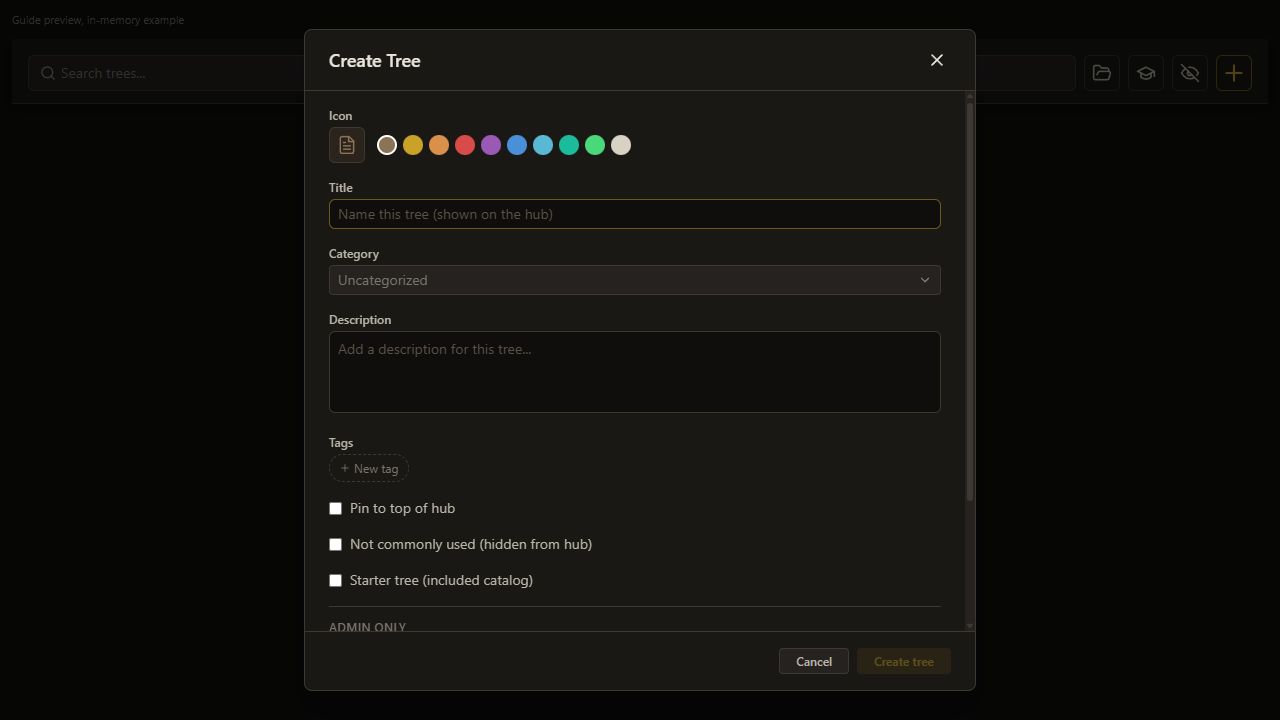
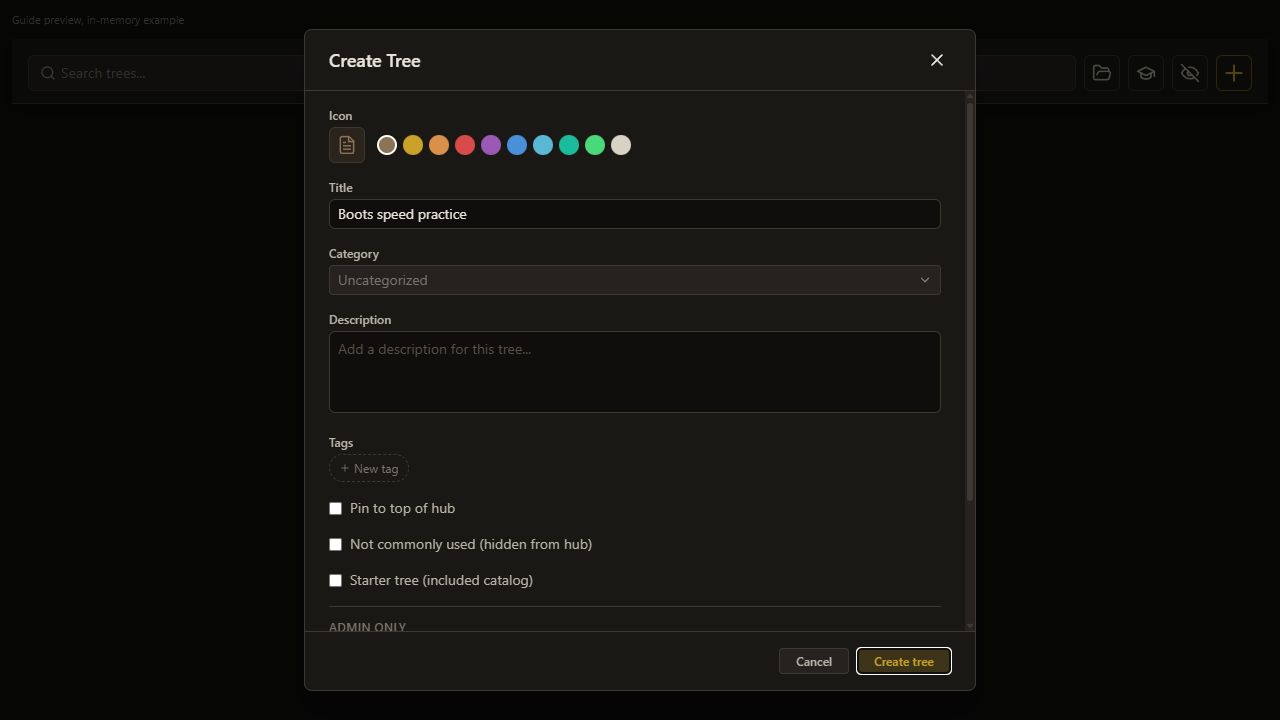
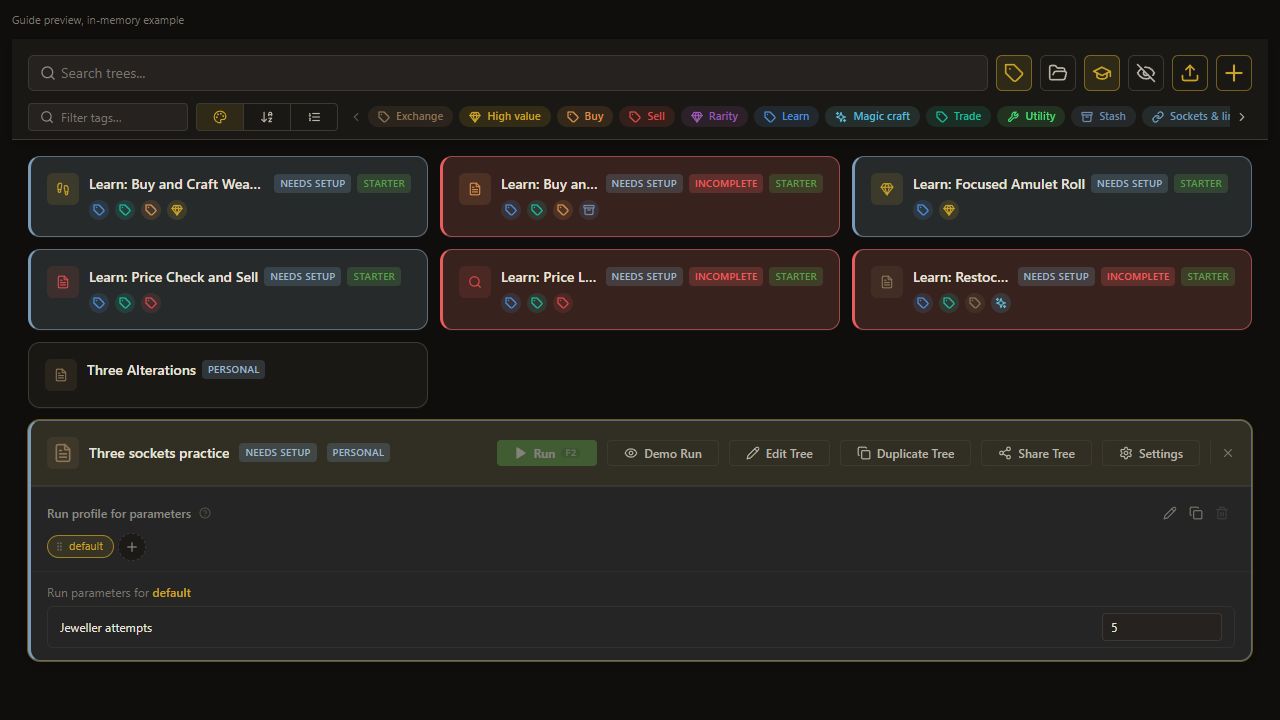
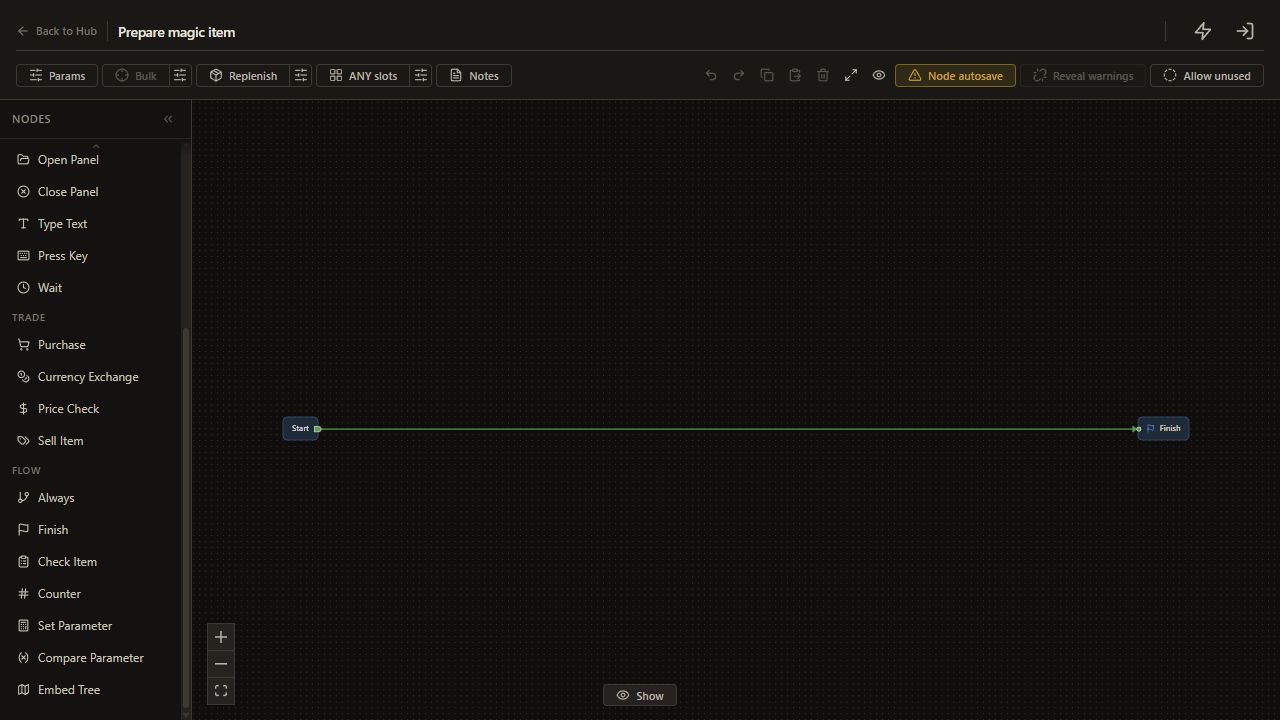
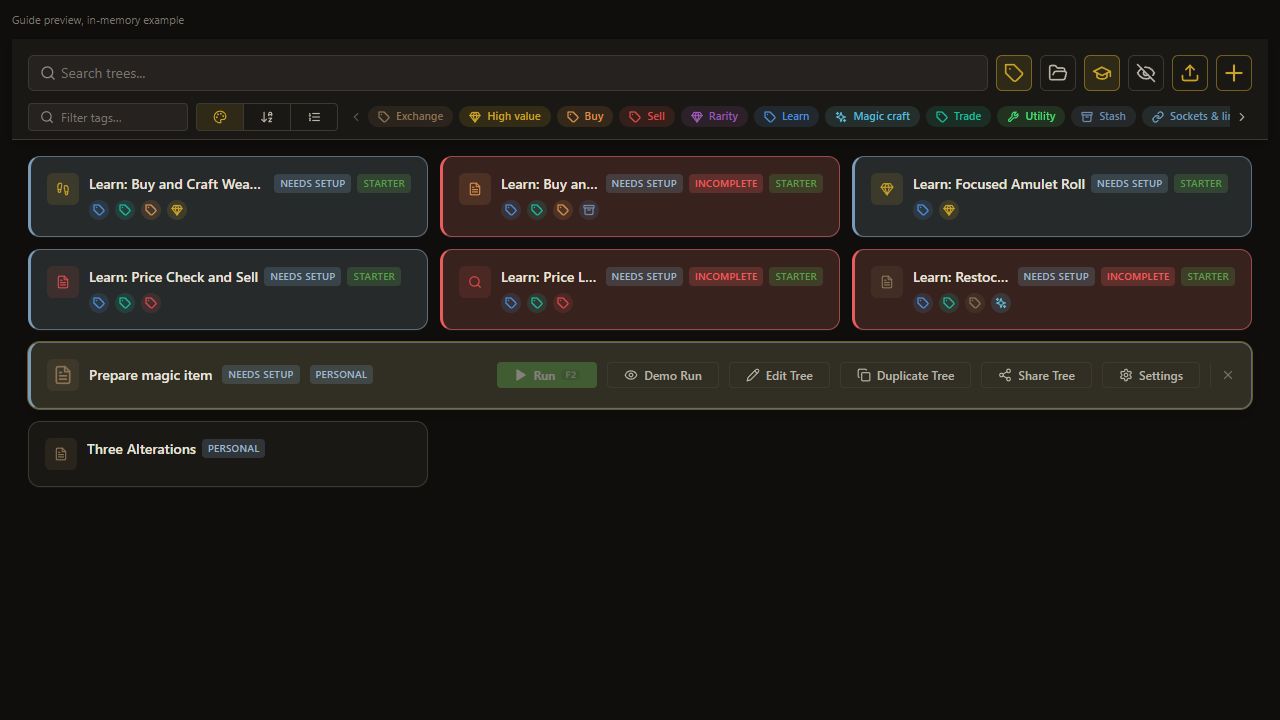
Create Prepare magic item, then open Edit Tree.
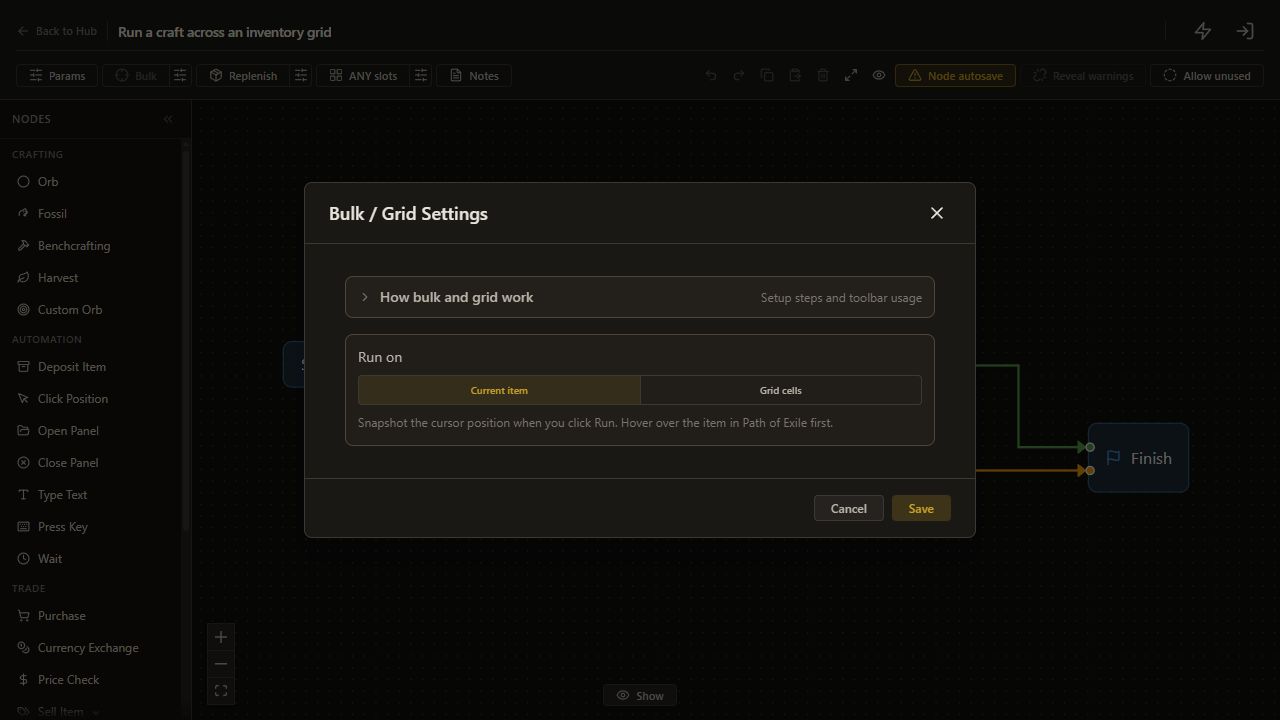
Click the sliders button beside Bulk in the editor toolbar, labeled Configure bulk / grid settings. Choose Current item, then click Save. The dialog closes and the tree uses one item.
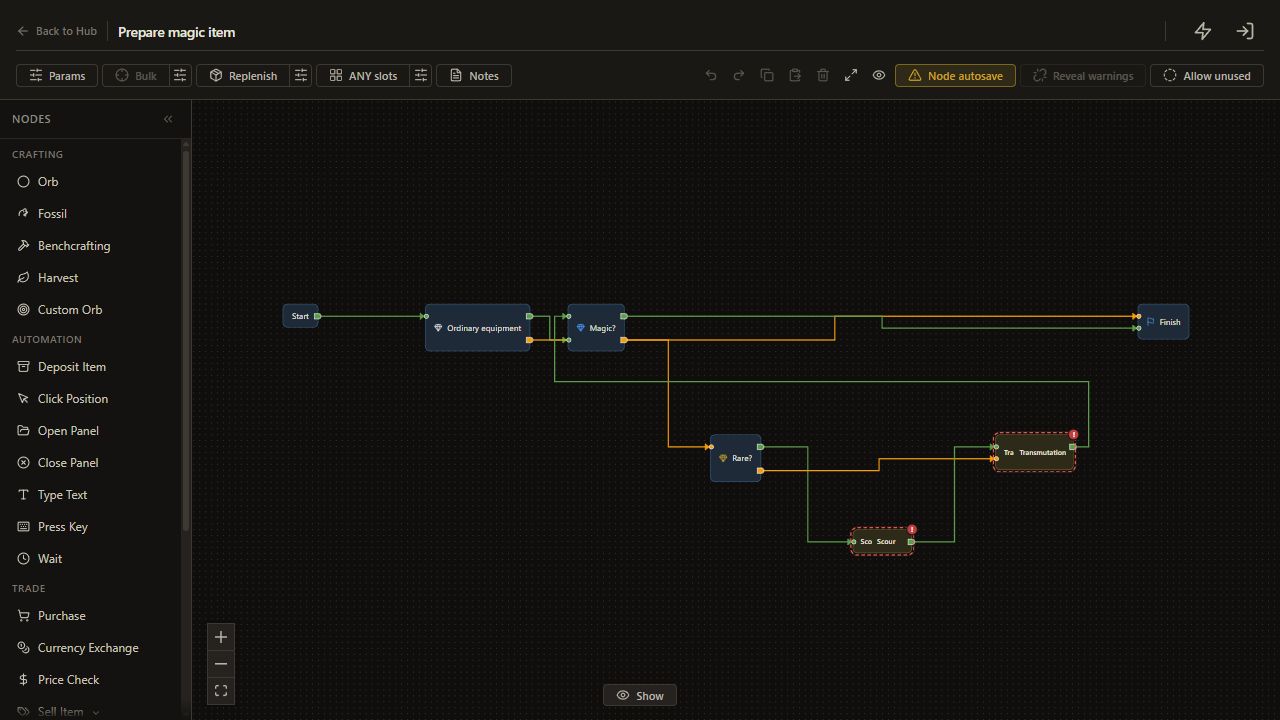
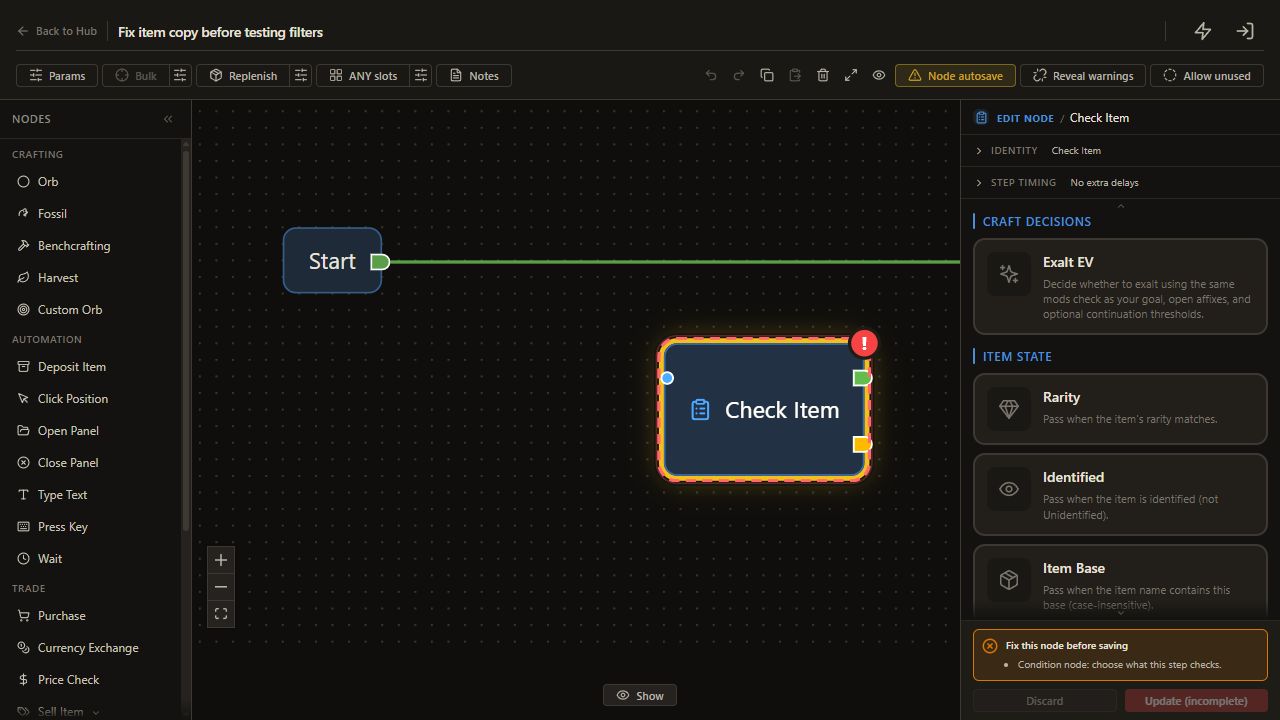
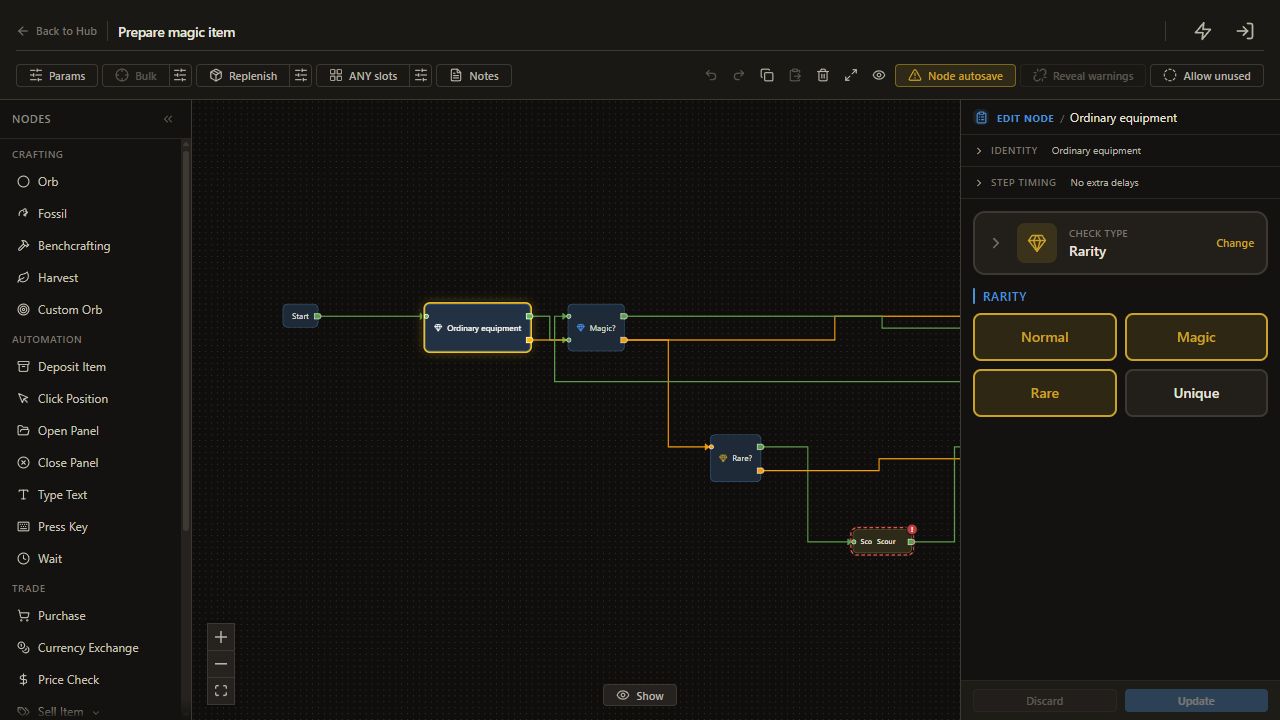
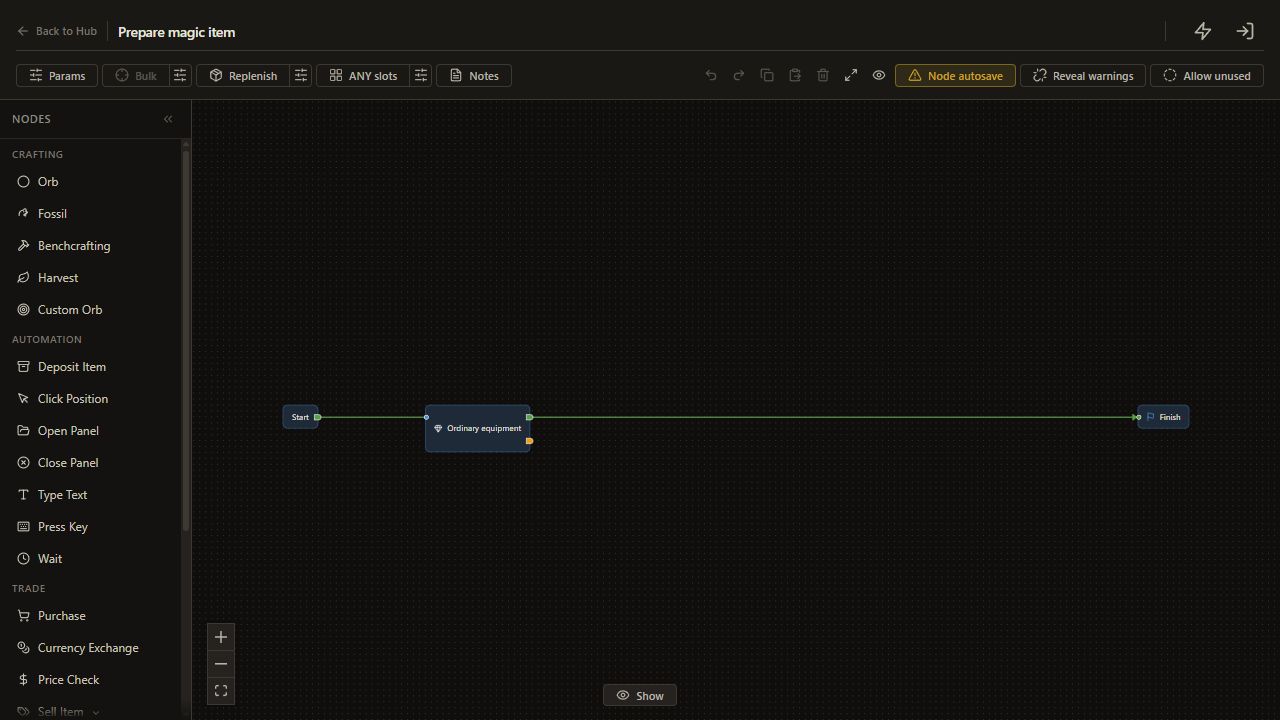
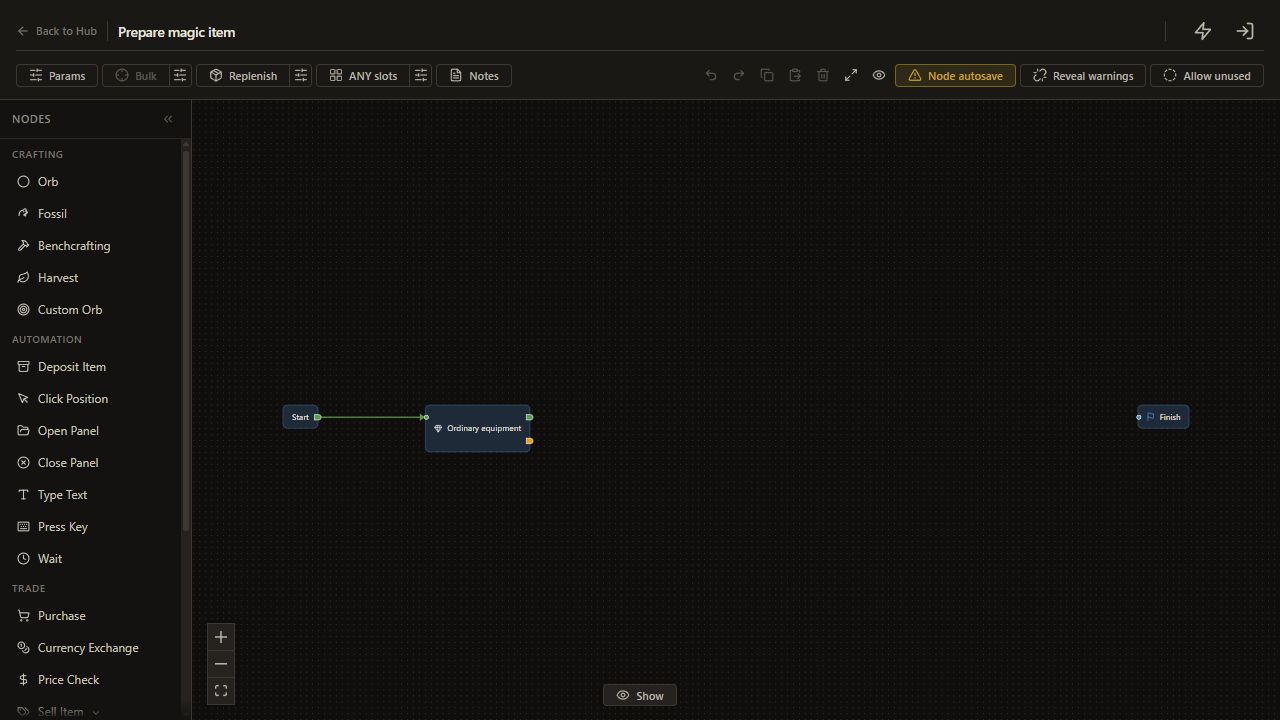
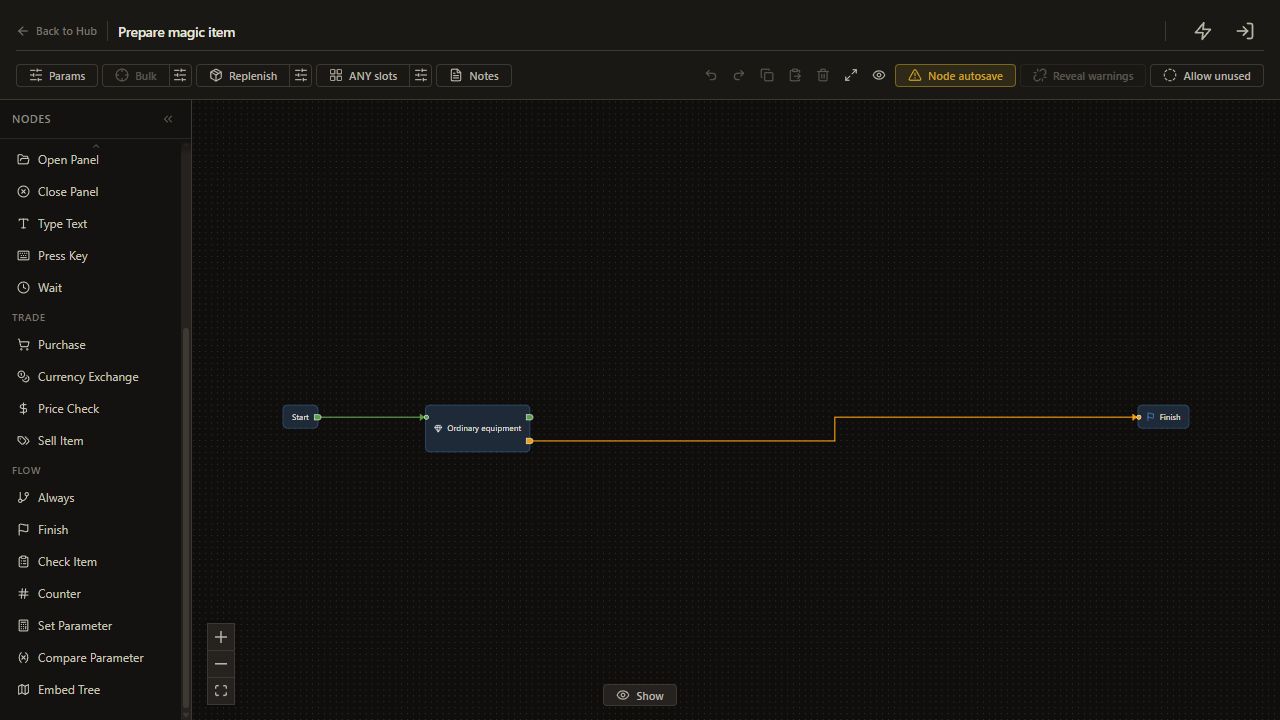
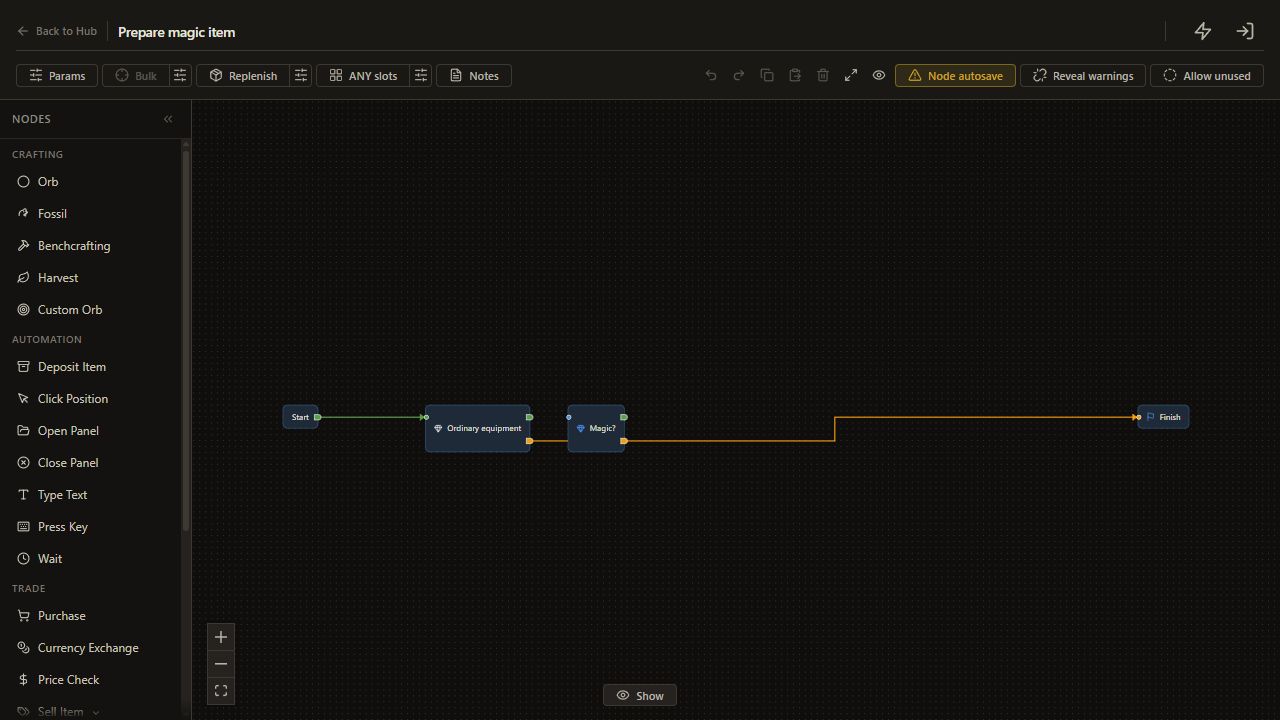
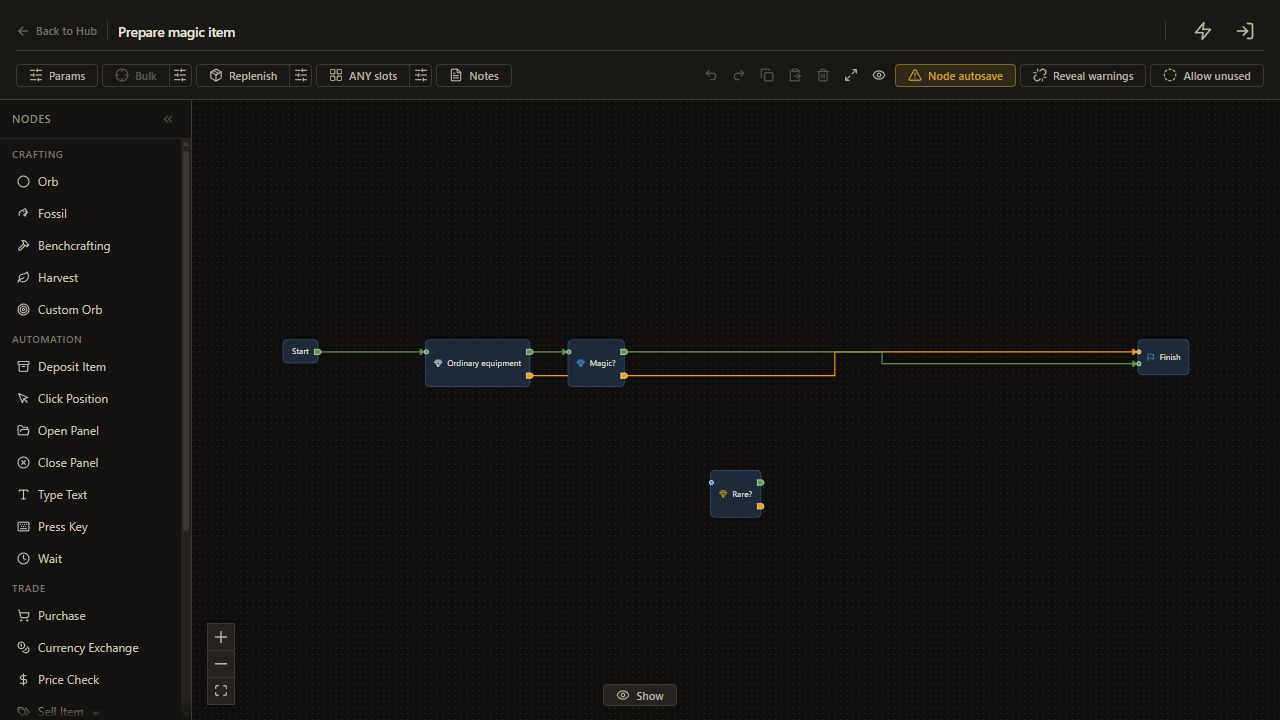
Add Check Item > Rarity, selecting Normal, Magic and Rare. Connect Start to this check and its unmet output to Finish.
This limits the following branches to the three starting rarities used in this example. Check item suitability yourself before running; rarity alone does not establish whether an orb can modify it.
Set the rarity buttons one at a time: Normal selected, Magic selected, Rare selected and Unique deselected. Click a button only when its current state differs from that setting.
2. Keep an already magic item
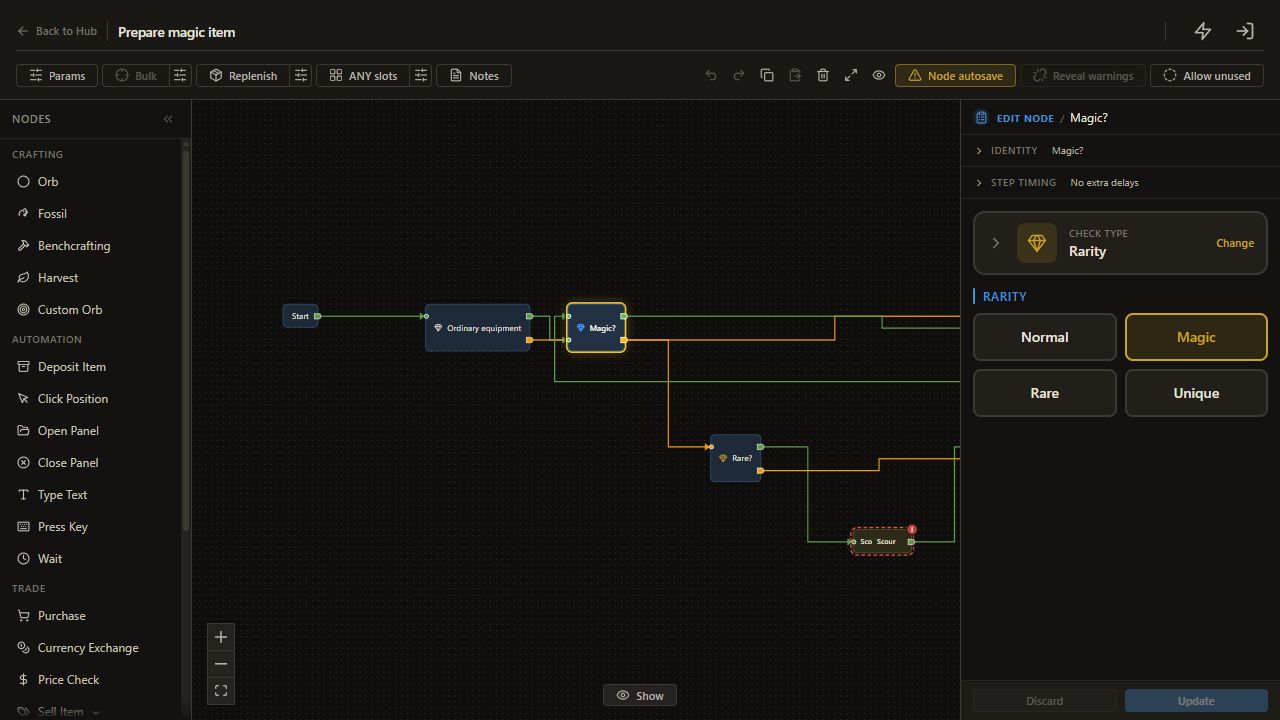
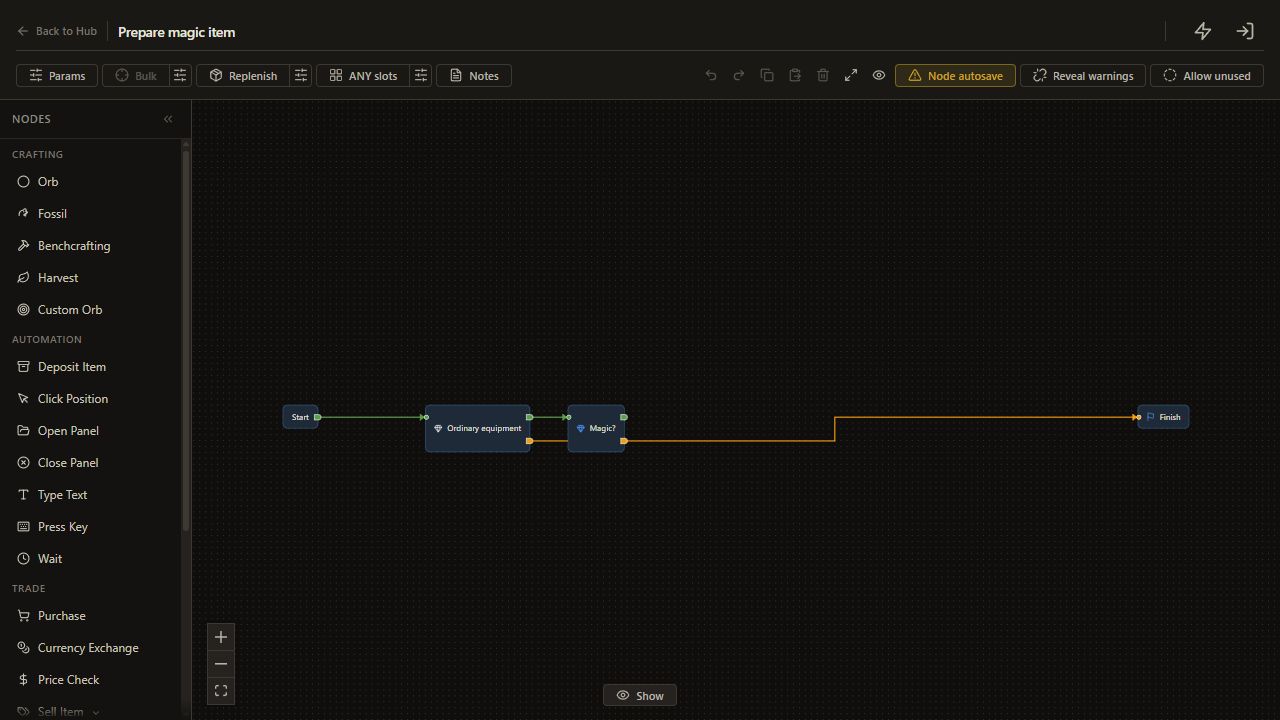
Add another Rarity check with only Magic selected. Connect the entry guard's met output to it.
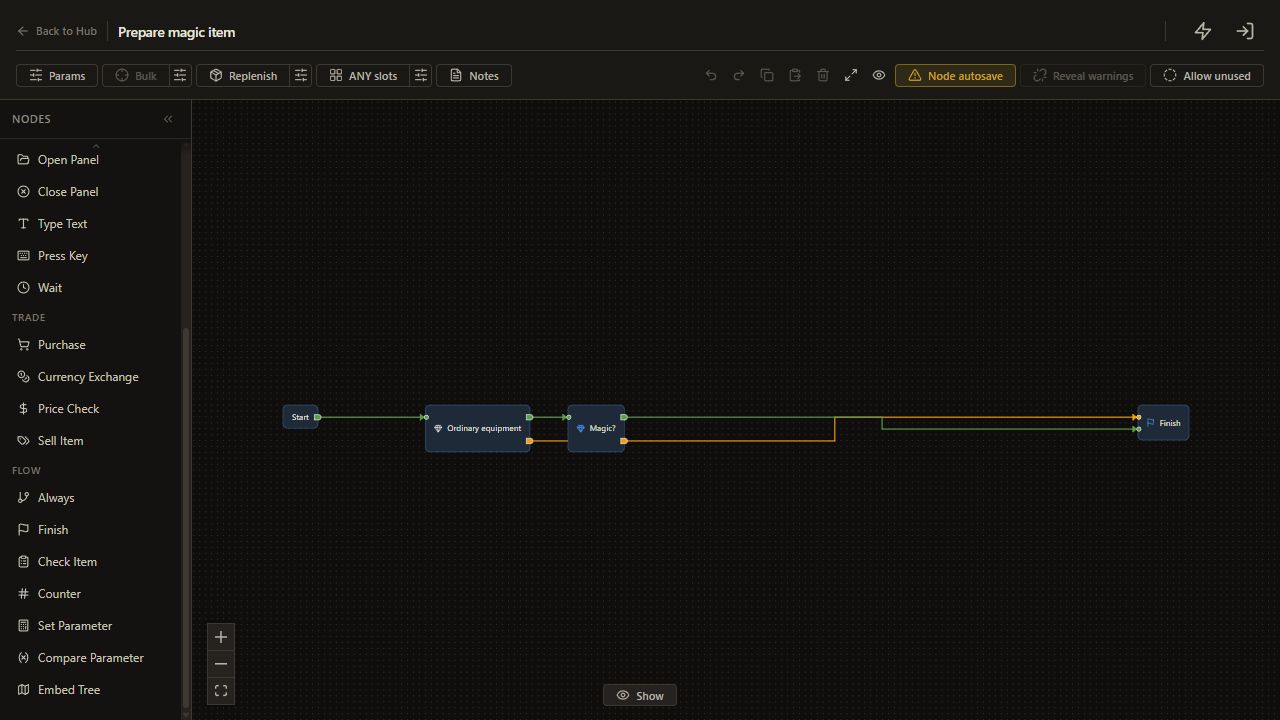
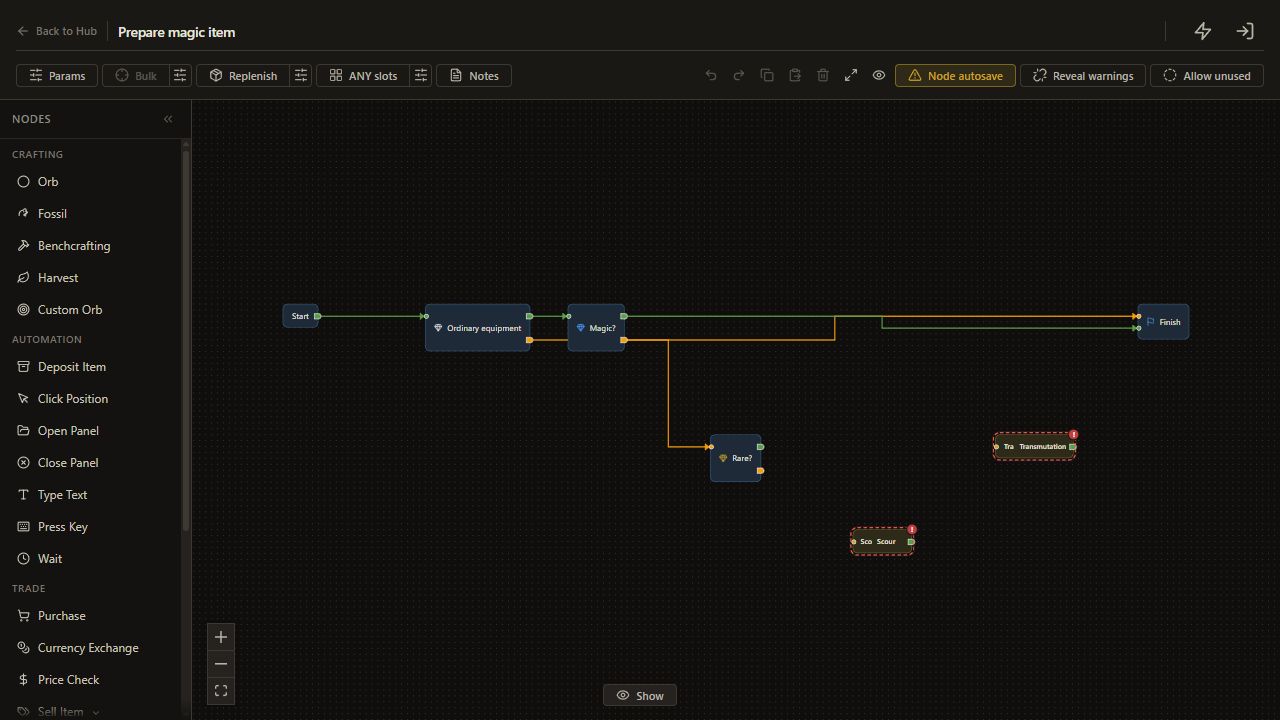
Connect Magic's met output to Finish. This is the keep route: the item's current modifiers remain in place because no orb node runs.
3. Split normal from rare
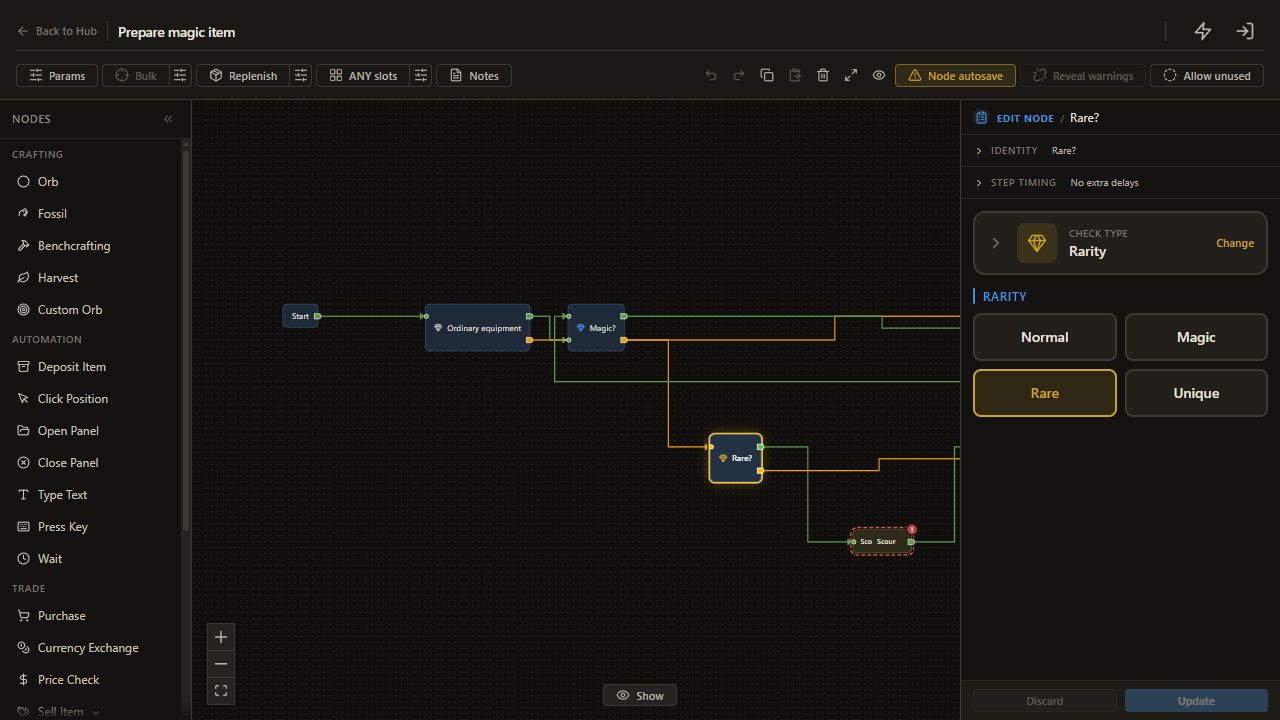
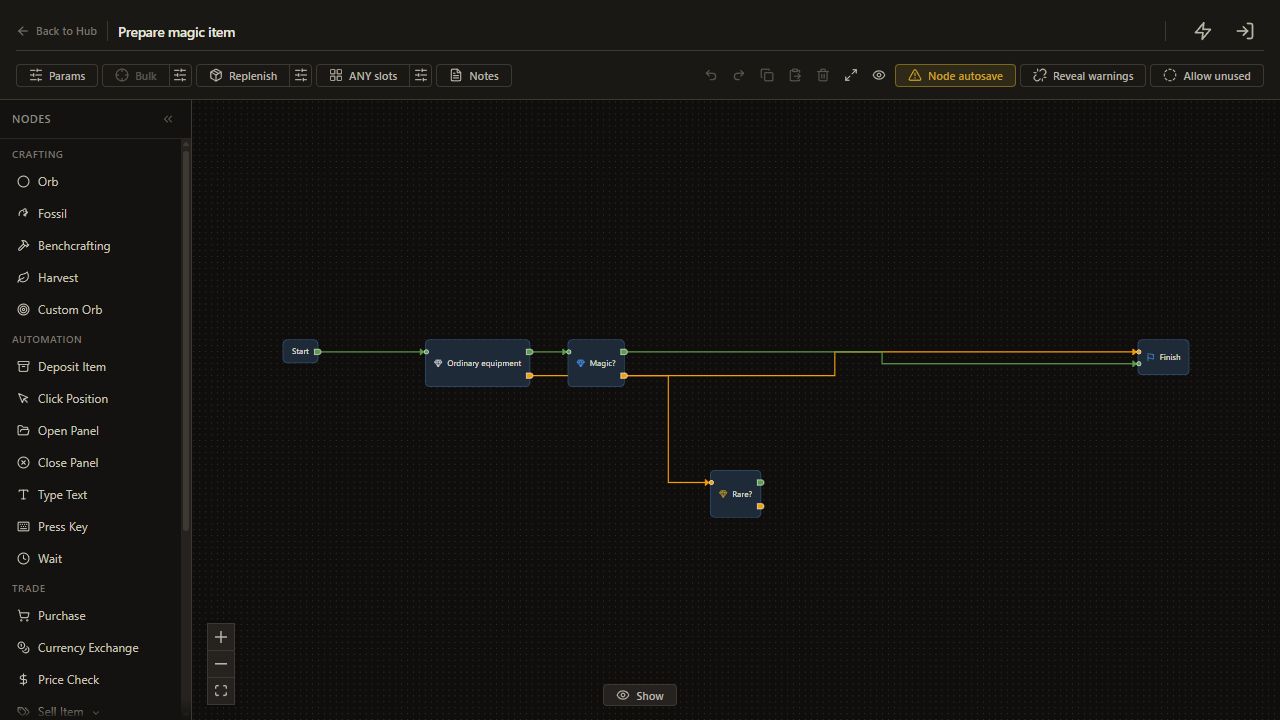
Add a third Rarity check with only Rare selected. Connect Magic's unmet output to it.
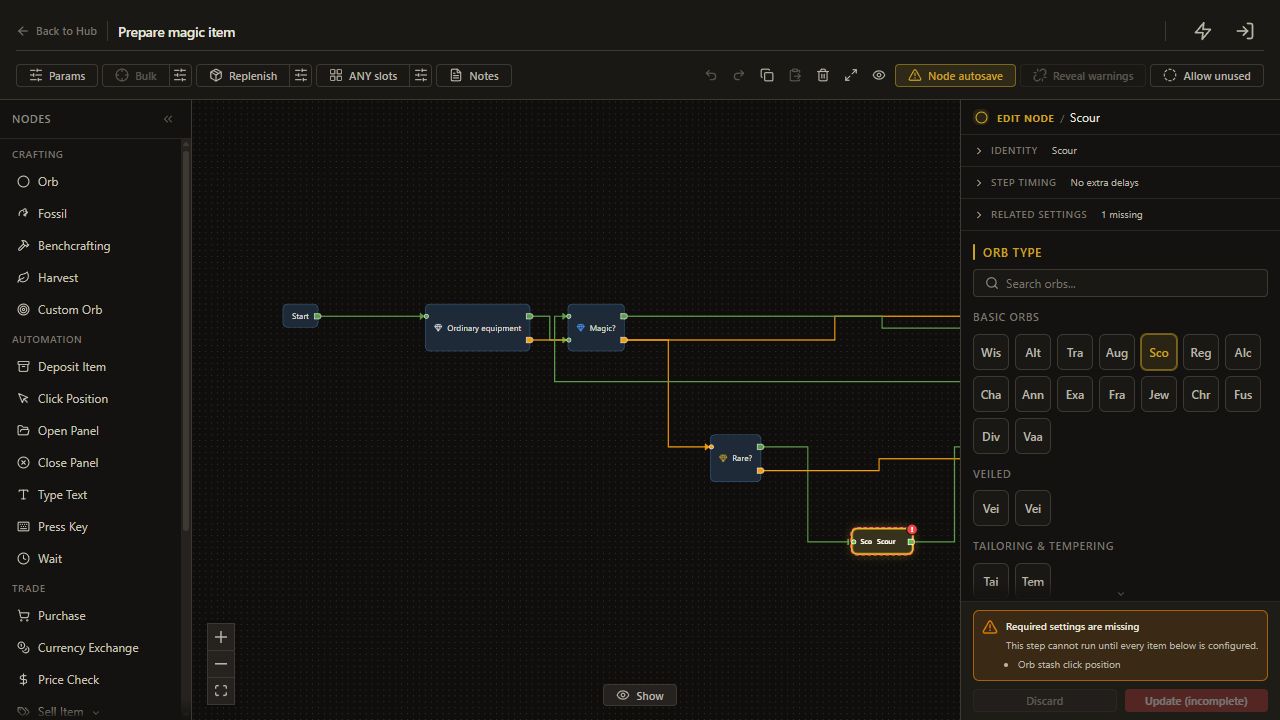
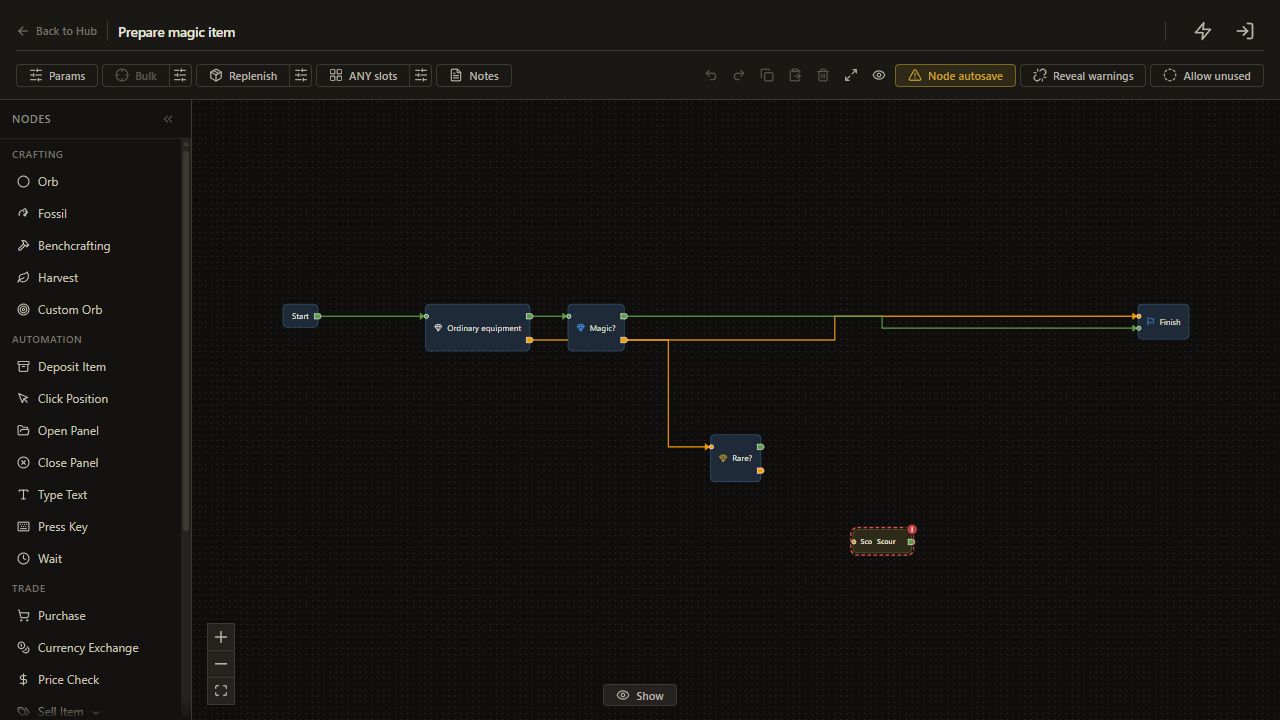
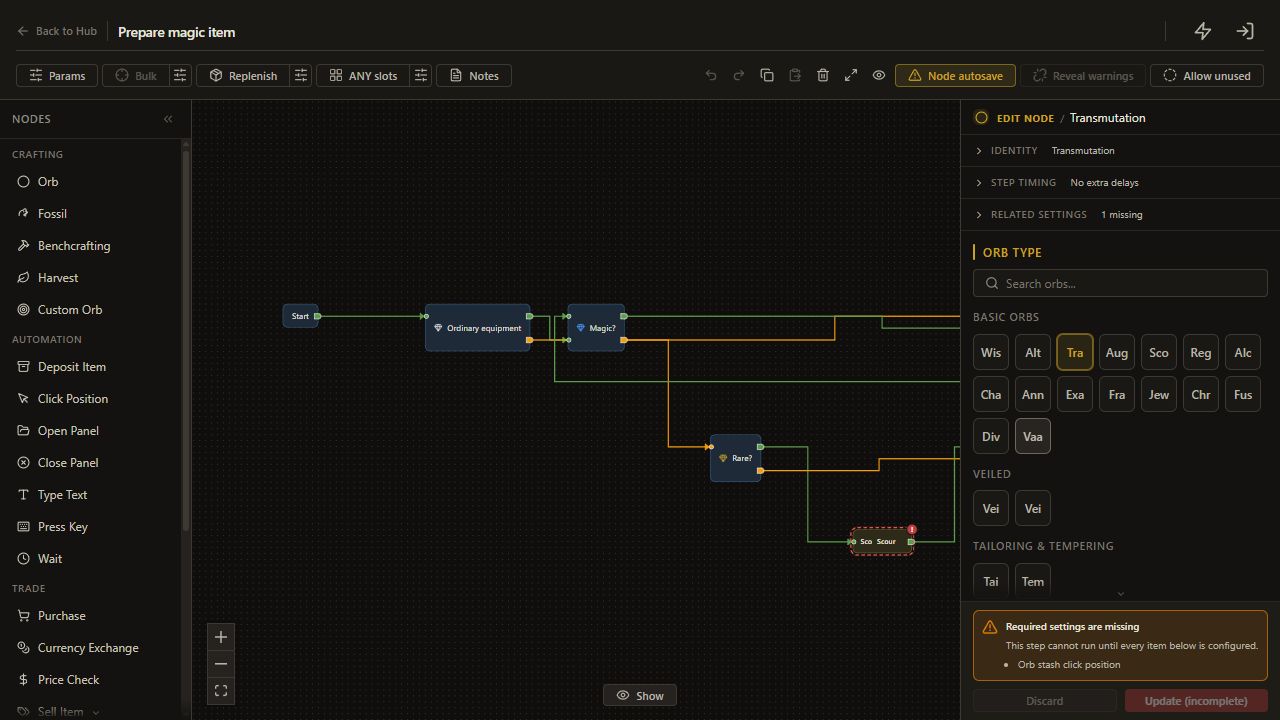
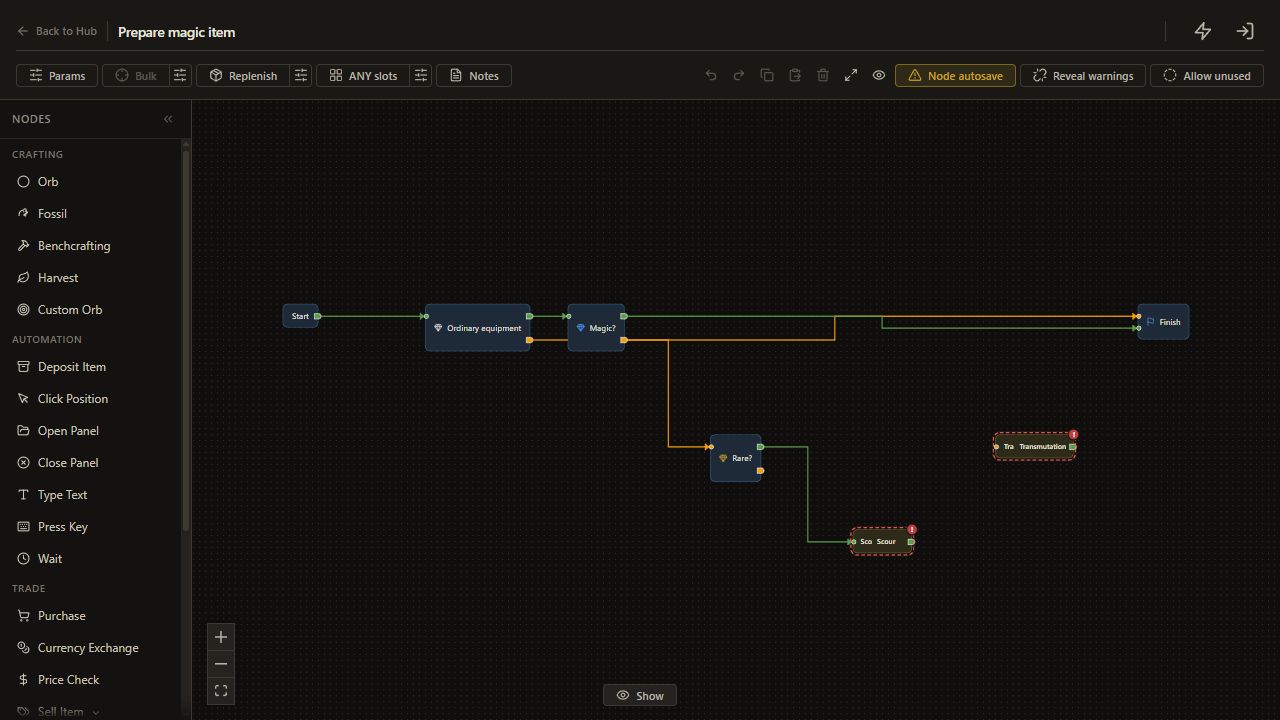
Add Orb > Scour and Orb > Transmutation. Connect Rare's met output to Scour, then Scour to Transmutation. Connect Rare's unmet output directly to Transmutation, since the entry guard has already limited that route to normal equipment.
4. Recheck after the action
Connect Transmutation back to the Magic check. The saved pattern verifies that magic rarity was reached before it finishes.
Review the three paths on the canvas: Magic goes straight to Finish; Normal reaches Transmutation; Rare reaches Scour then Transmutation. There is no fixed retry budget in this pattern. Stop and inspect a failed orb application before letting it repeat.
5. Test each route separately
Save and start with a disposable normal item. Check that it becomes magic. Run again on the same magic item: it should reach Finish without another orb.
Test the rare route separately on a disposable rare item. Expect its explicit modifiers to be erased before it becomes magic. Inspect Logs alongside the actual item after each run.
Check the result
The final item is magic. The second run on that magic item spends no currency. The rare test follows both orb nodes in the expected order.
If it does not work
- A magic item is scoured: inspect which output leaves the Magic check.
- Transmutation repeats: stop and verify the orb location, available stock and item eligibility.
- Rarity reads incorrectly: check item copying.