At a glance
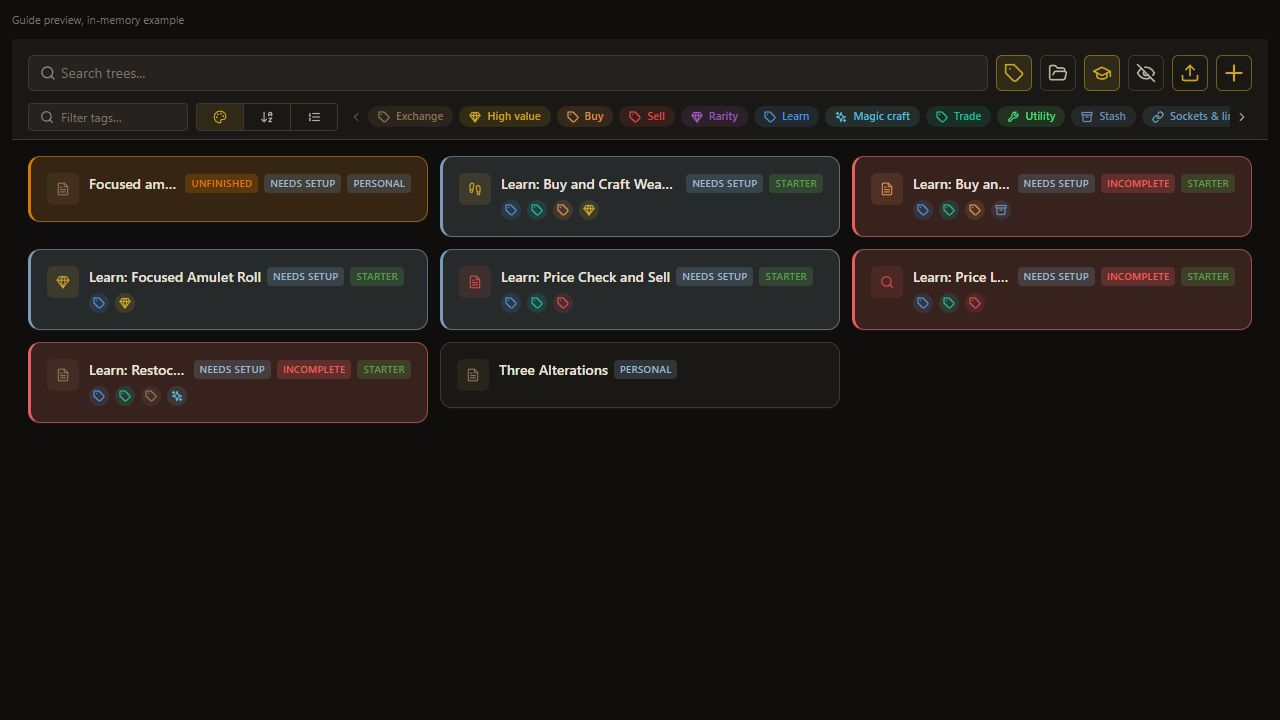
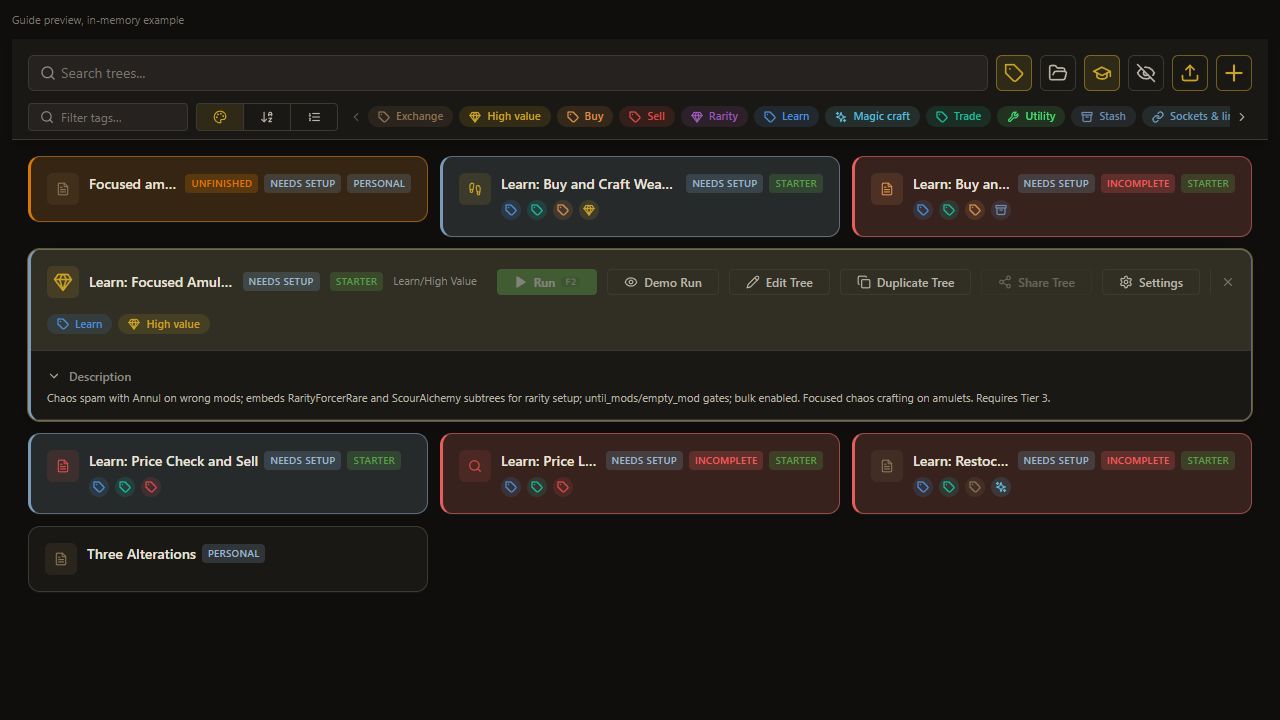
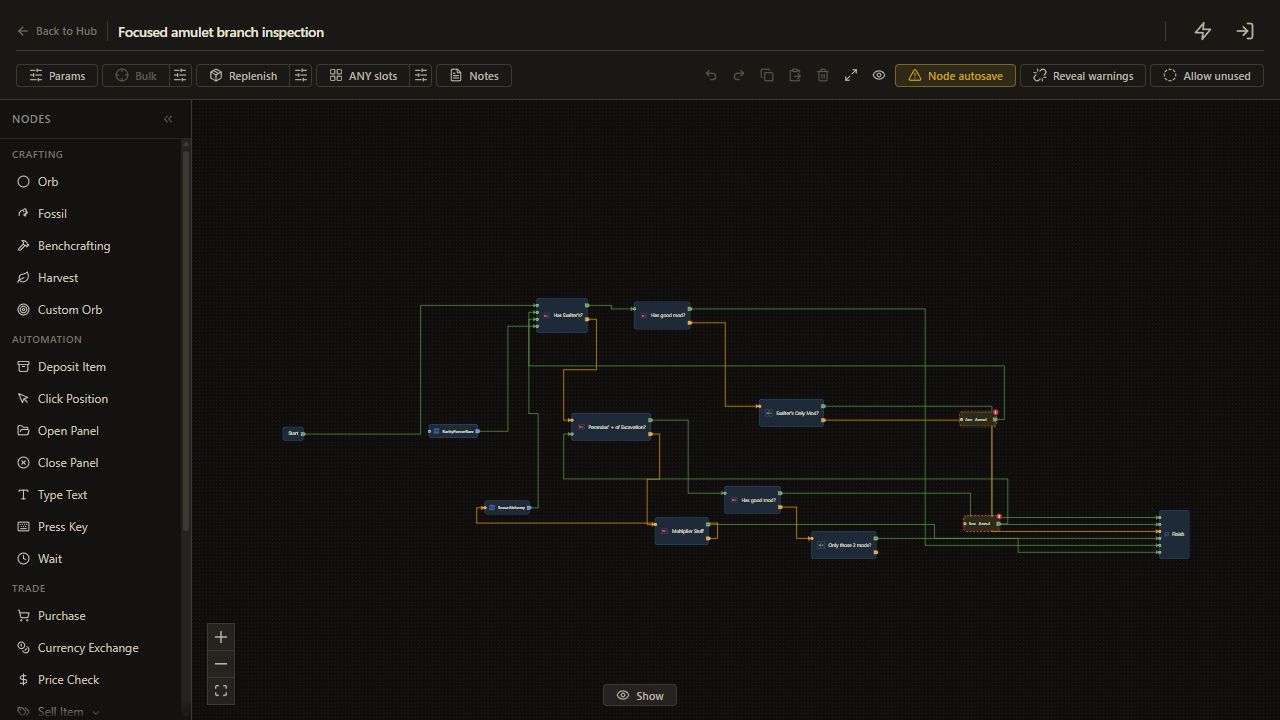
Learn: Focused Amulet Roll is an existing advanced example of several acceptable outcomes in one tree. It checks named modifiers, preserves selected combinations, and uses Annul or a Scour/Alchemy helper when the current item needs more work.
Use this as a branch-editing case first. Its saved names are example targets; choose targets available for your intended item before spending currency.
Before you start
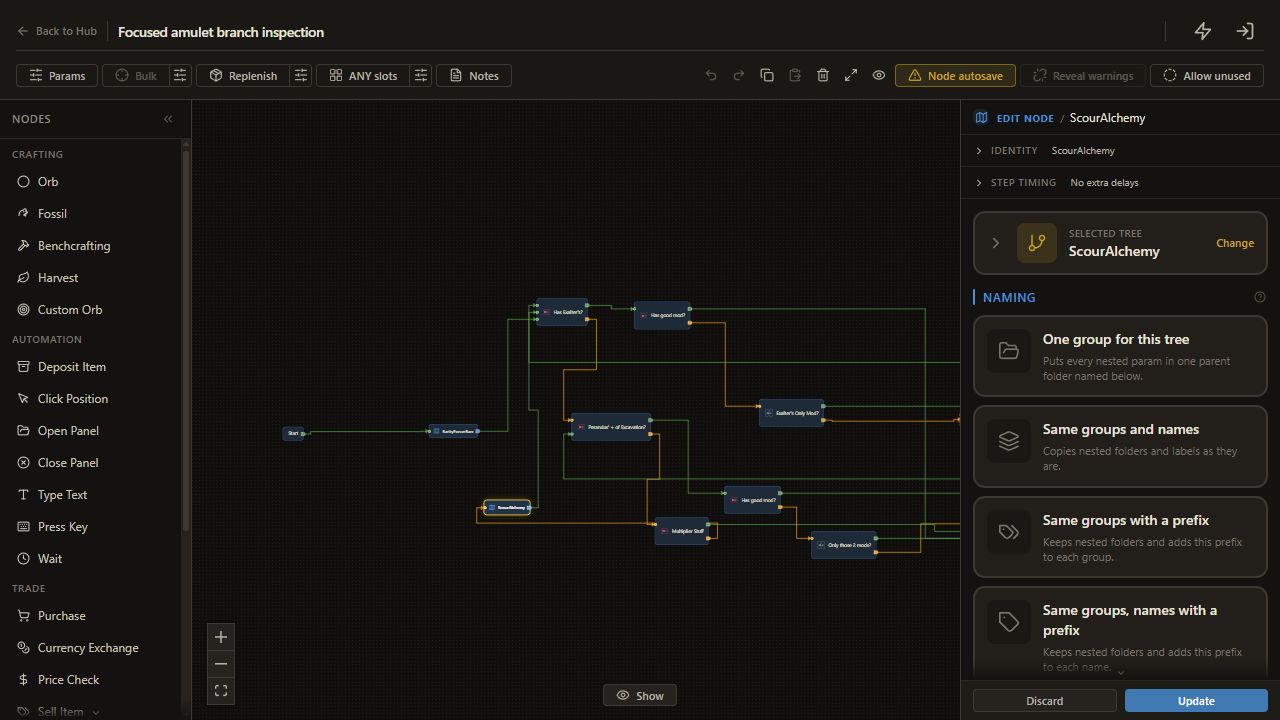
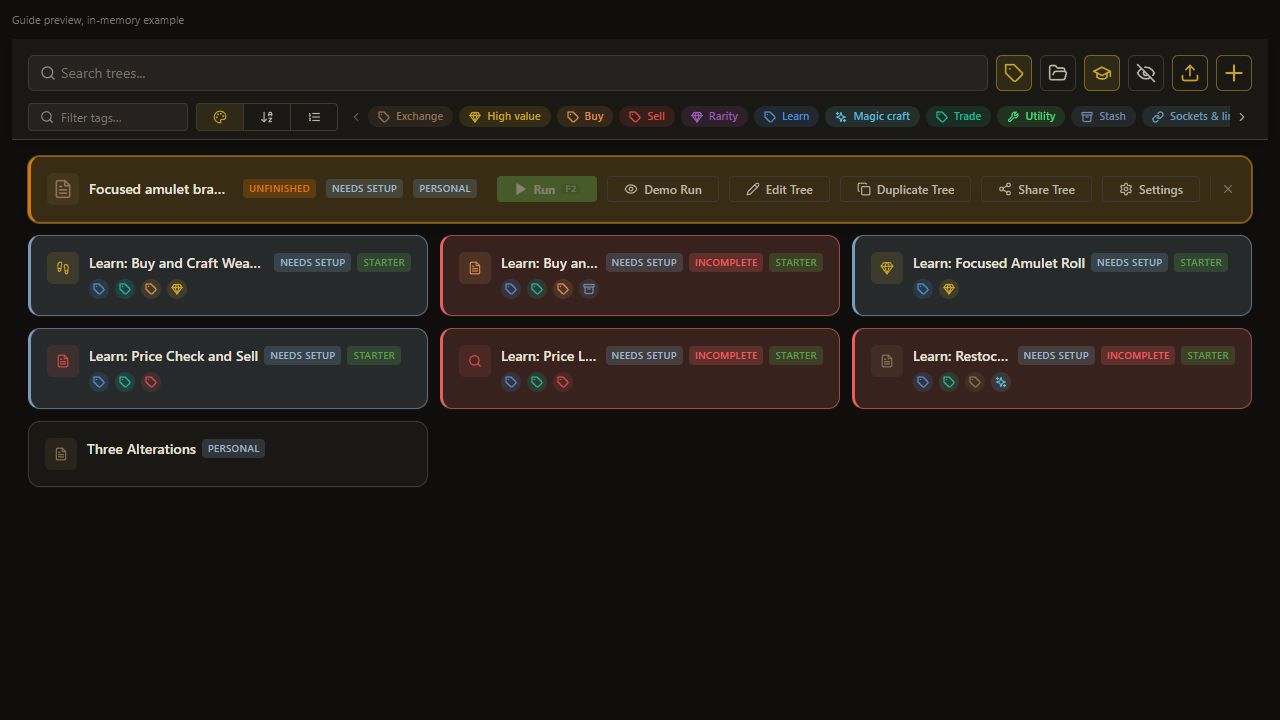
Understand mod requirements, open affix checks and embedded trees. Open the Learn amulet tree in Edit Tree and inspect its helpers. Keep Current item selected and configure Scour, Alchemy and Annul positions.
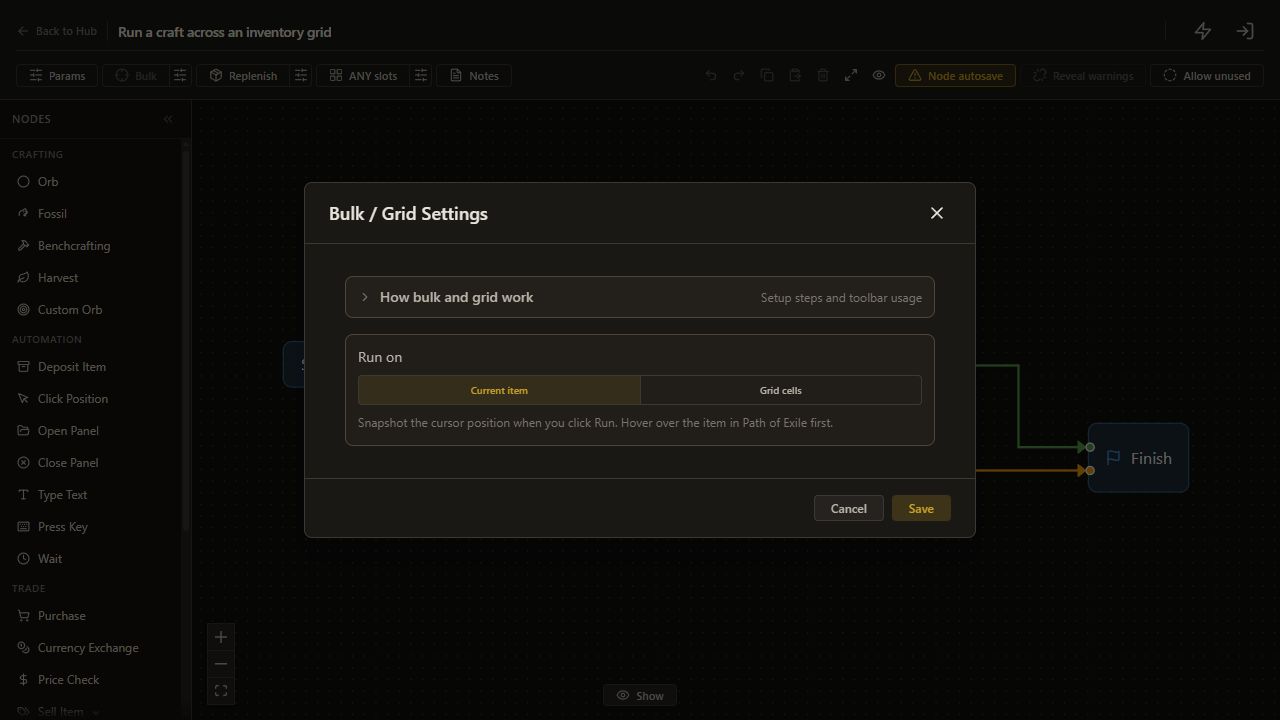
Open Edit Tree. Click the sliders button beside Bulk in the editor toolbar, labeled Configure bulk / grid settings. Choose Current item, then click Save. The dialog closes and the tree uses one item.
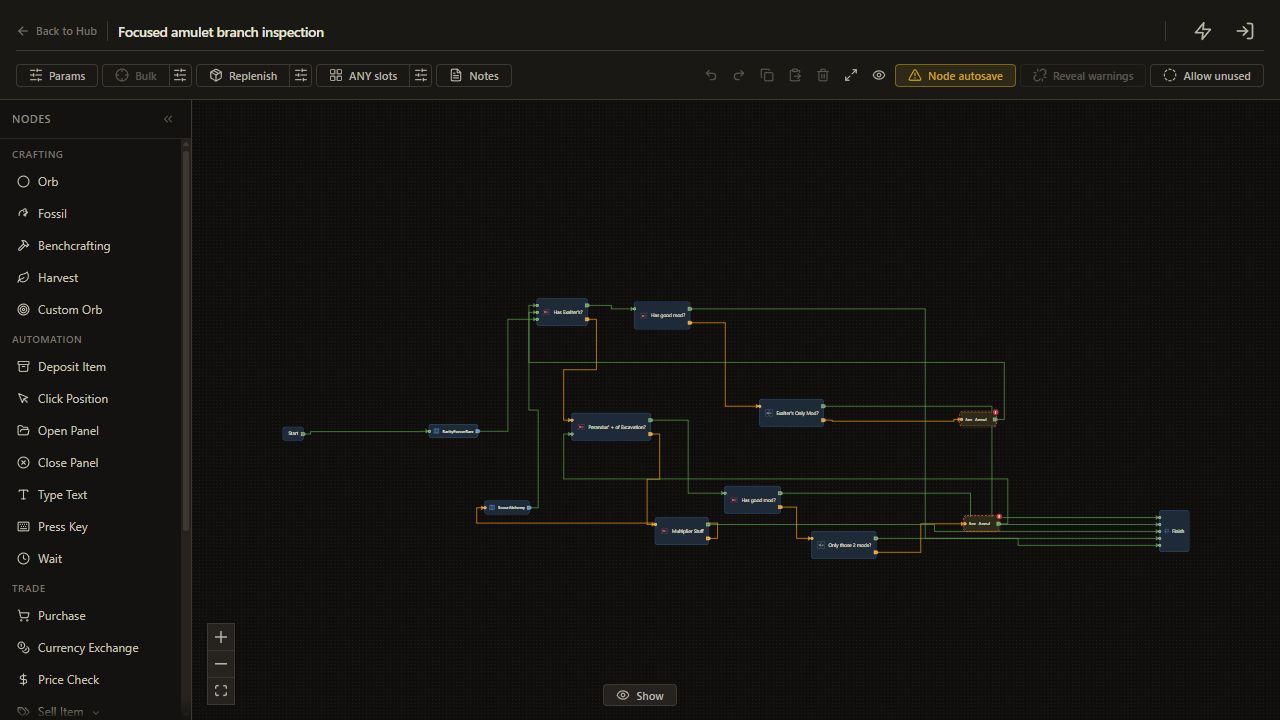
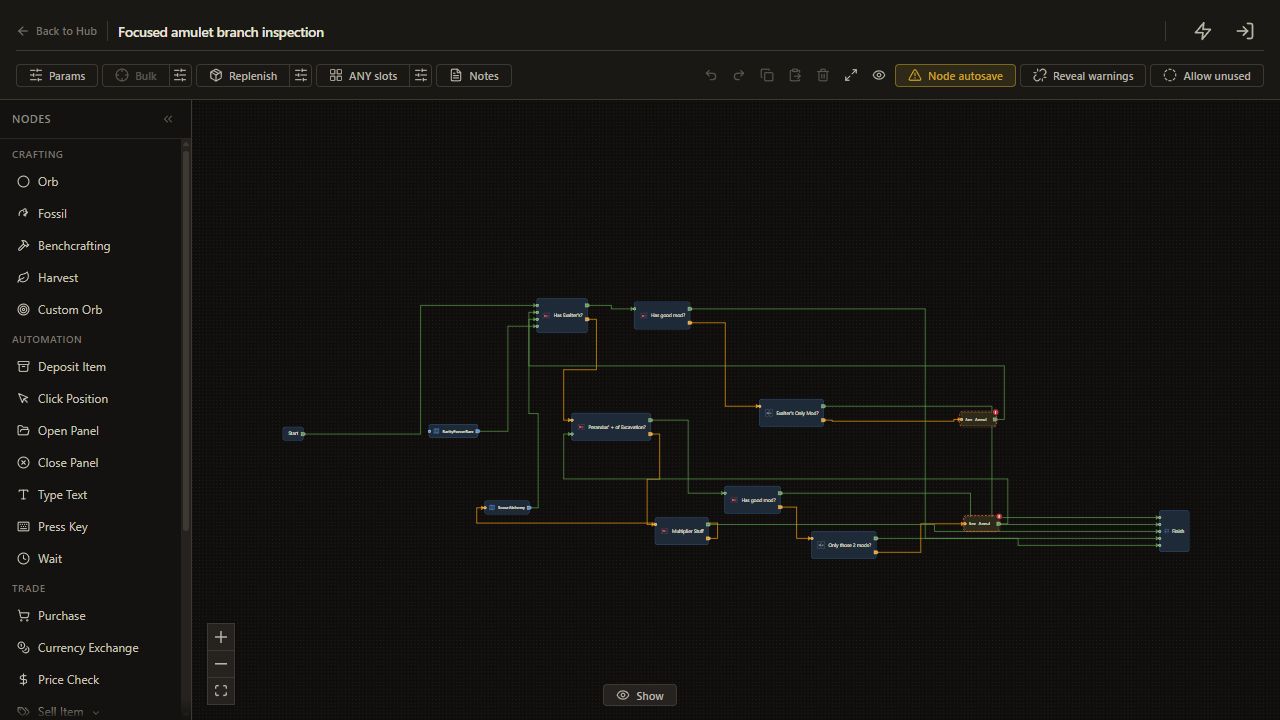
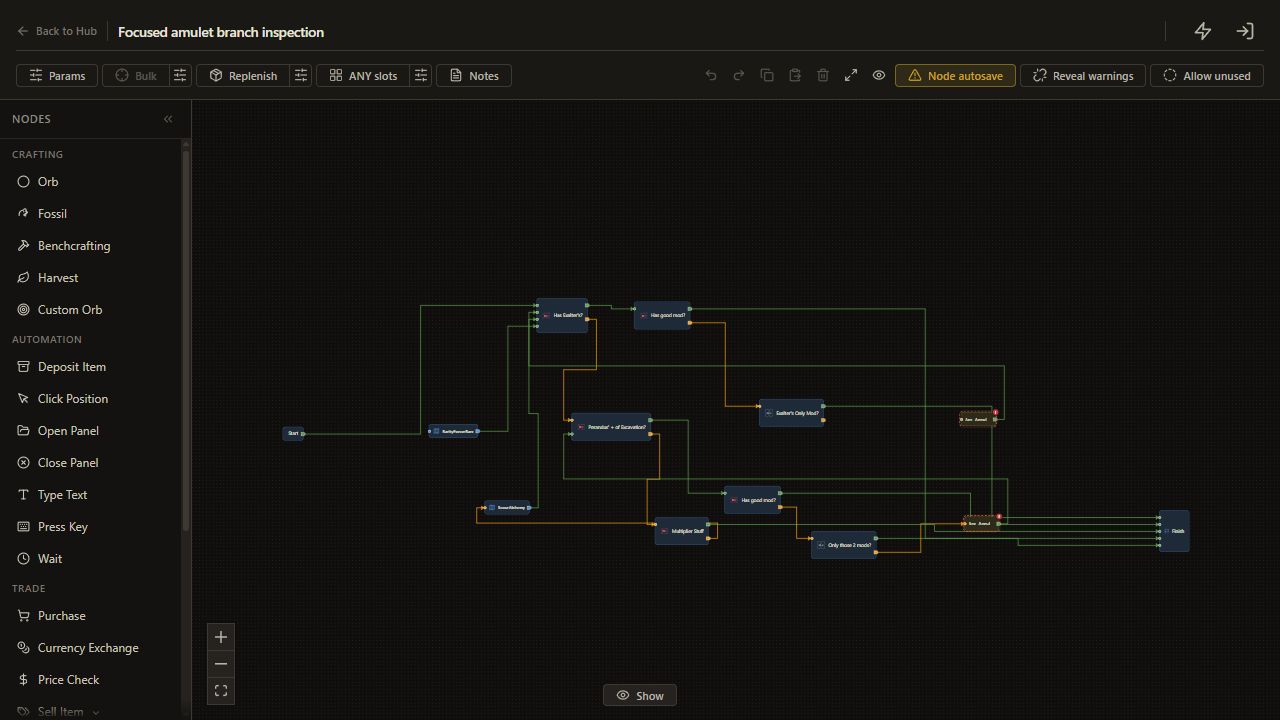
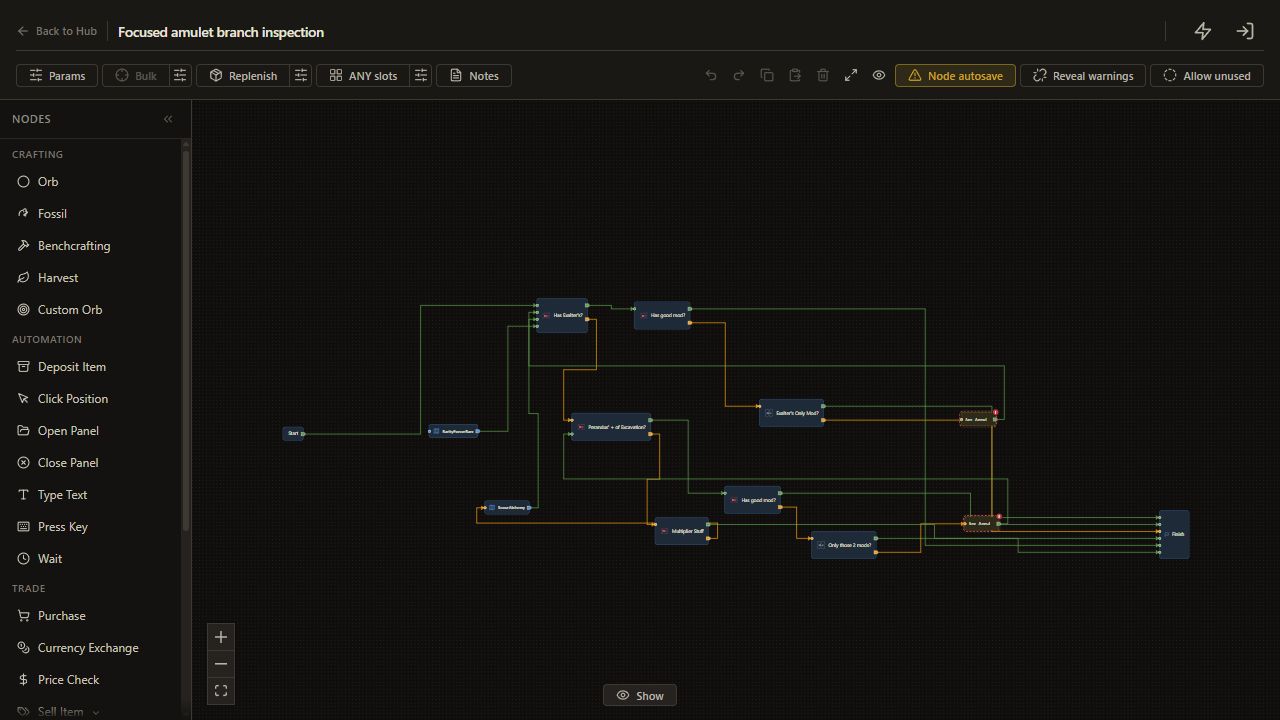
The saved tree has no spending counter. For the first check below, you will temporarily route its Annul and reroll branches to Finish so you can inspect decisions without reaching those actions.
1. Follow the initial preparation
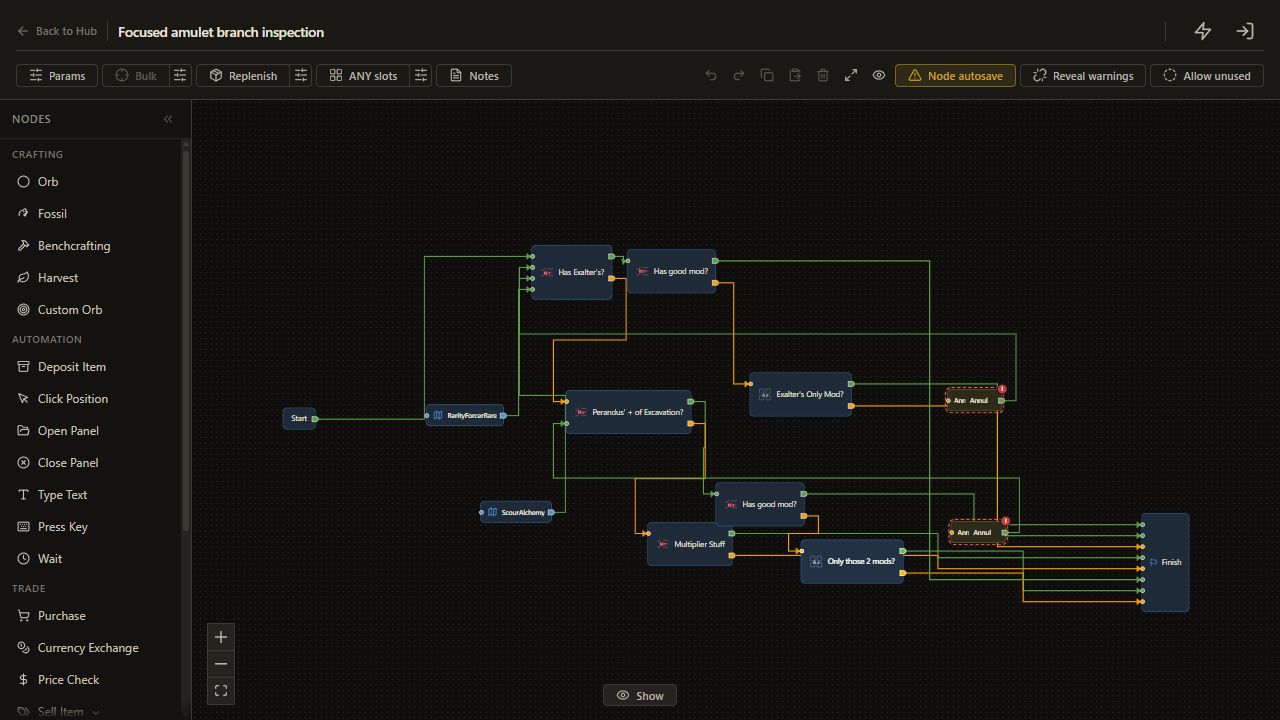
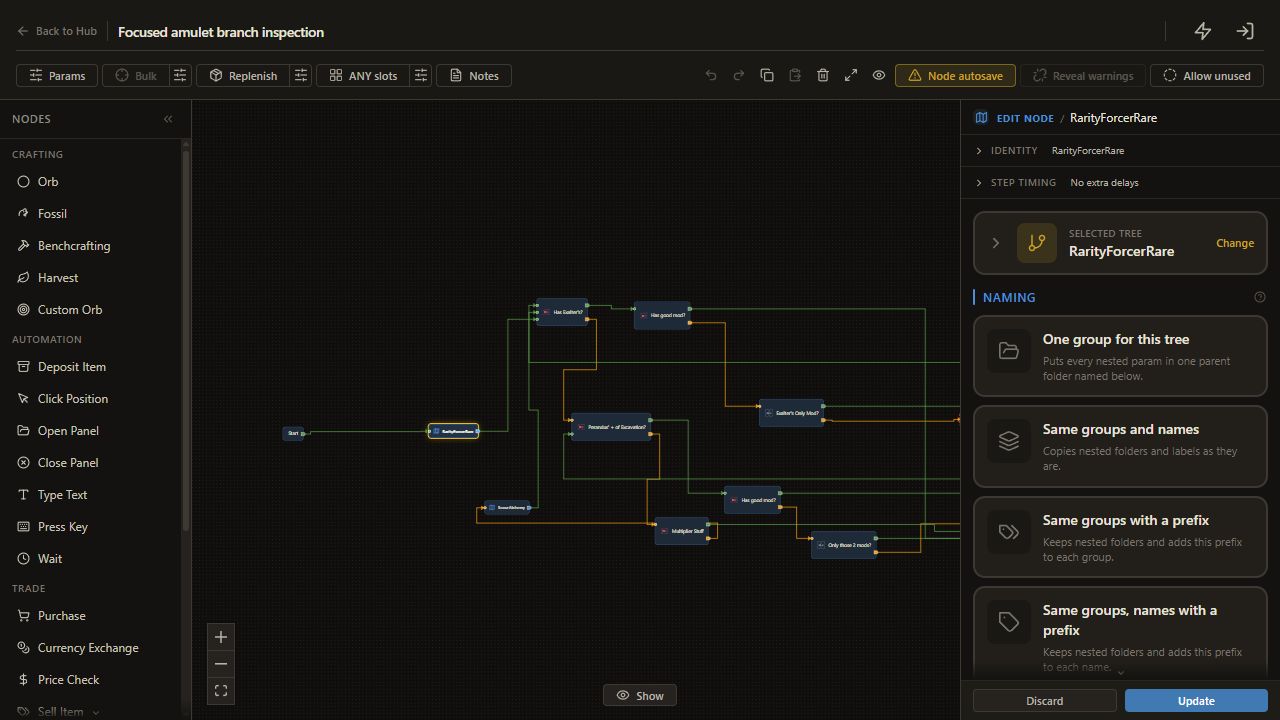
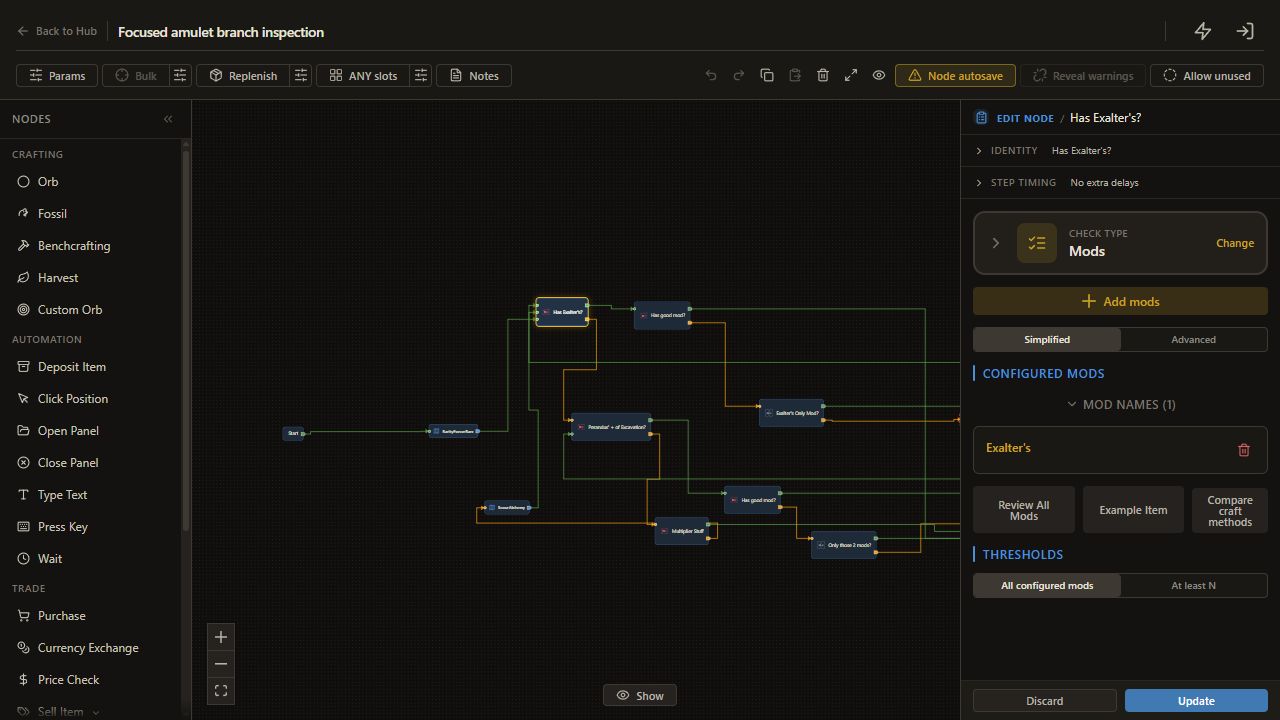
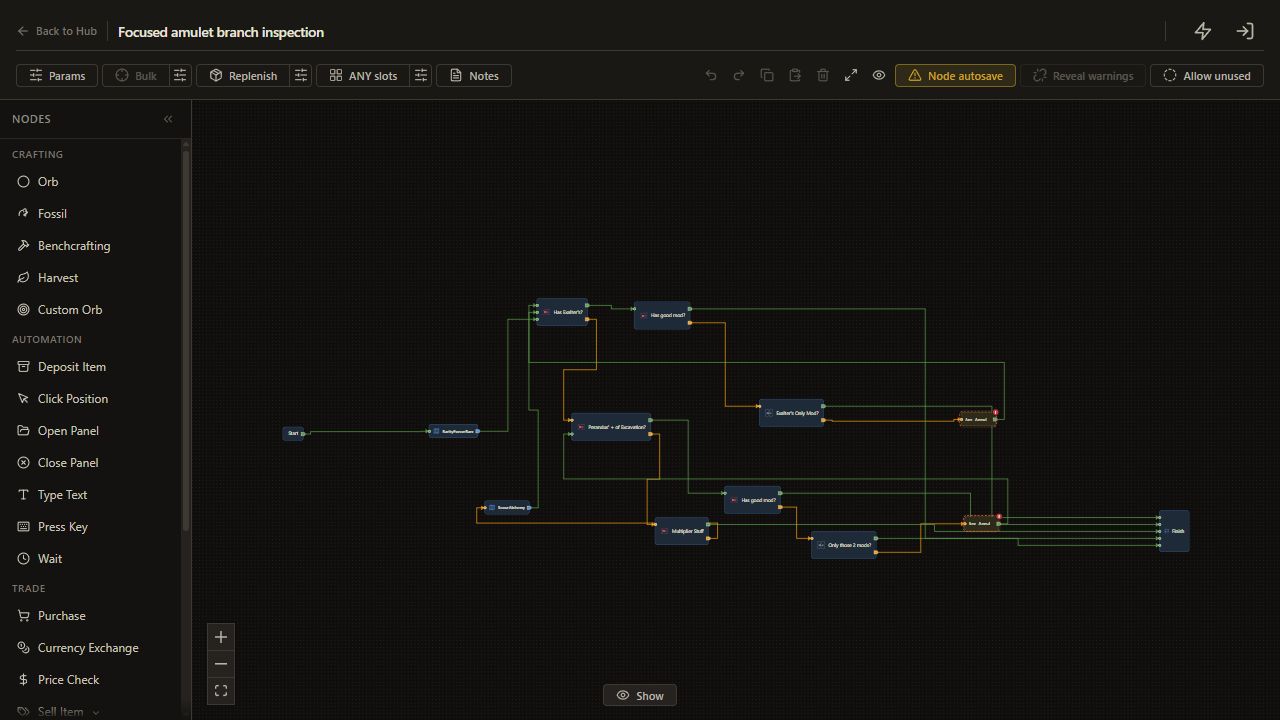
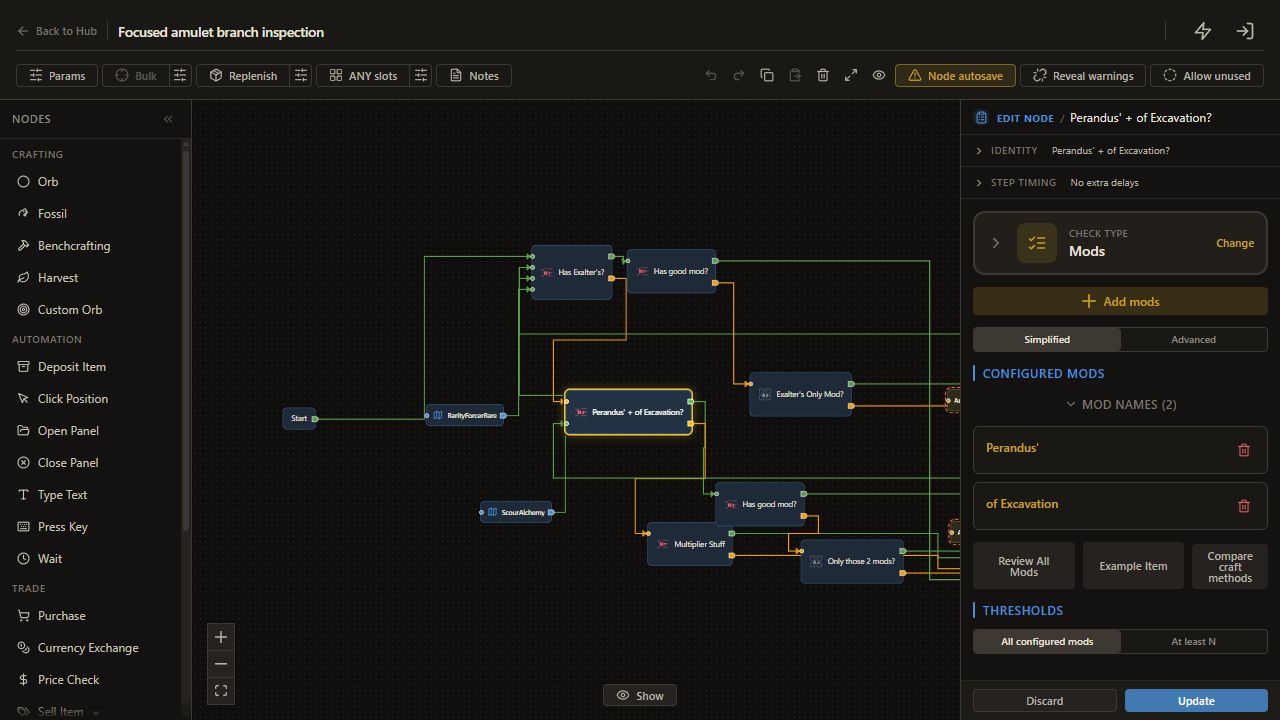
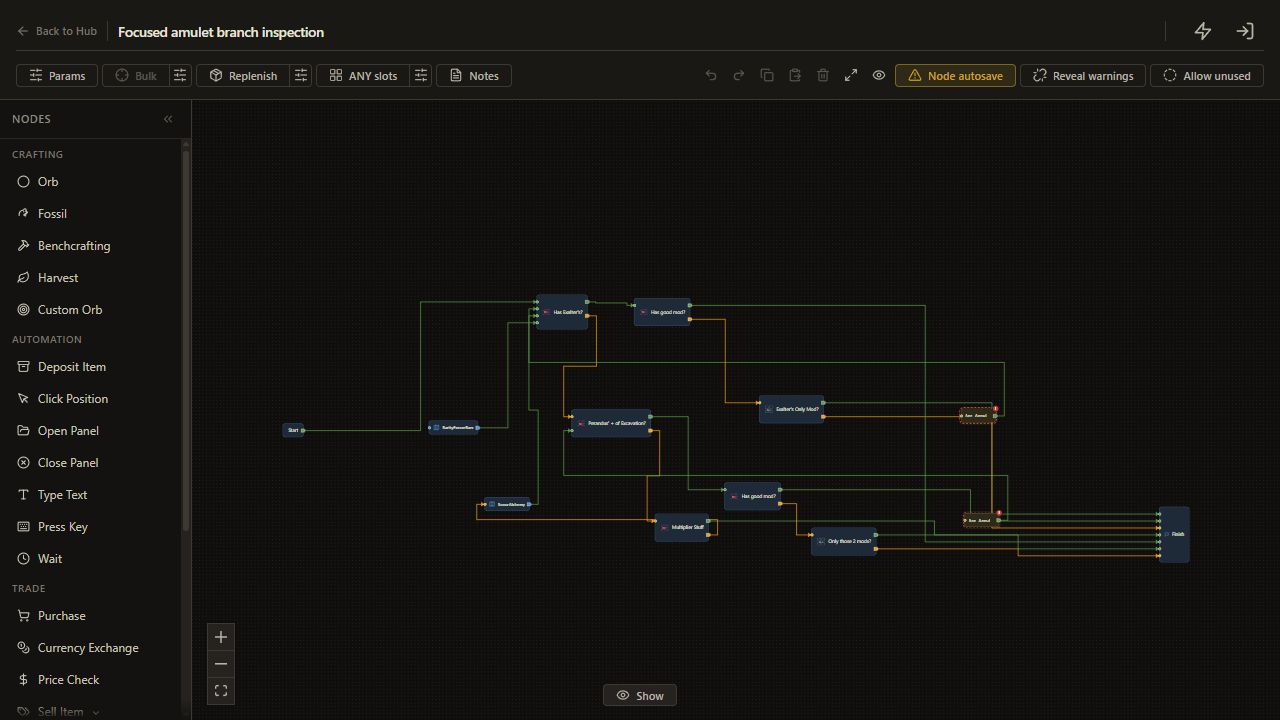
Start leads to RarityForcerRare, then Has Exalter's?. The helper preserves a rare input and prepares other supported equipment as rare.
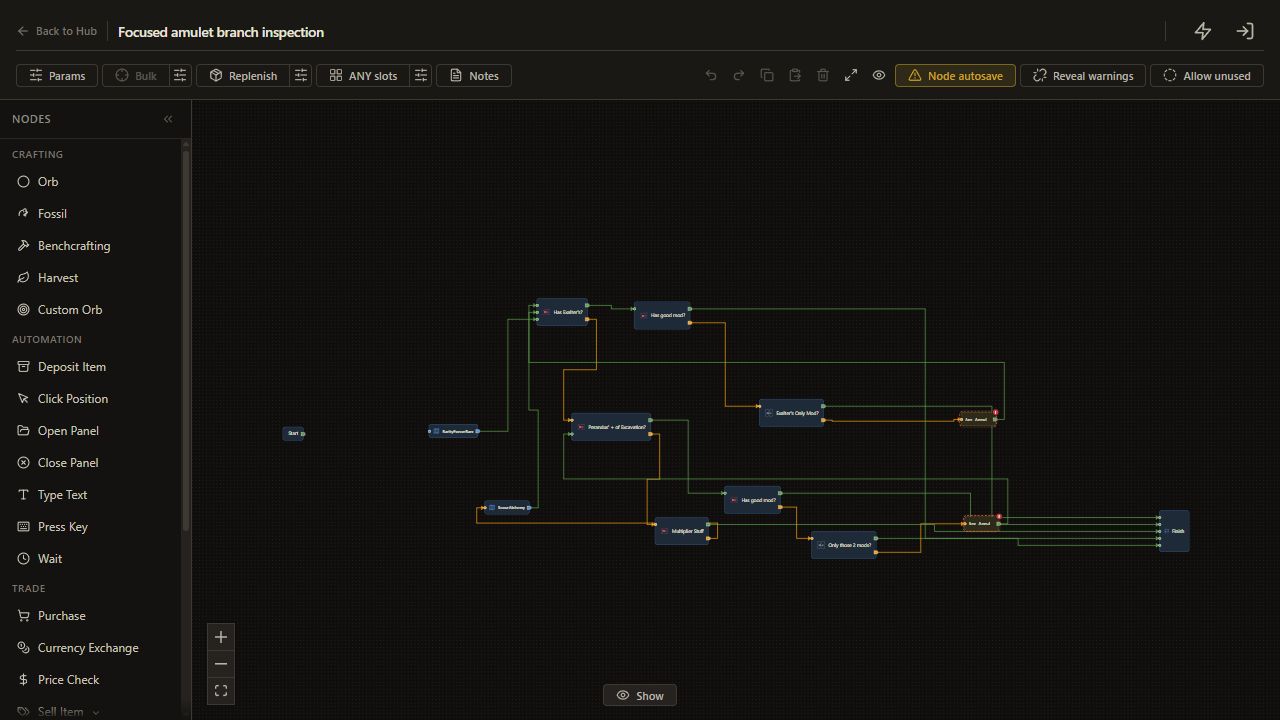
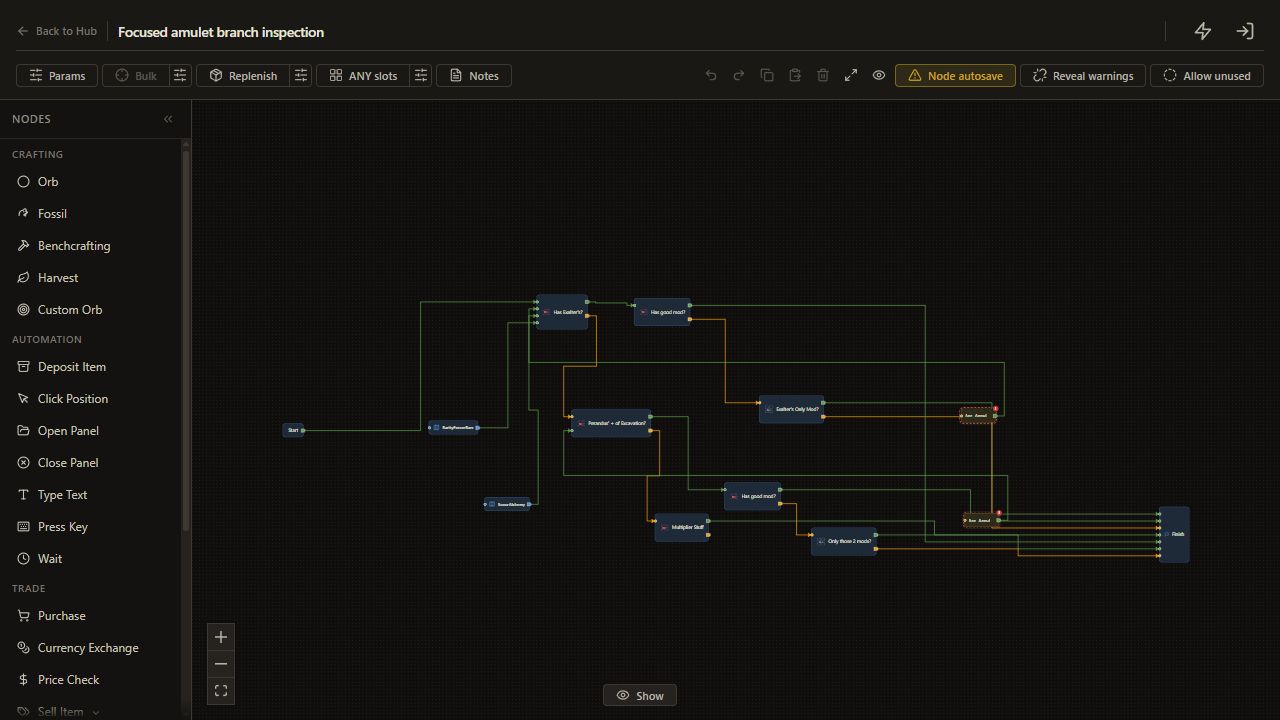
For the first branch test, disconnect Start from that helper and connect it directly to Has Exalter's?. Use an already rare, identified test item. This also bypasses the helper's currency actions during inspection.
2. Read the first keep route
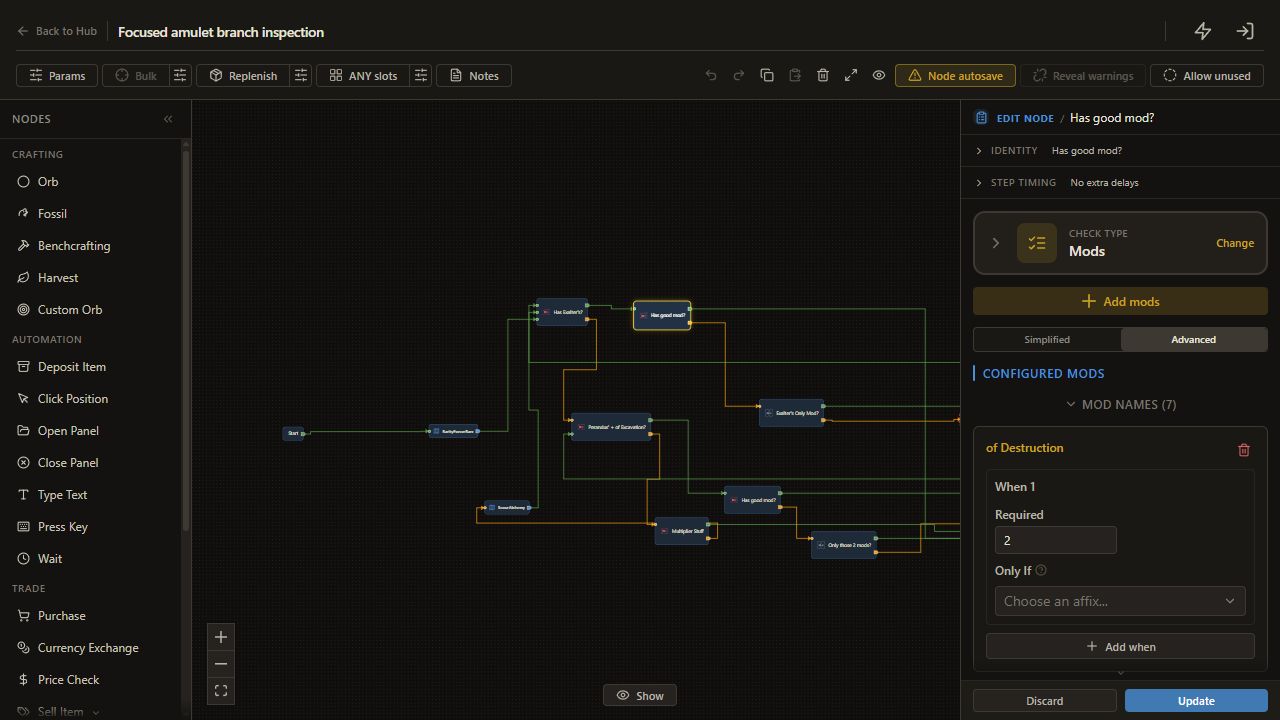
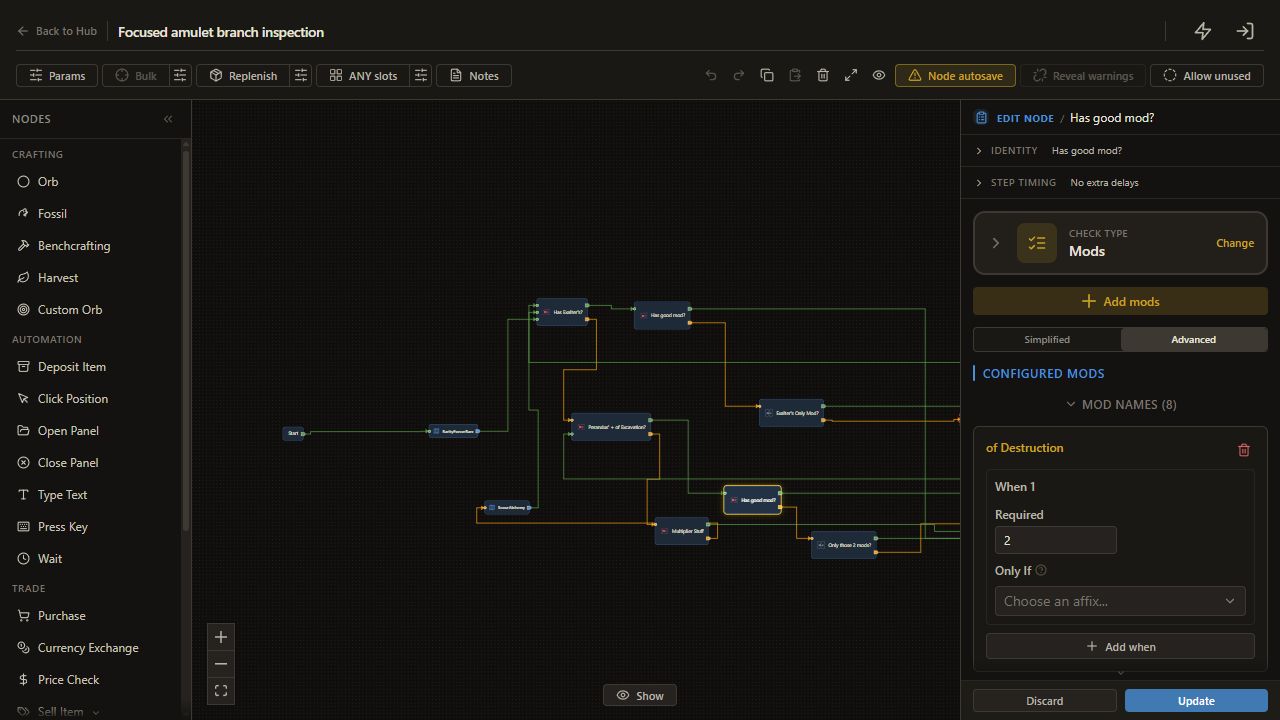
When Has Exalter's? passes, it reaches Has good mod?. That check requires a total of 1 from its listed supporting modifiers.
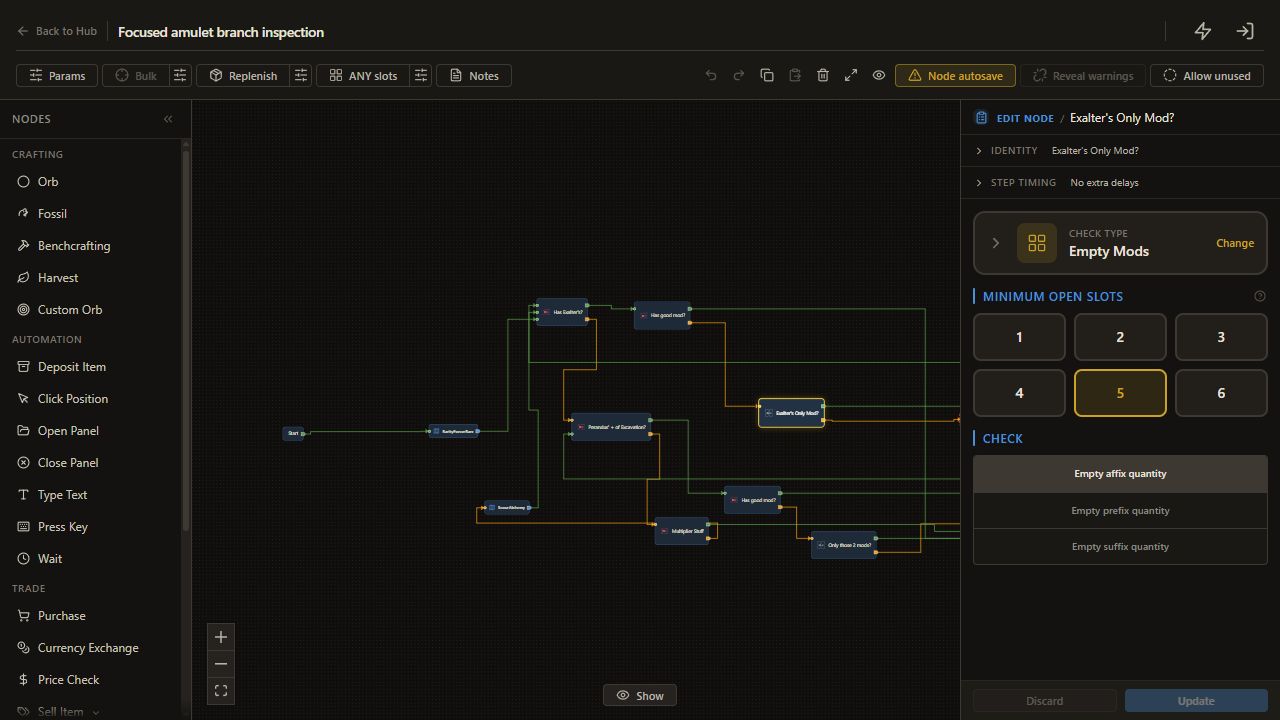
Its met output finishes. Its unmet output reaches Exalter's Only Mod?, which asks for at least 5 empty affixes. On an ordinary six-affix rare, that corresponds to at most one occupied affix. Passing finishes; failing reaches an Annul and then rechecks Has Exalter's?.
3. Read the two-name route
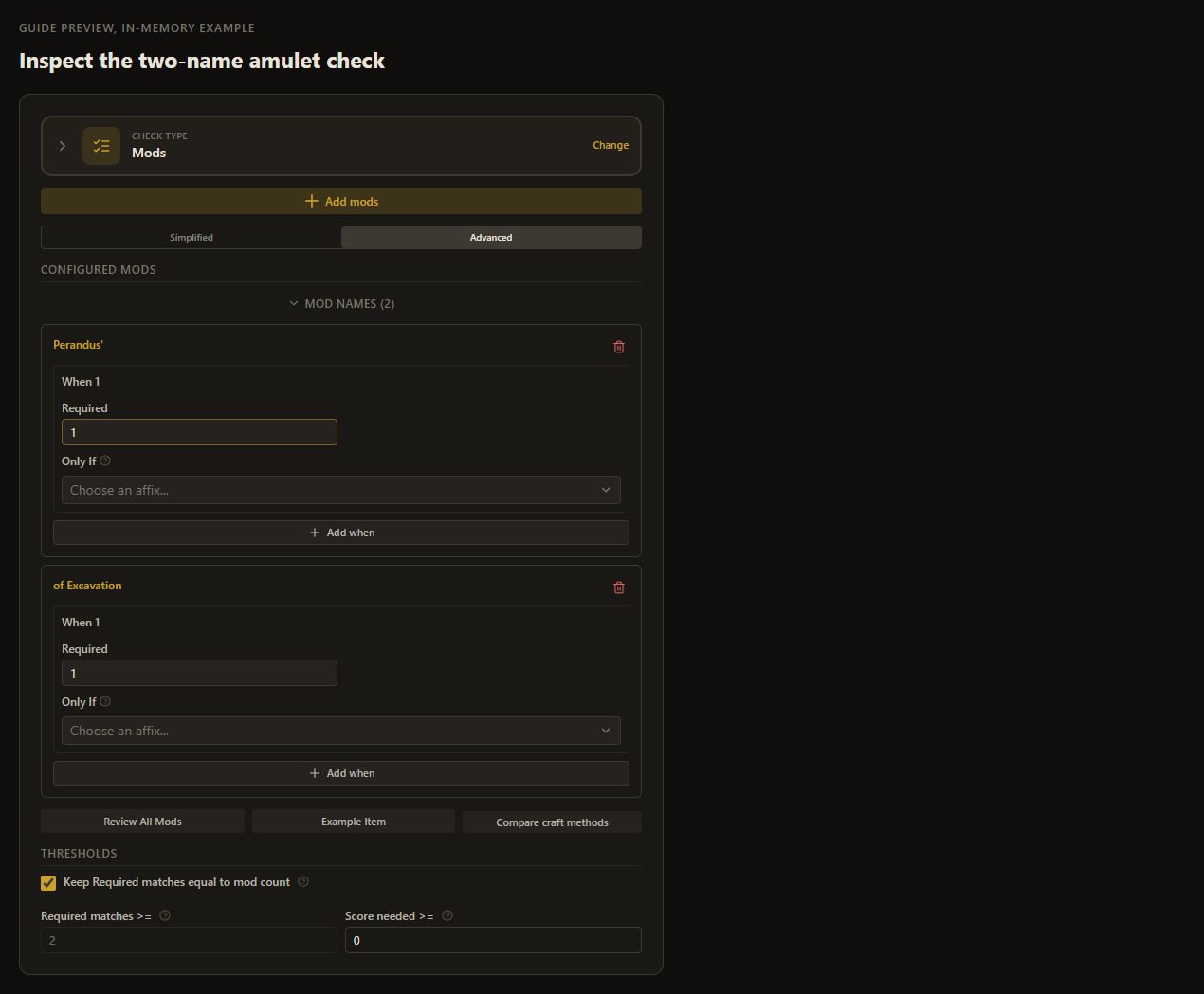
When Has Exalter's? fails, Perandus' + of Excavation? checks both names with Required 1 each and a total threshold of 2.
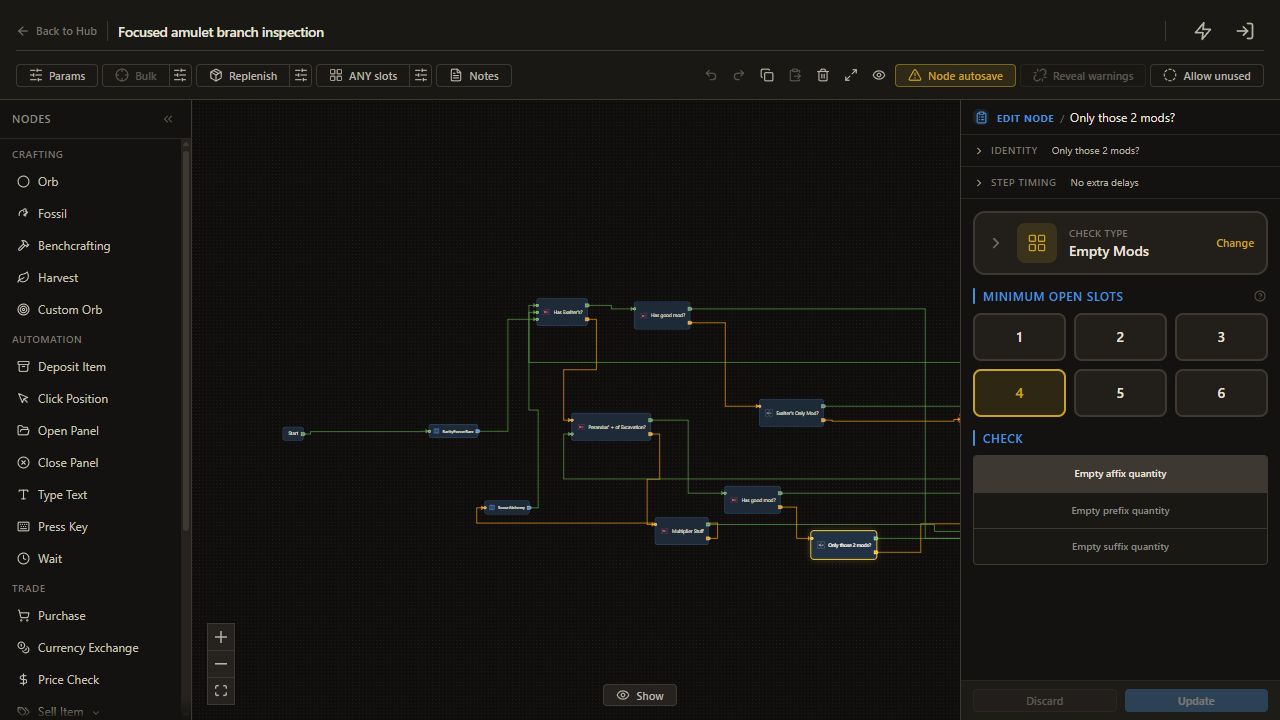
Its passing branch checks for a supporting modifier. Without one, Only those 2 mods? asks for at least 4 empty affixes. A failed slot check reaches Annul and then repeats the two-name check. Those earlier name checks are essential; empty slots alone cannot identify which modifiers remain.
4. Understand the alternative score
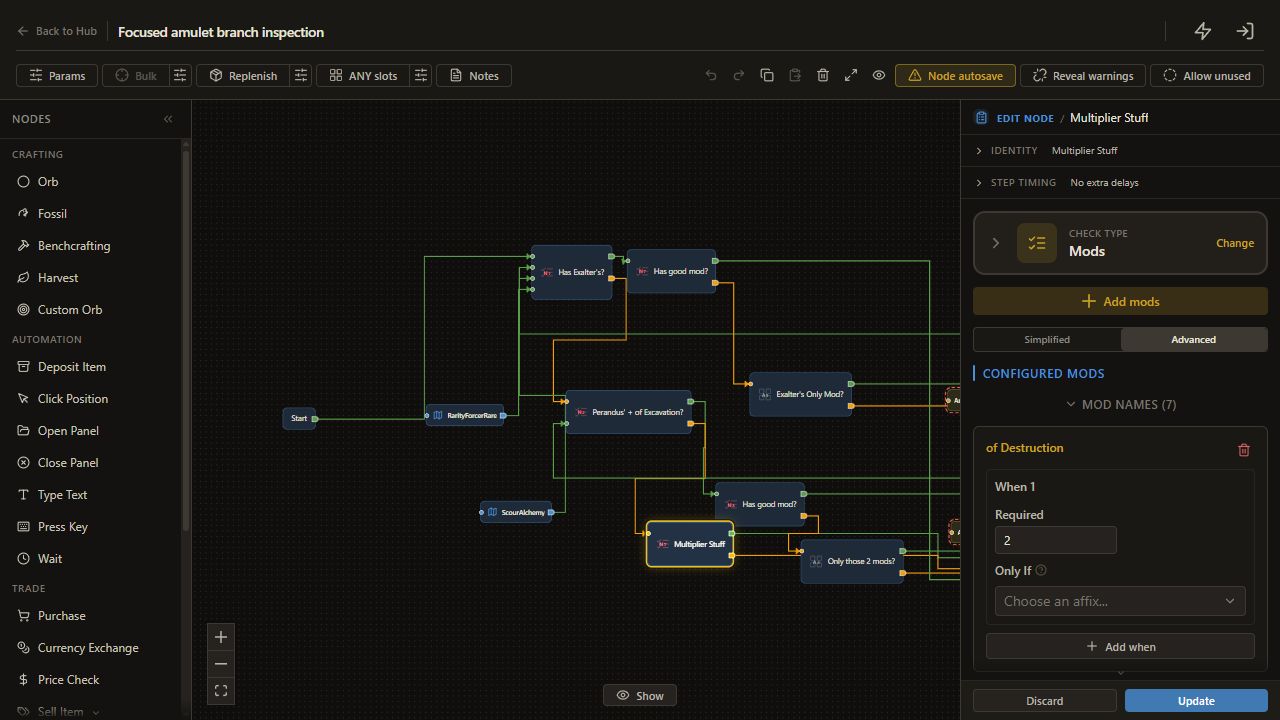
If neither named route passes, Multiplier Stuff accepts a Required total of 3. Its of Destruction row contributes 2; its other listed rows contribute 1 each. Points stay 0.
For example, a qualifying weight-2 row plus one qualifying weight-1 row reaches 3. A single weight-2 row does not. Failure runs ScourAlchemy, then returns to Has Exalter's?. The saved reroll is Scour plus Alchemy, despite older descriptions referring to Chaos.
5. Inspect a bounded version first
Temporarily connect every incoming route to an Annul node or ScourAlchemy directly to Finish instead. Save, run on the rare test item, and read Logs to identify the selected keep or rejection path.
Update the named targets and weights for your chosen amulet. Recheck each edited branch before restoring currency actions. Use an explicit counter budget if you want a fixed attempt limit; stock guard only monitors available materials.
Check the result
The inspection version reaches a documented branch and leaves the item unchanged. Each keep route has its own clear condition, and each destructive continuation is visible before you enable it.
If it does not work
- A name never matches: inspect the current item's advanced text and selected matching mode.
- A weighted check passes early: inspect every row's Required value and the total threshold.
- A helper cannot load: verify its reference before restoring that route.
Next guide
Use a physical weapon's Alteration and Augmentation branches.